How MoodSpace Works
Real screens and live demos from the app. Choose the guide that fits you.
Welcome to MoodSpace
MoodSpace gives children a safe place to check in with their feelings, and gives parents a gentle window into how their kids are really doing.
This guide walks you through everything, from setting up your family to the features you will use every day.
Features marked Premium are part of MoodSpace Premium. New families get a free 7-day Premium trial with everything unlocked, no card needed.
Meet the Walkers
Follow the Walkers through a typical week: check-ins, chores, netball, a busy planner and a few big feelings along the way.
 EmmaParent
 BenParent
 Ruby14, with Juno
 Mia10, with Pip
 Leo7, with Bubbles
 Part 01
Getting started
Setting up takes a couple of minutes. You create your account first, then invite the rest of the family.
MoodSpace is built around one simple habit: noticing how you feel, and letting the people who care about you notice too. Setting up together, as a family, makes it something you share rather than something done to anyone.
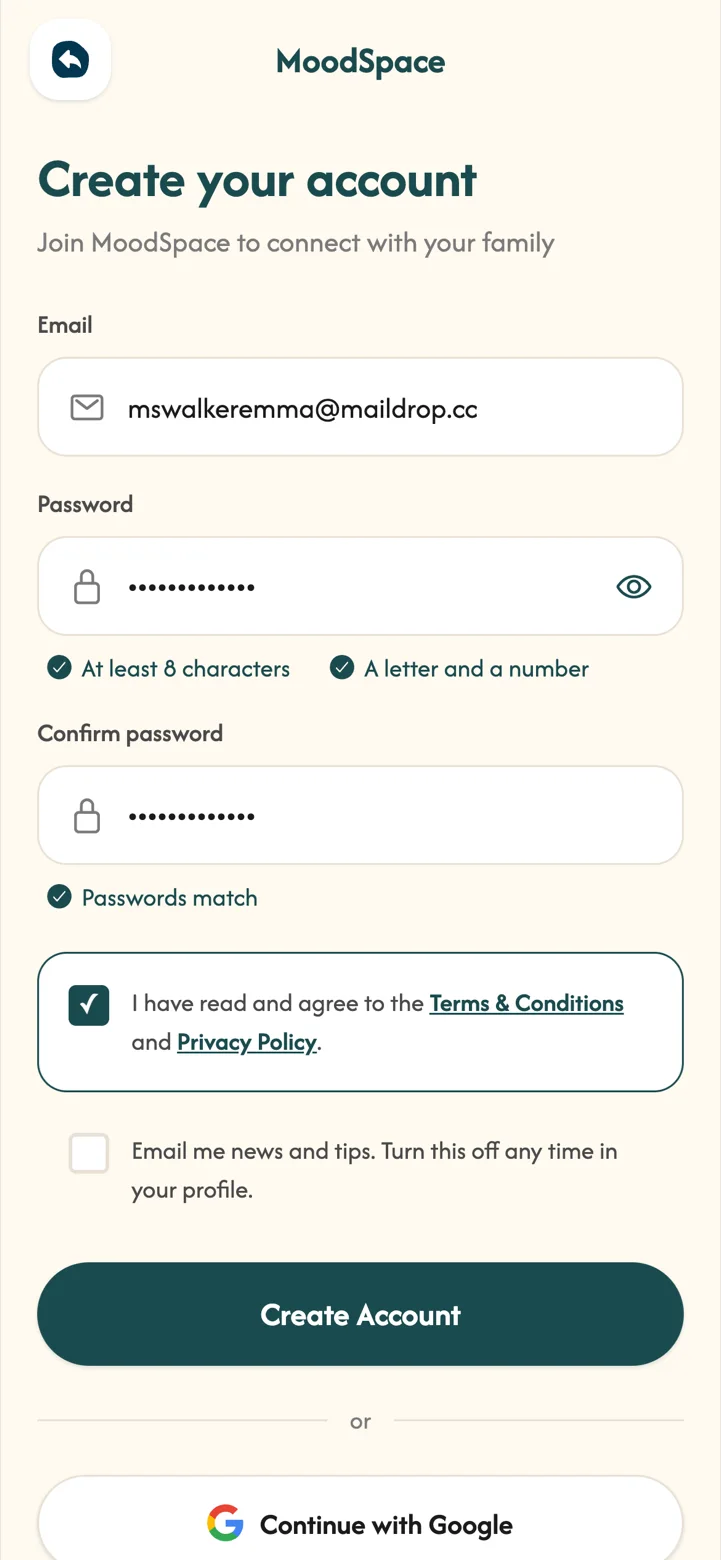
- Create your accountTap Get Started and sign up with your email and a password. We email you a 6-digit code to confirm it is you.
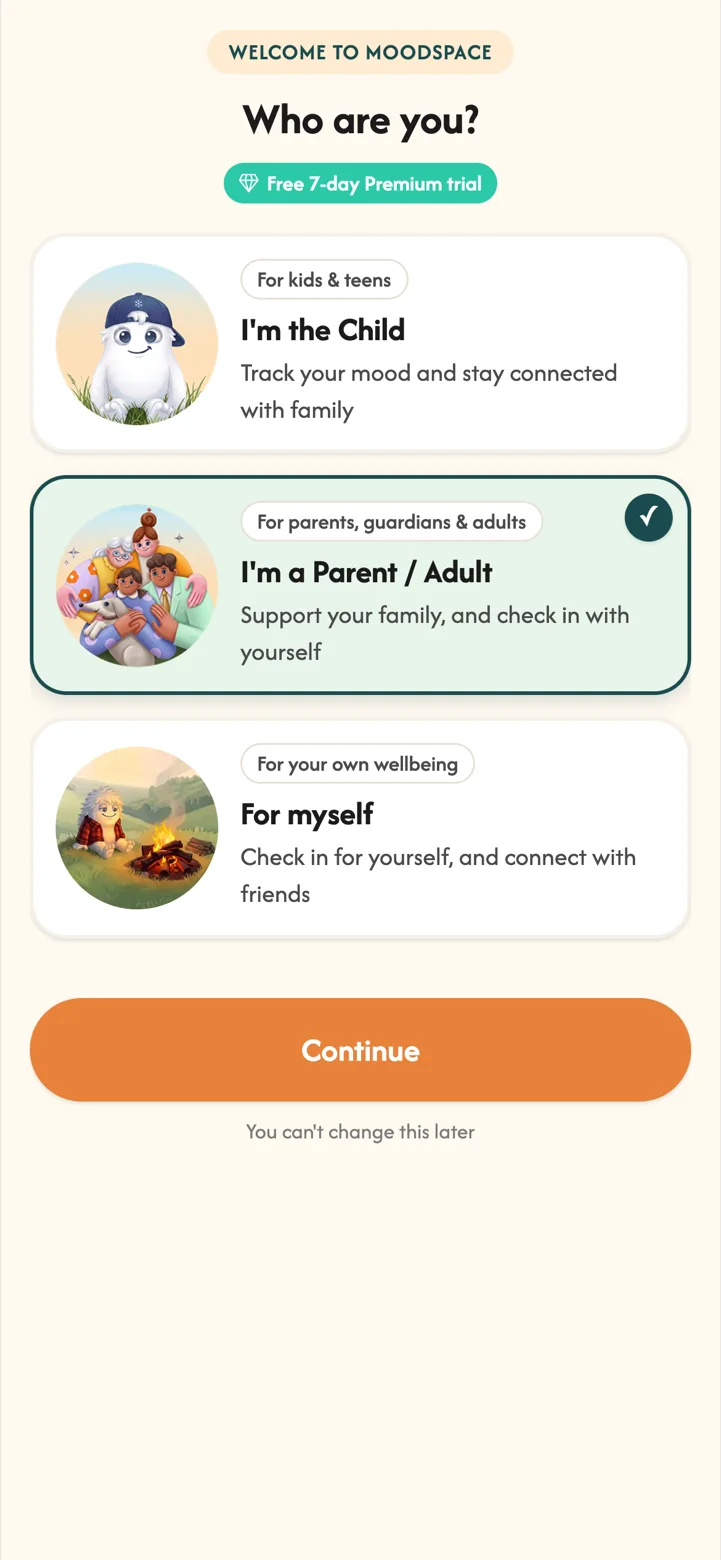
- Tell us who you areChoose I'm a Parent / Adult. Children choose I'm the Child on their own device.
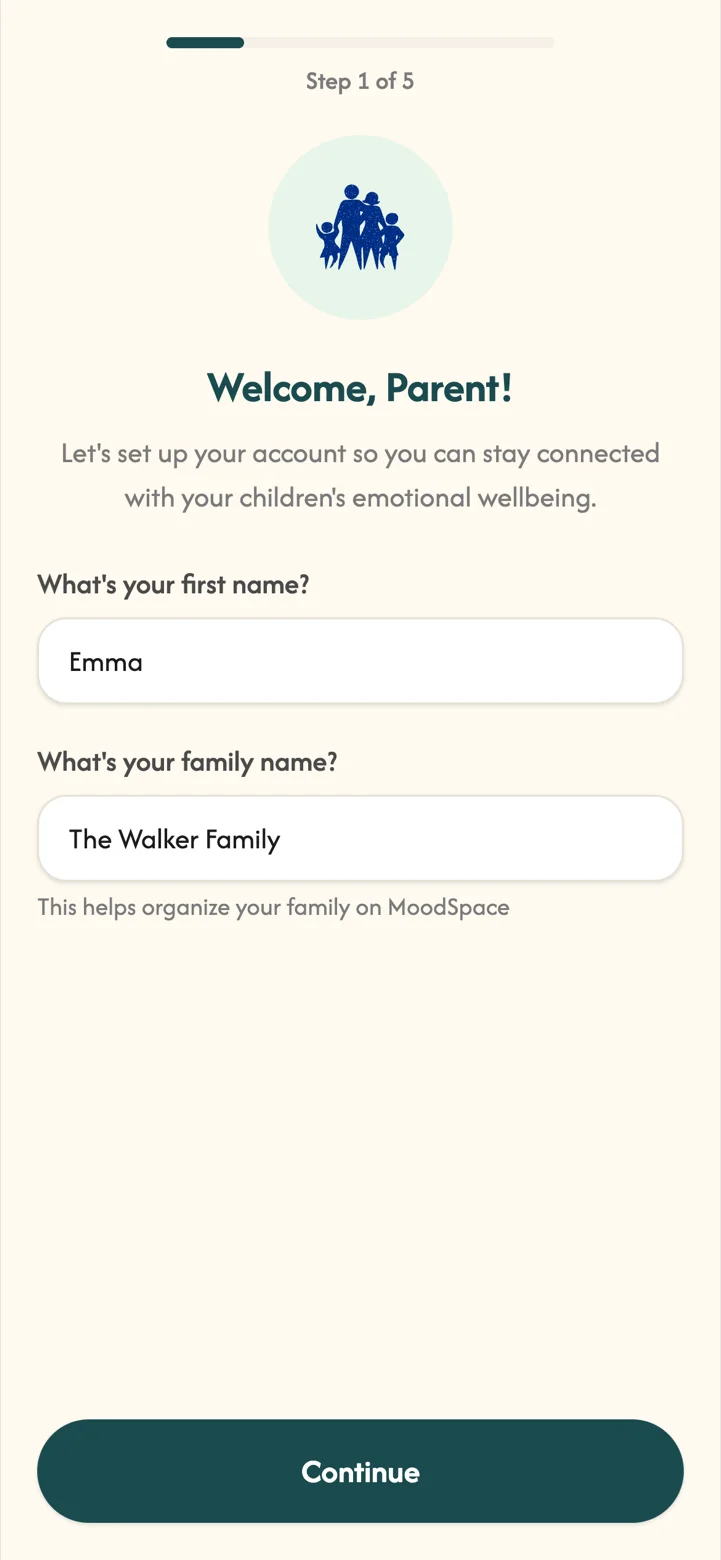
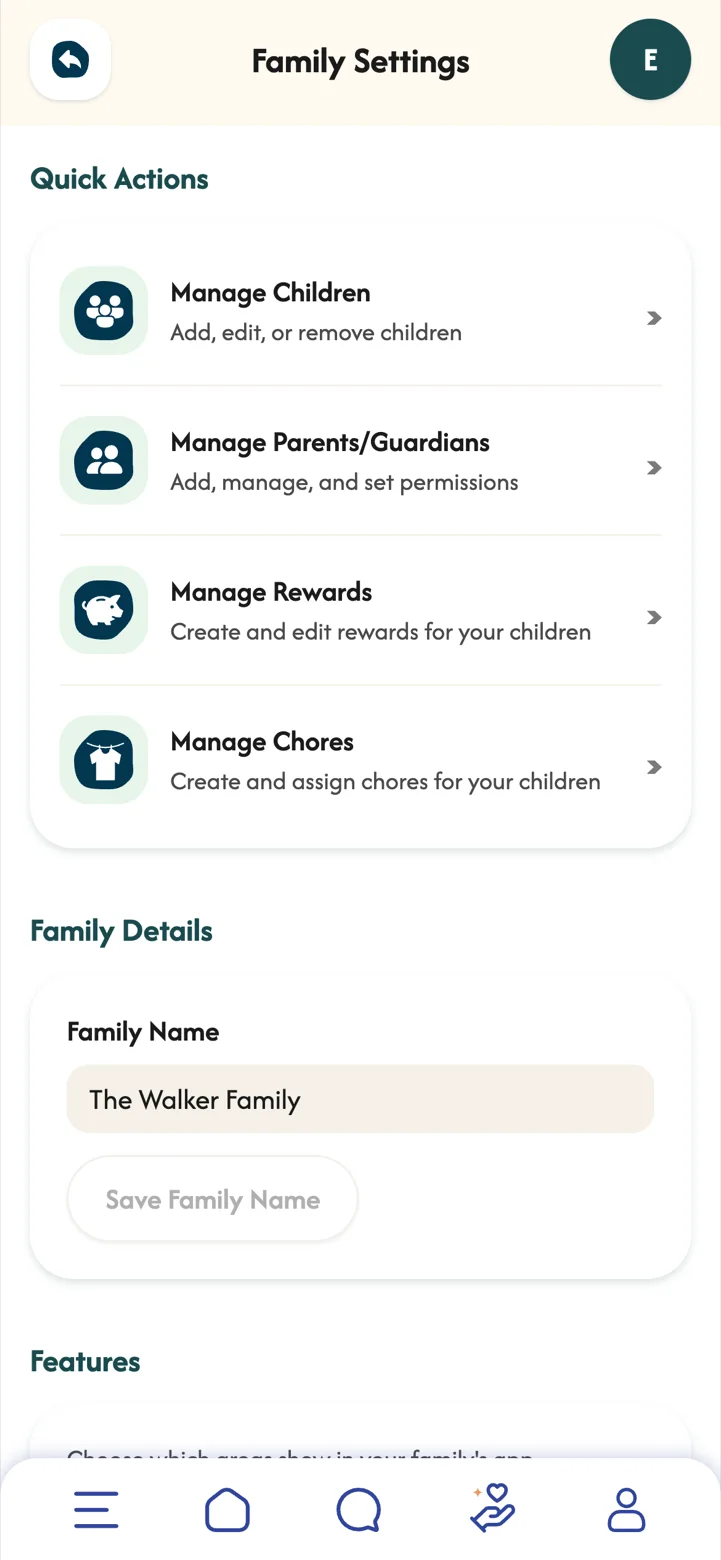
- Name your familyFor example "The Walker Family". You can invite a co-parent, grandparent or guardian now or later.
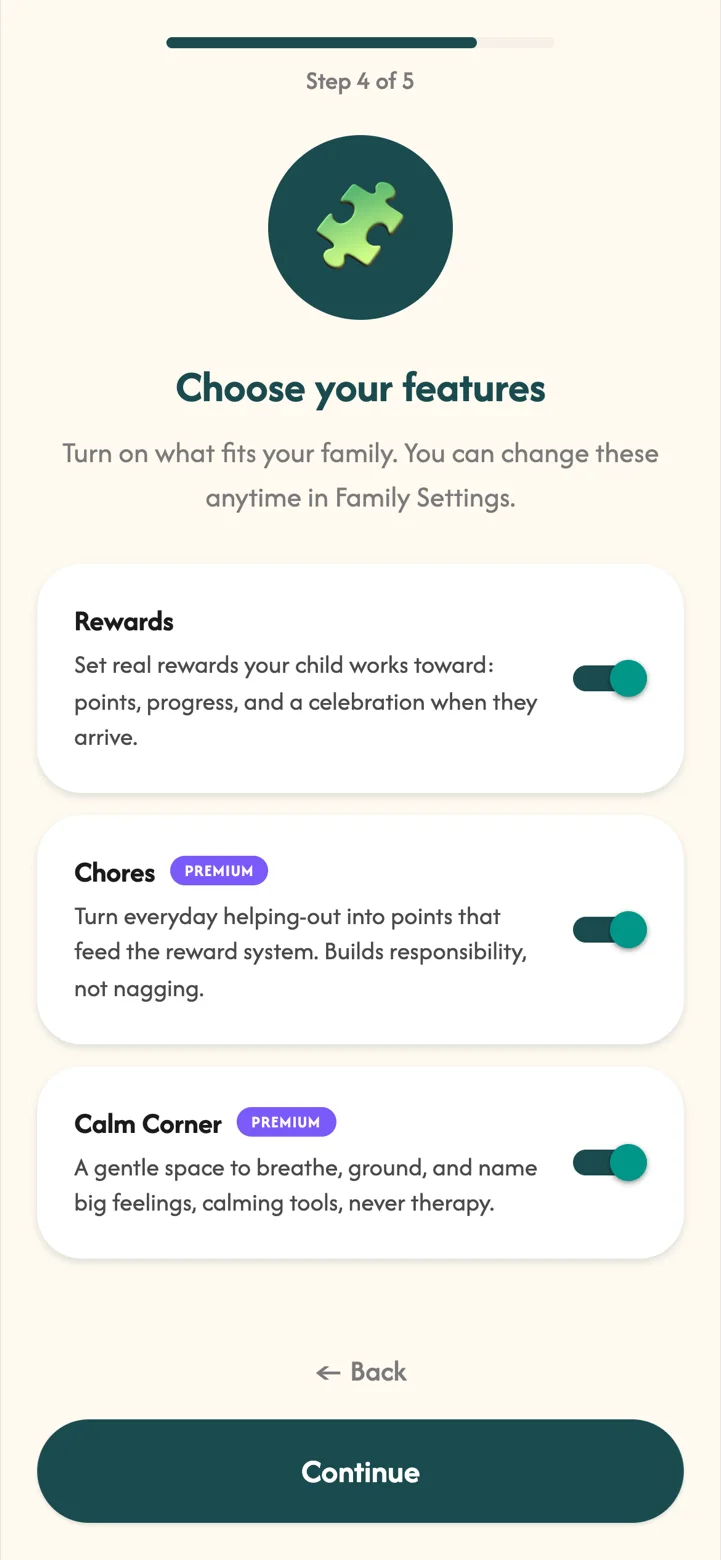
- Choose your featuresTurn on Rewards, Chores and Calm Corner. Your free Premium trial starts straight away.
 Part 02
Adding your children
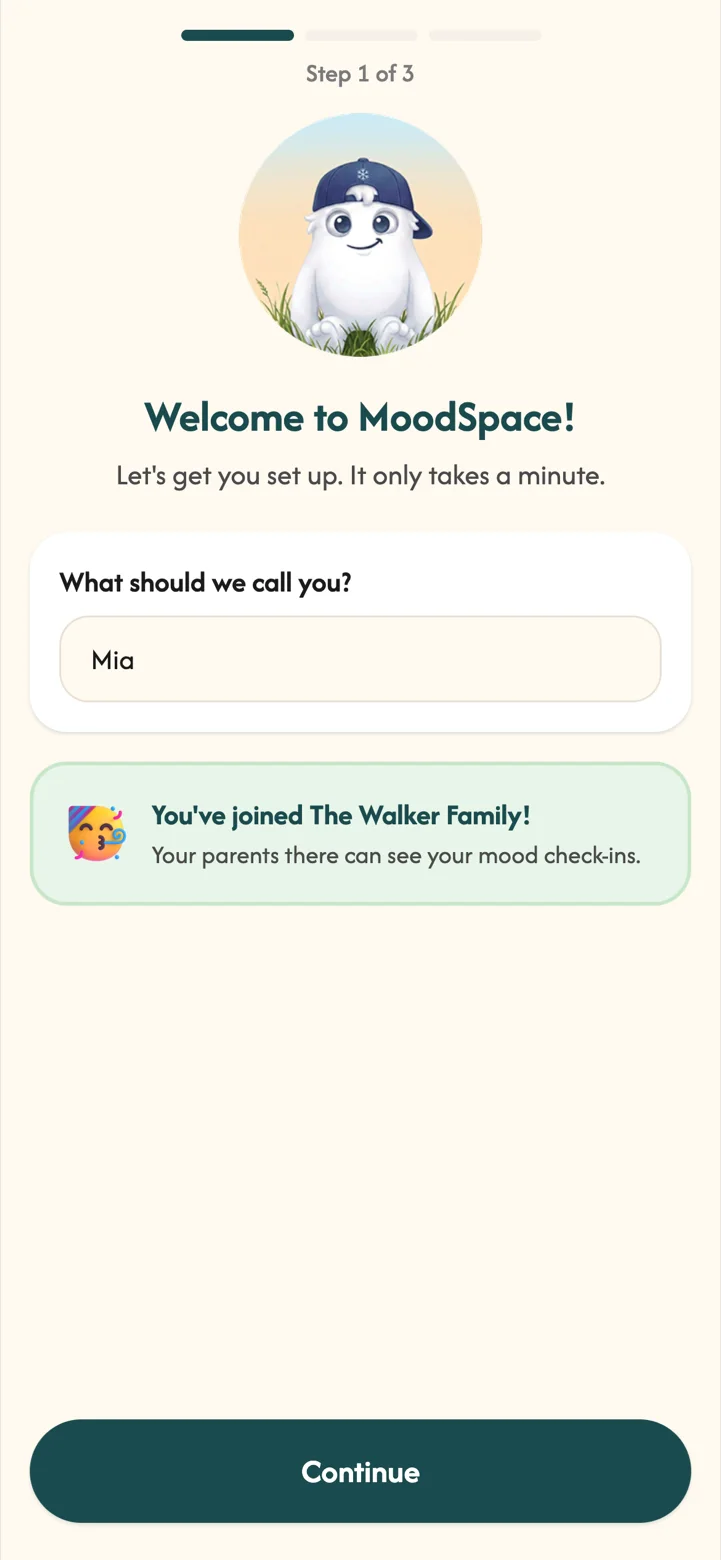
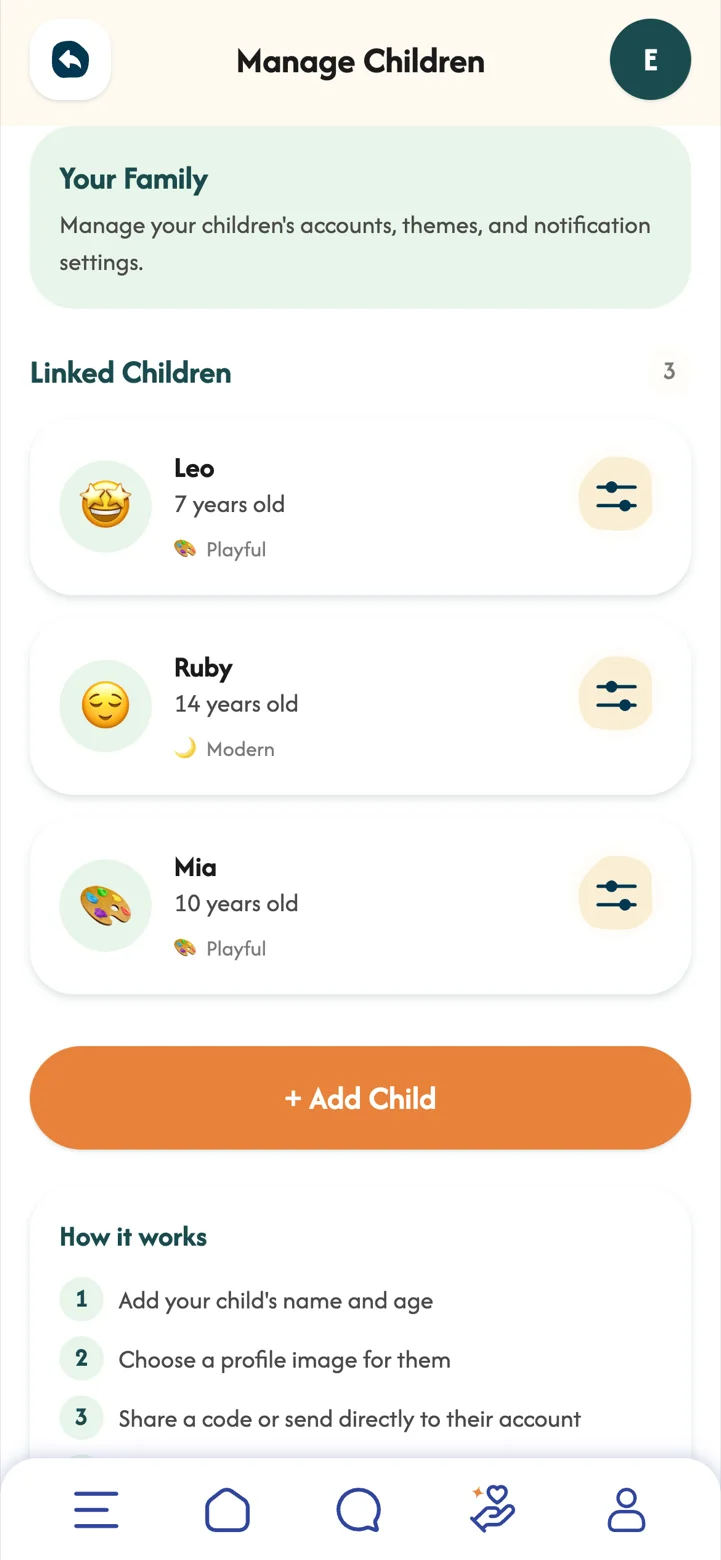
Each child gets their own account on their own device, linked to your family with a code.
Every child gets their own space, on their own device, in words that suit their age. When a tool feels like it was made for them, children are far more likely to use it, and to keep using it on the harder days as well as the good ones.
- Their name and birth dateMoodSpace adjusts the experience to their age.
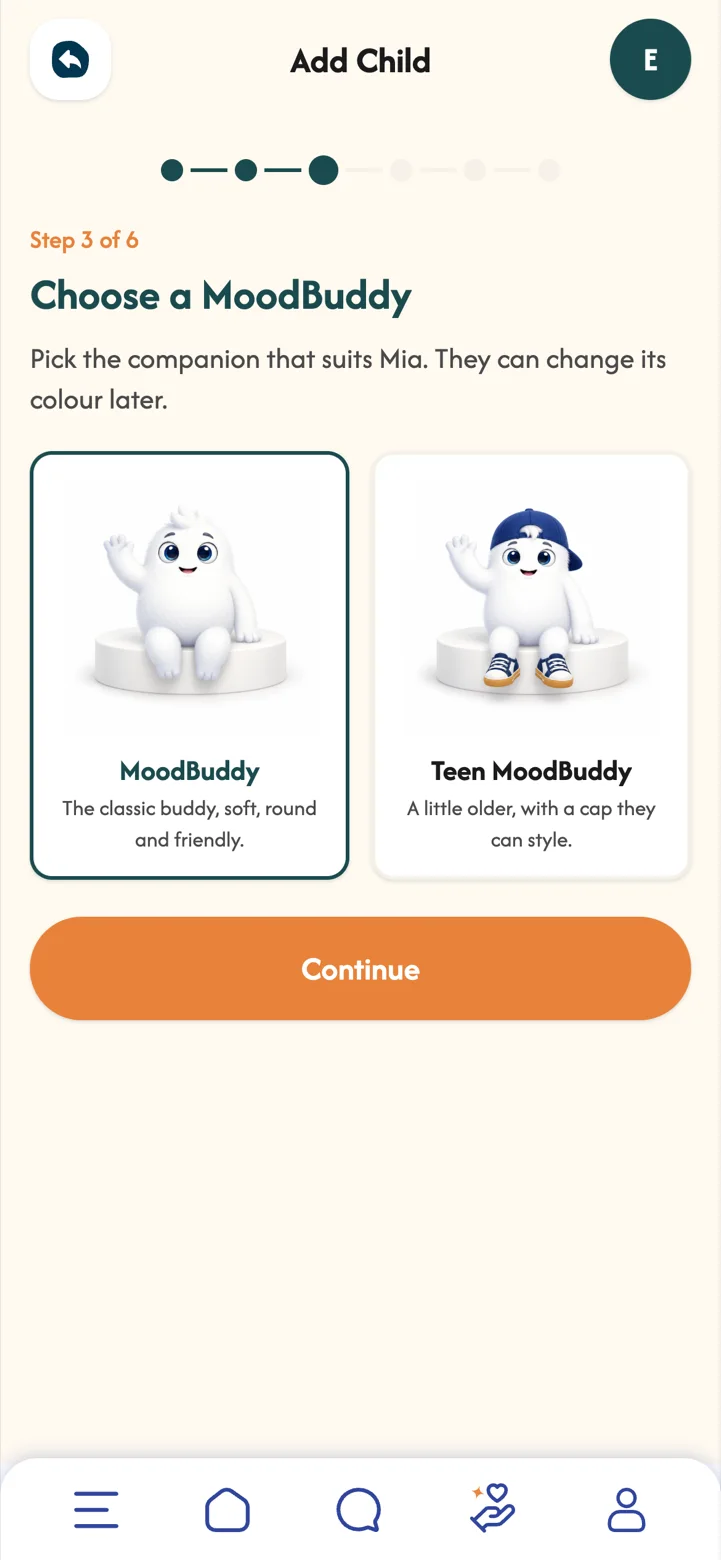
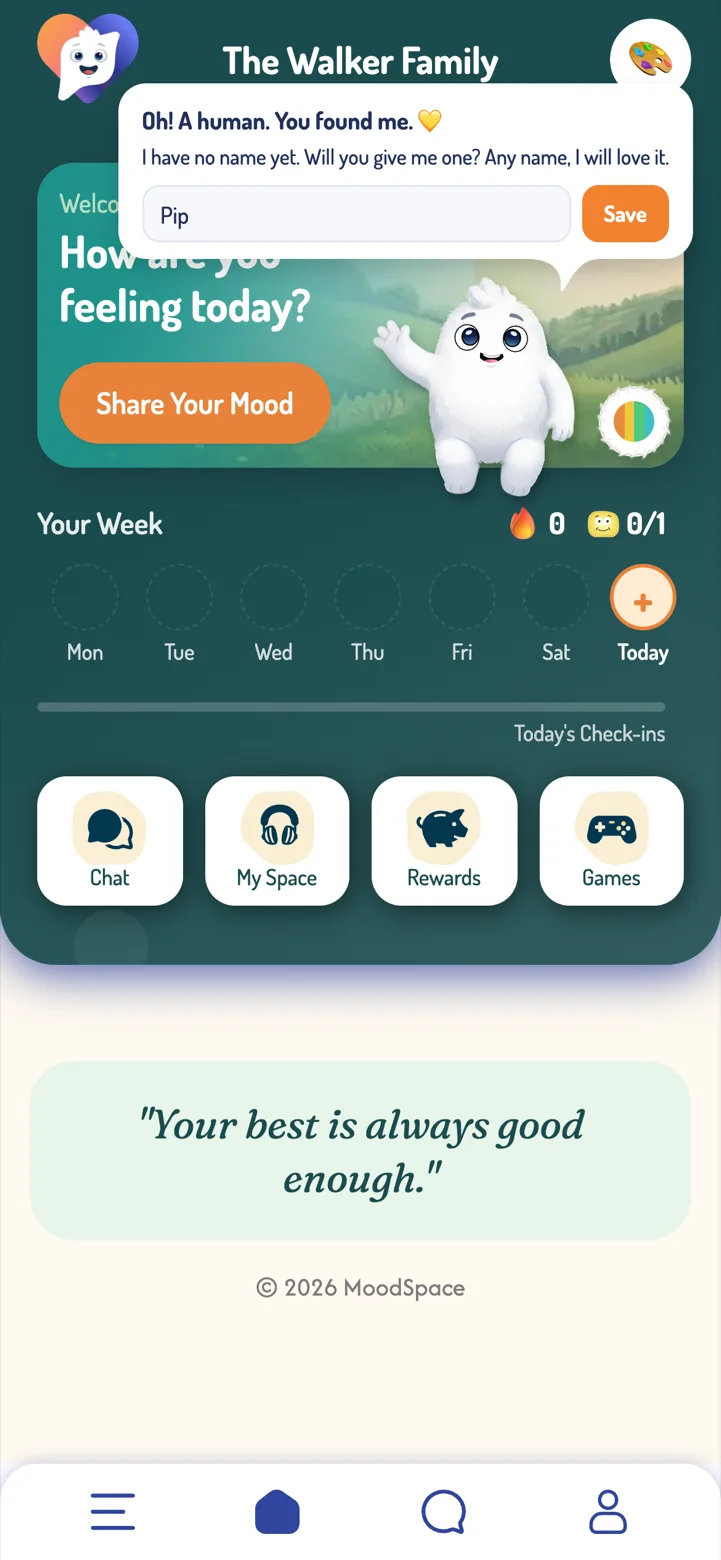
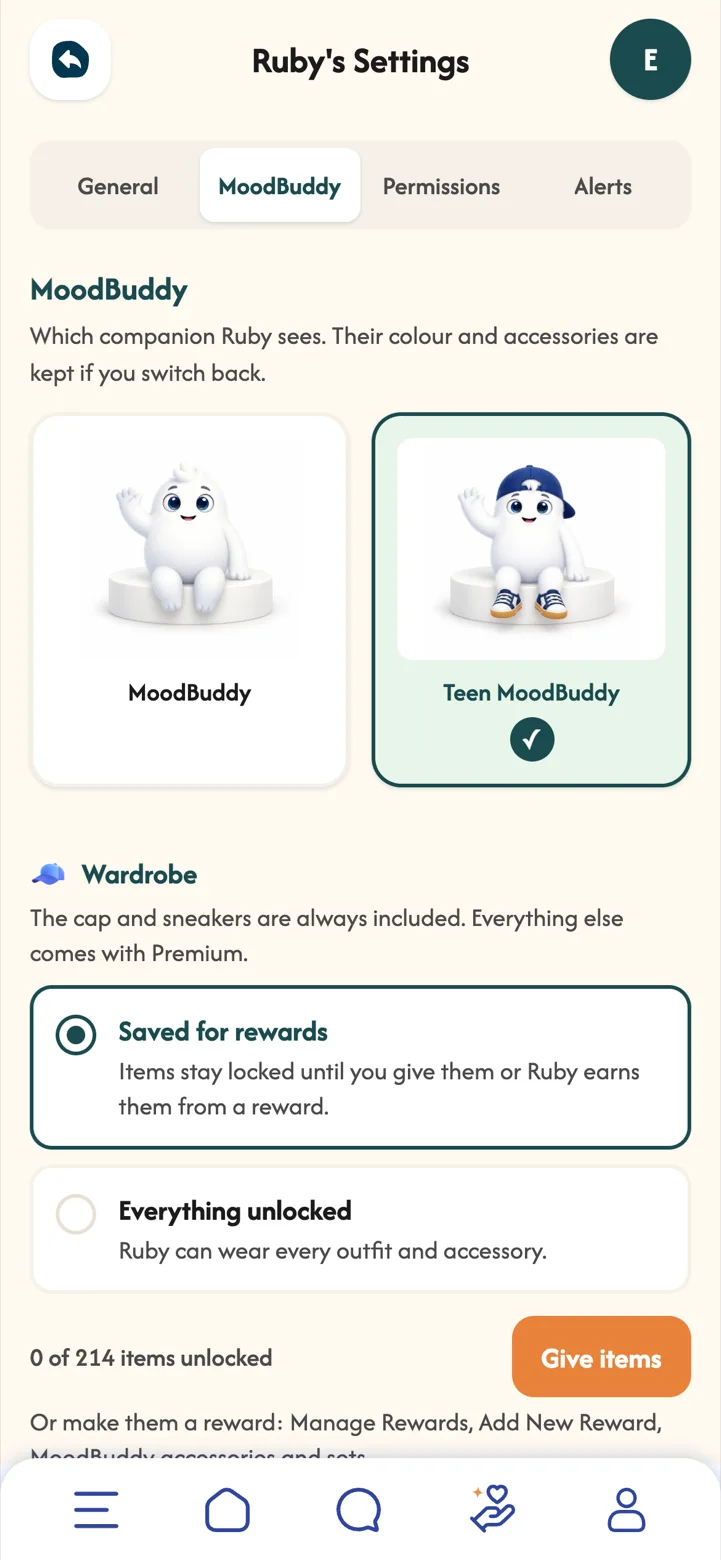
- A picture and a MoodBuddyPick an emoji or a photo, then the classic MoodBuddy or the Teen MoodBuddy with a cap they can style.
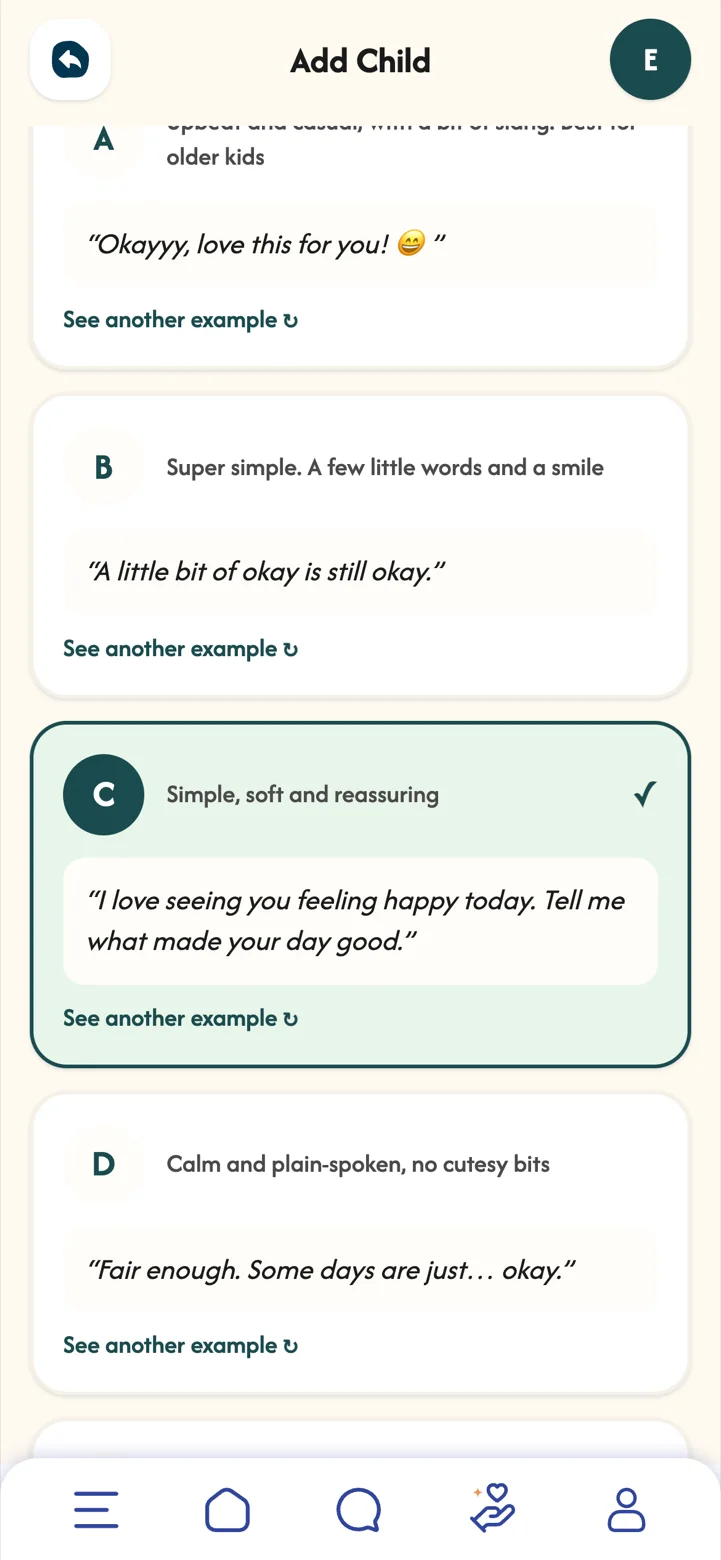
- A reading stageThis sets how MoodBuddy talks to your child, from super simple to calm and plain-spoken, or no messages at all. Every line is written by people, never by AI.
- Invite themShare a code or send the invite to their account. They enter it when they sign up and they are in.
 Part 03
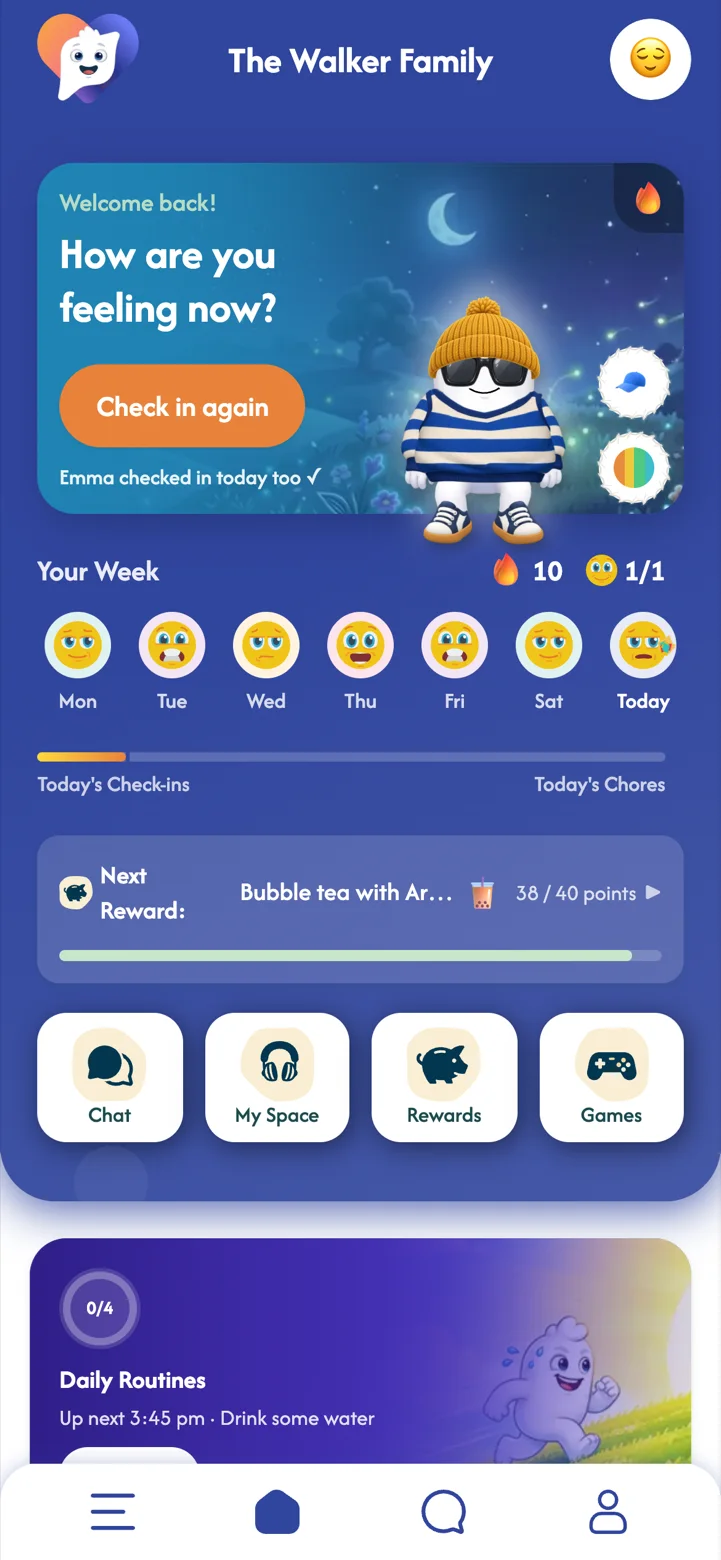
Your dashboard
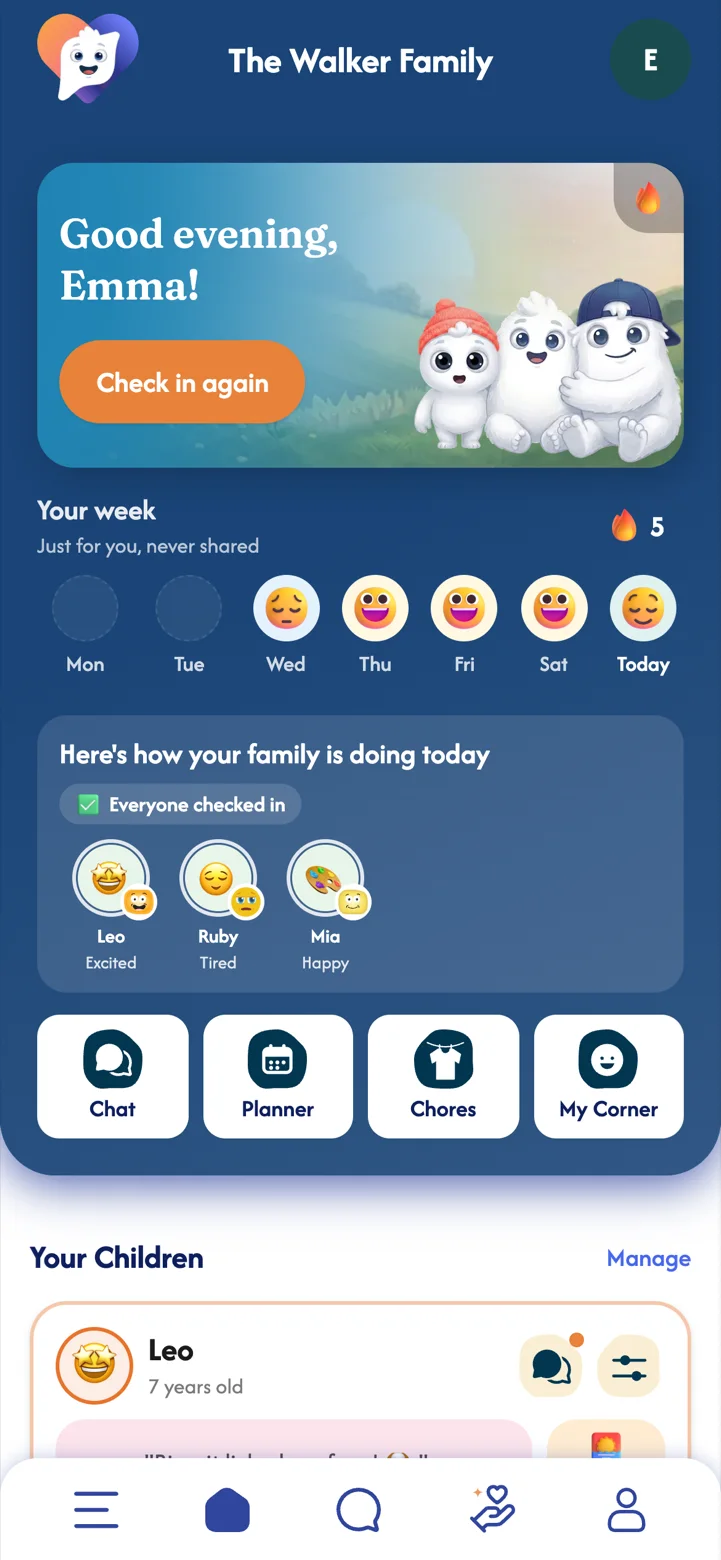
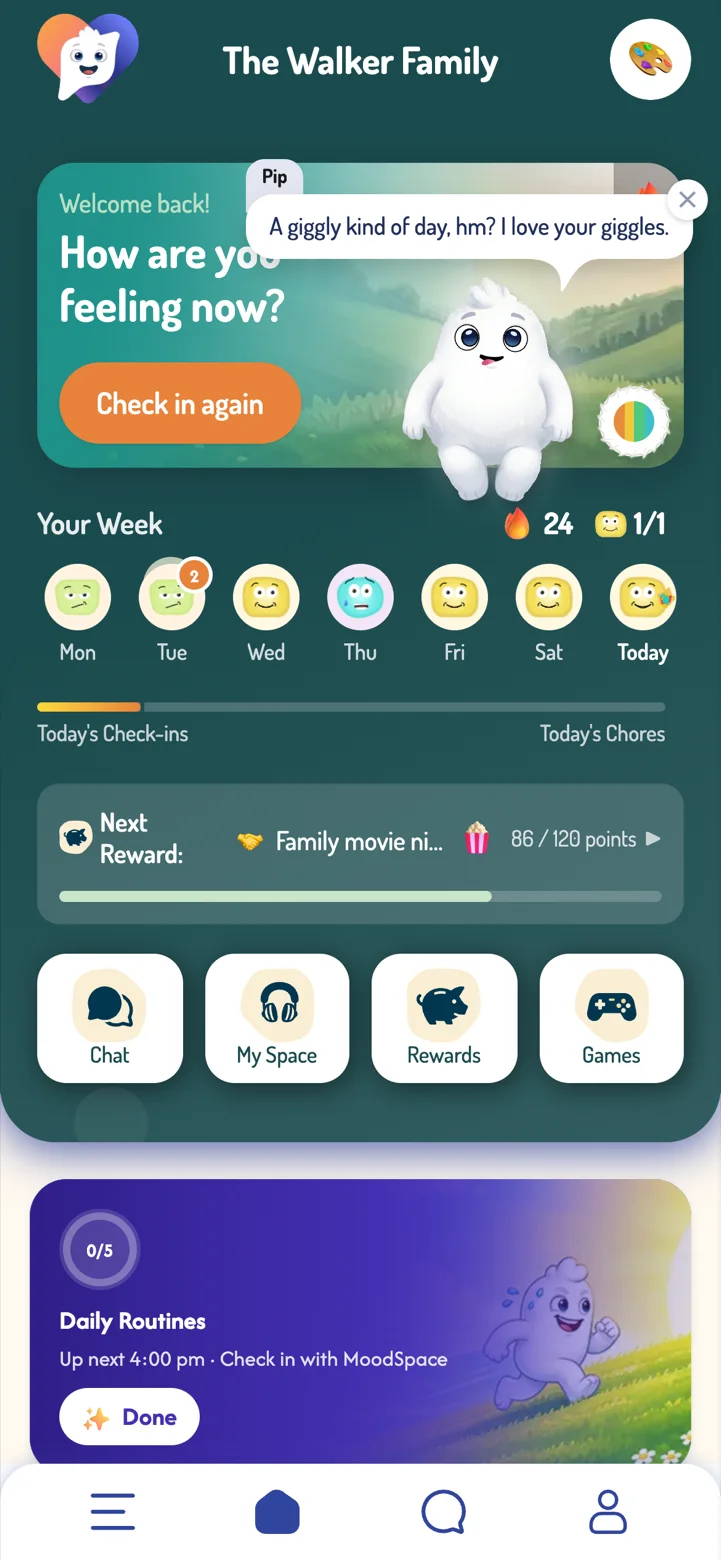
Everything about your family, at a glance, the moment you open the app.
The dashboard is designed to be glanced at, not studied. A quick look tells you who might need a hug or a chat tonight, so you can spend less time checking and more time connecting.
- How your family is doing today who has checked in, and how they are feeling.
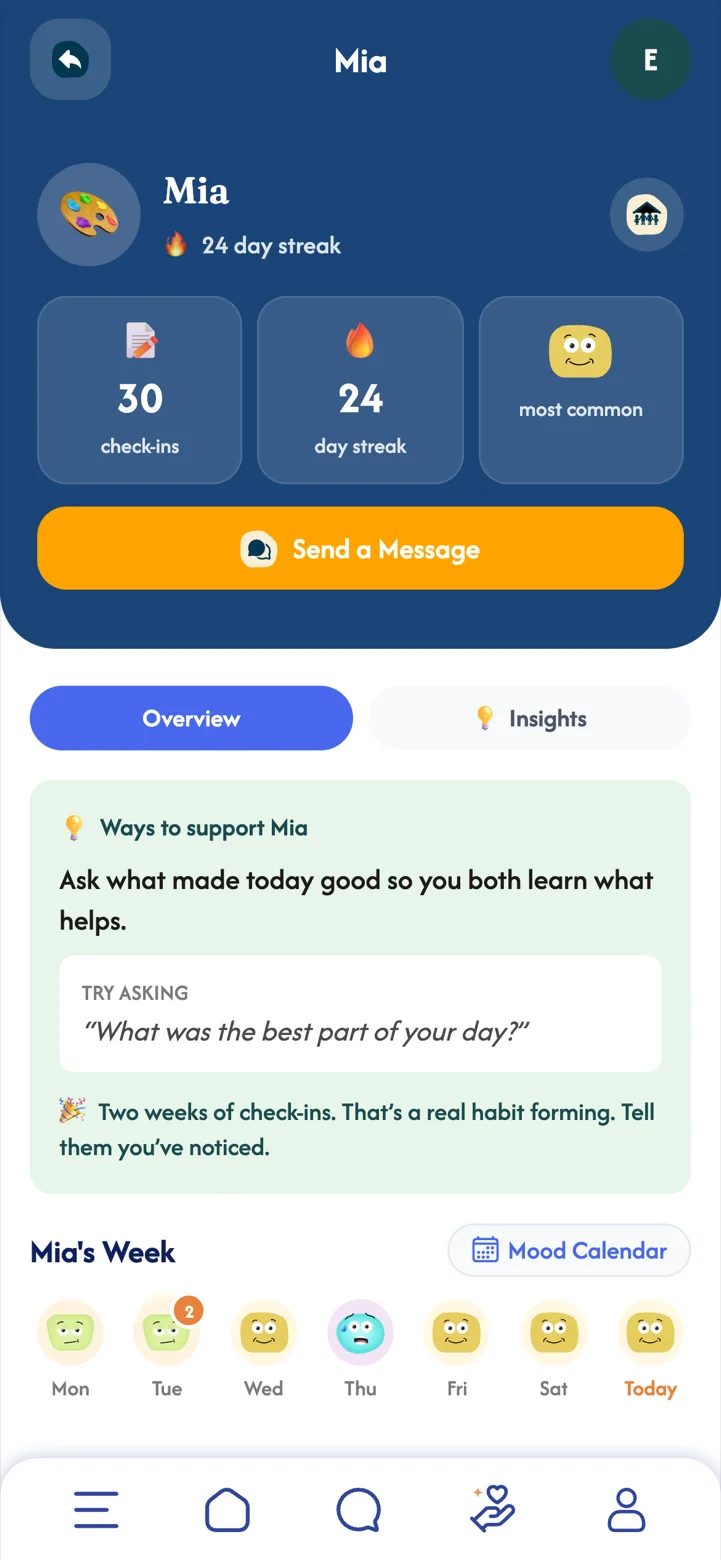
- Your Children a card for each child with their latest check-in, any note they shared and their routine for the day.
- Your week your own check-ins. They are just for you and never shared.
- Shortcuts straight to Chat, the Planner, Chores and My Corner.
 Part 04
Checking in
The heart of MoodSpace. It takes a few seconds, and it gets easier to talk about feelings every time.
Naming a feeling is one of the simplest ways to make it more manageable. A daily check-in turns that into a small, low-pressure habit, and there are no wrong answers. Your child chooses what to share, so it builds trust rather than testing it.
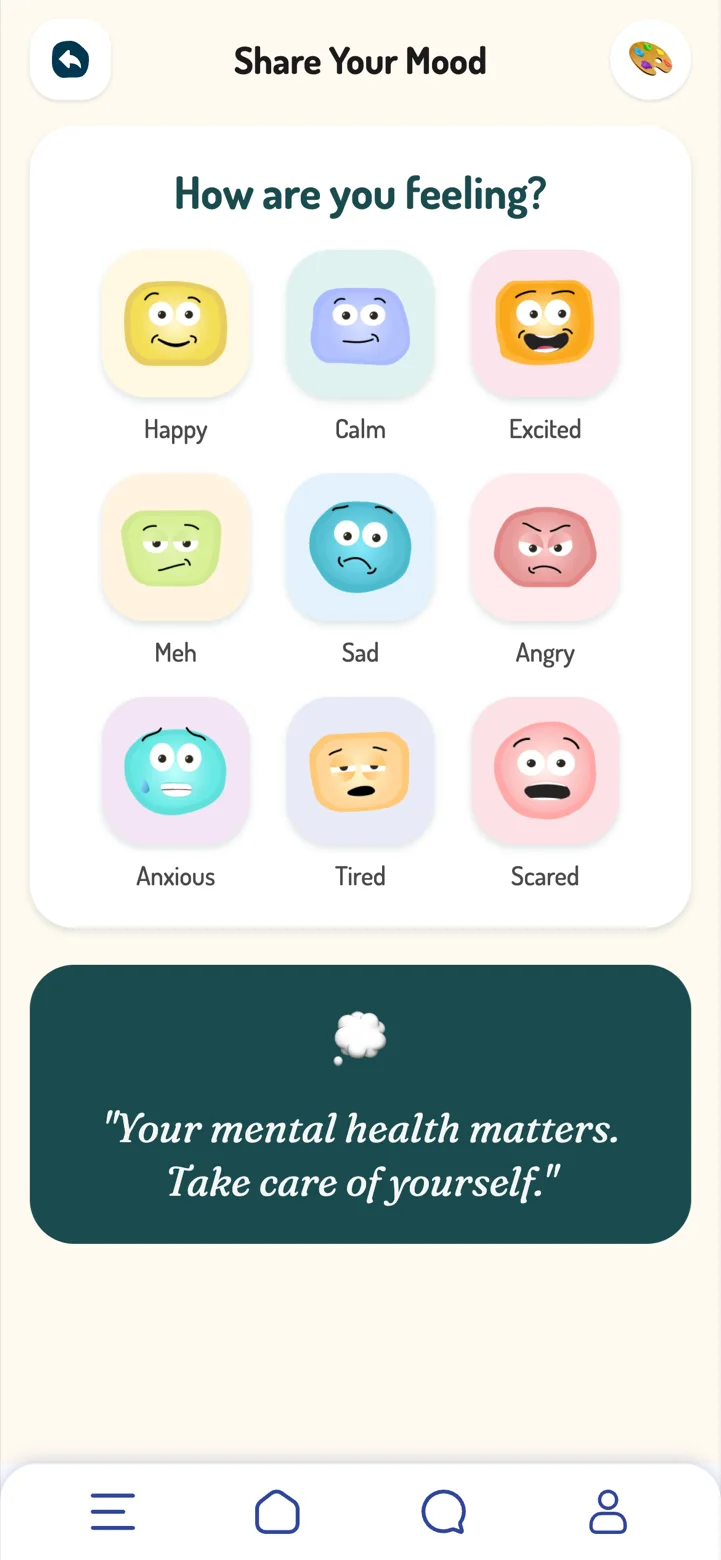
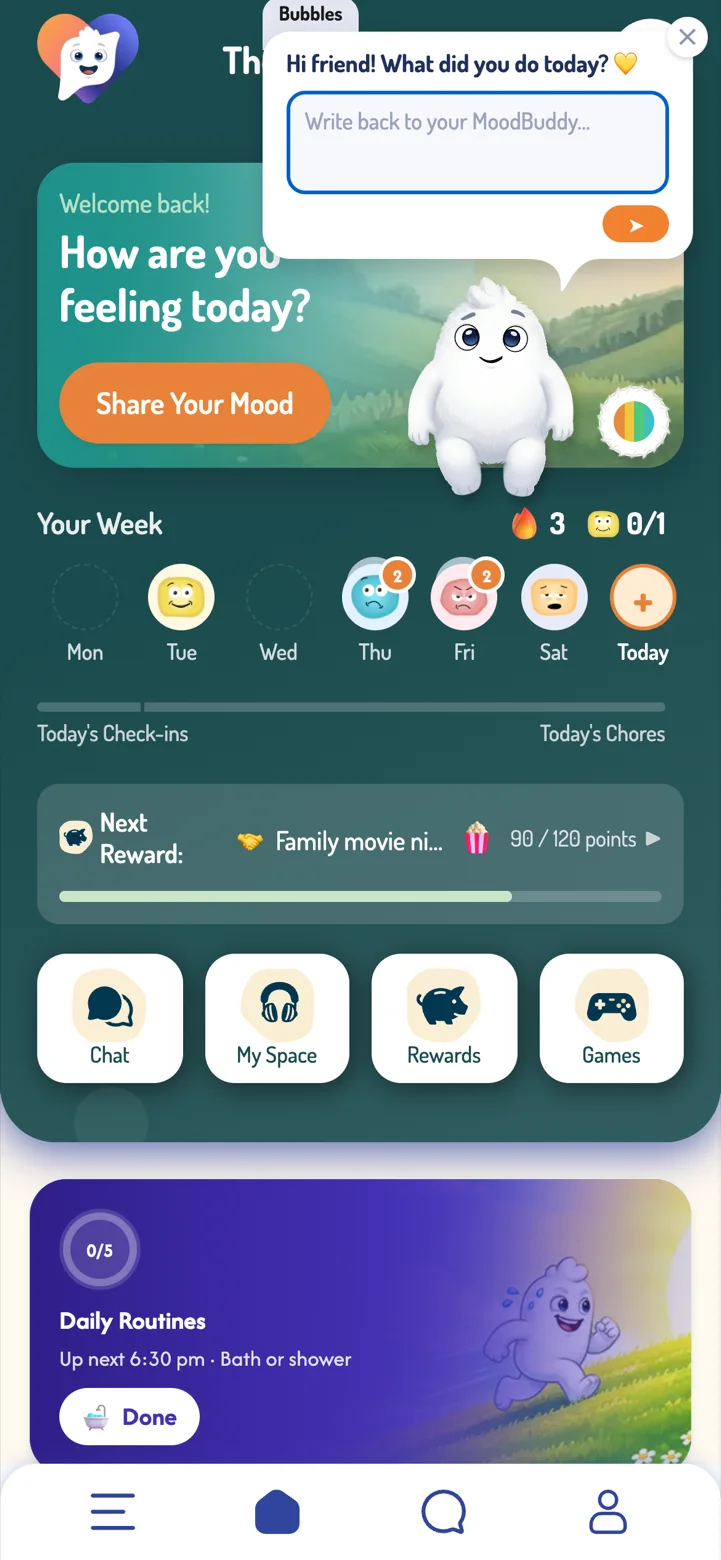
- Share Your MoodYour child taps the big orange button on their home screen.
- Pick a feelingHappy, calm, excited, meh, sad, angry, anxious, tired or scared.
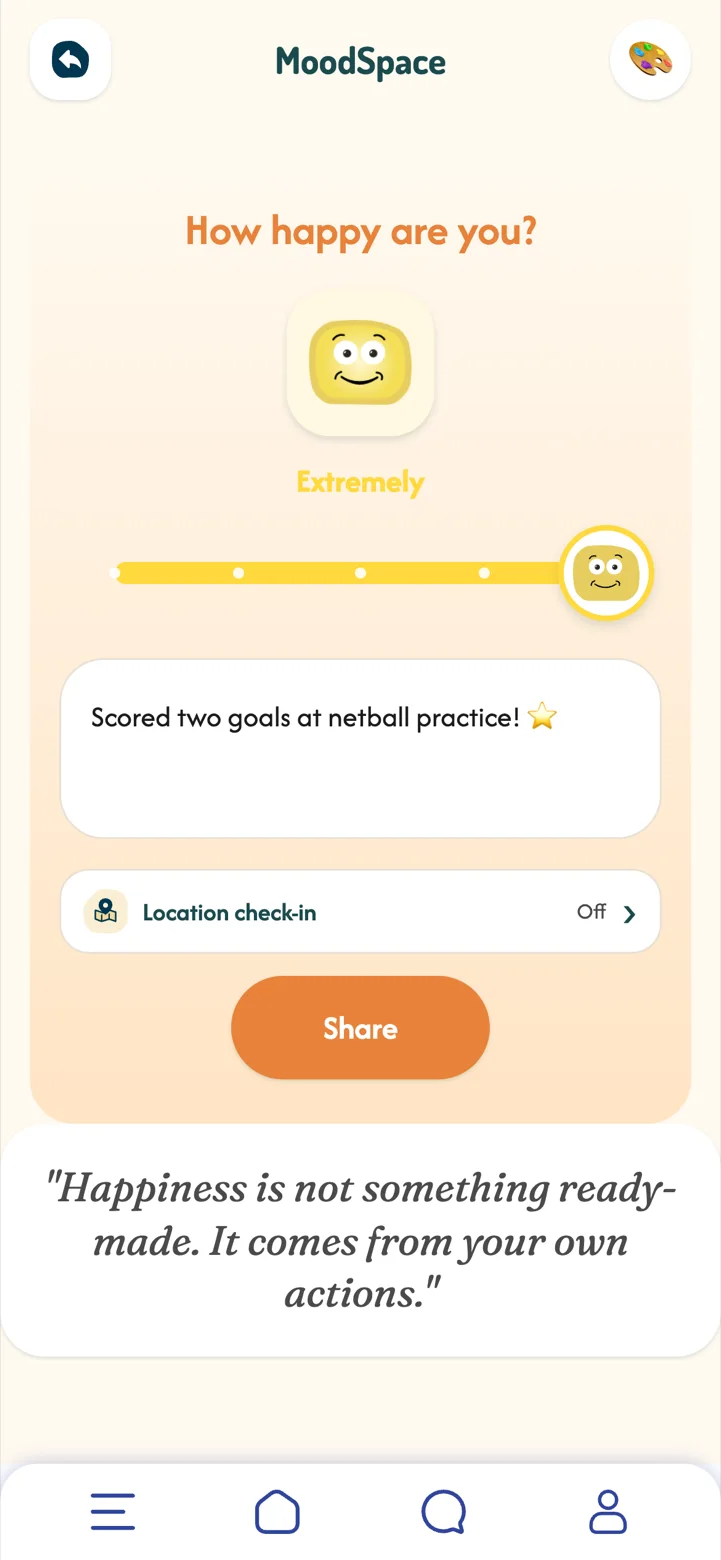
- Show how big it isSlide from a little bit to extremely, and add a note if they want to say why.
- ShareMoodBuddy reacts, their streak grows, and you are told straight away.
 Part 05Premium
Check-in locations
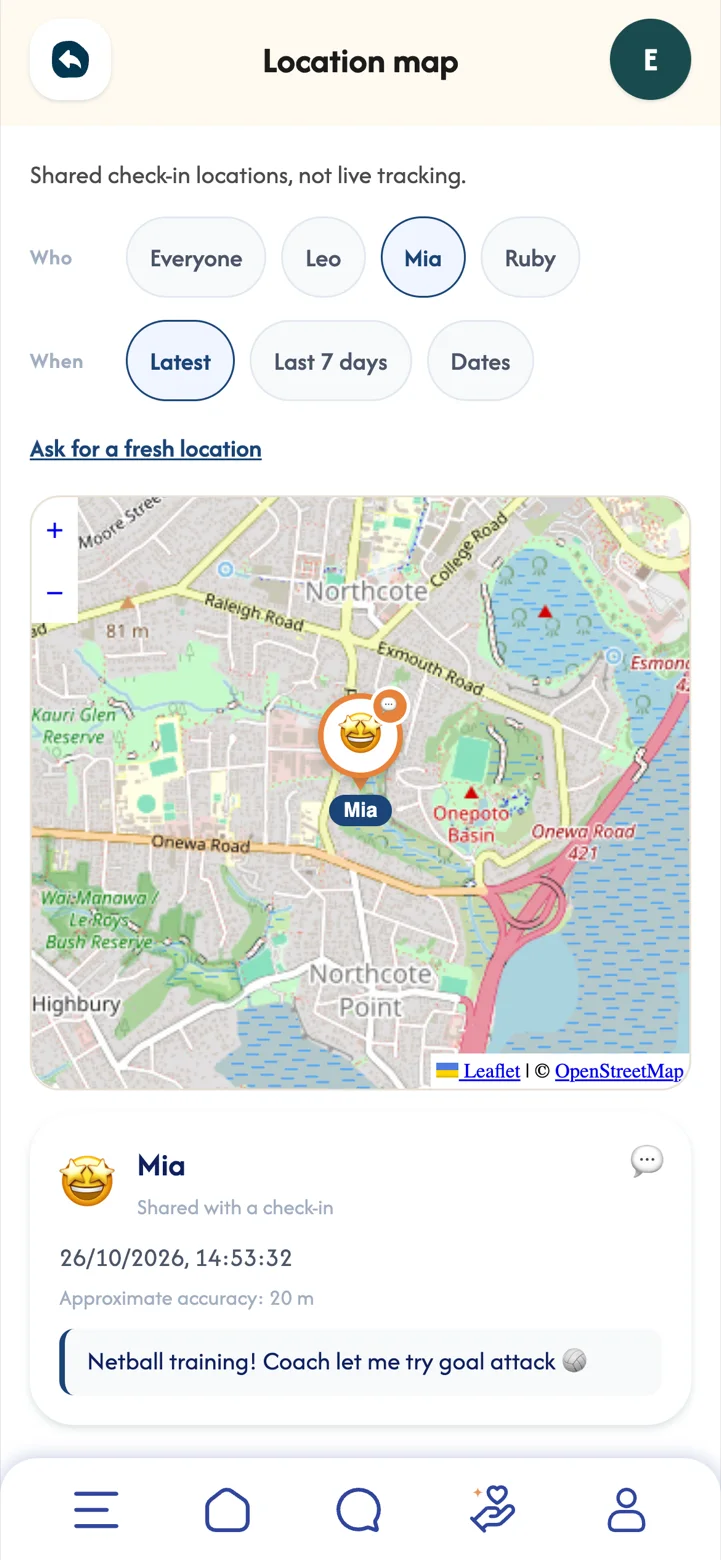
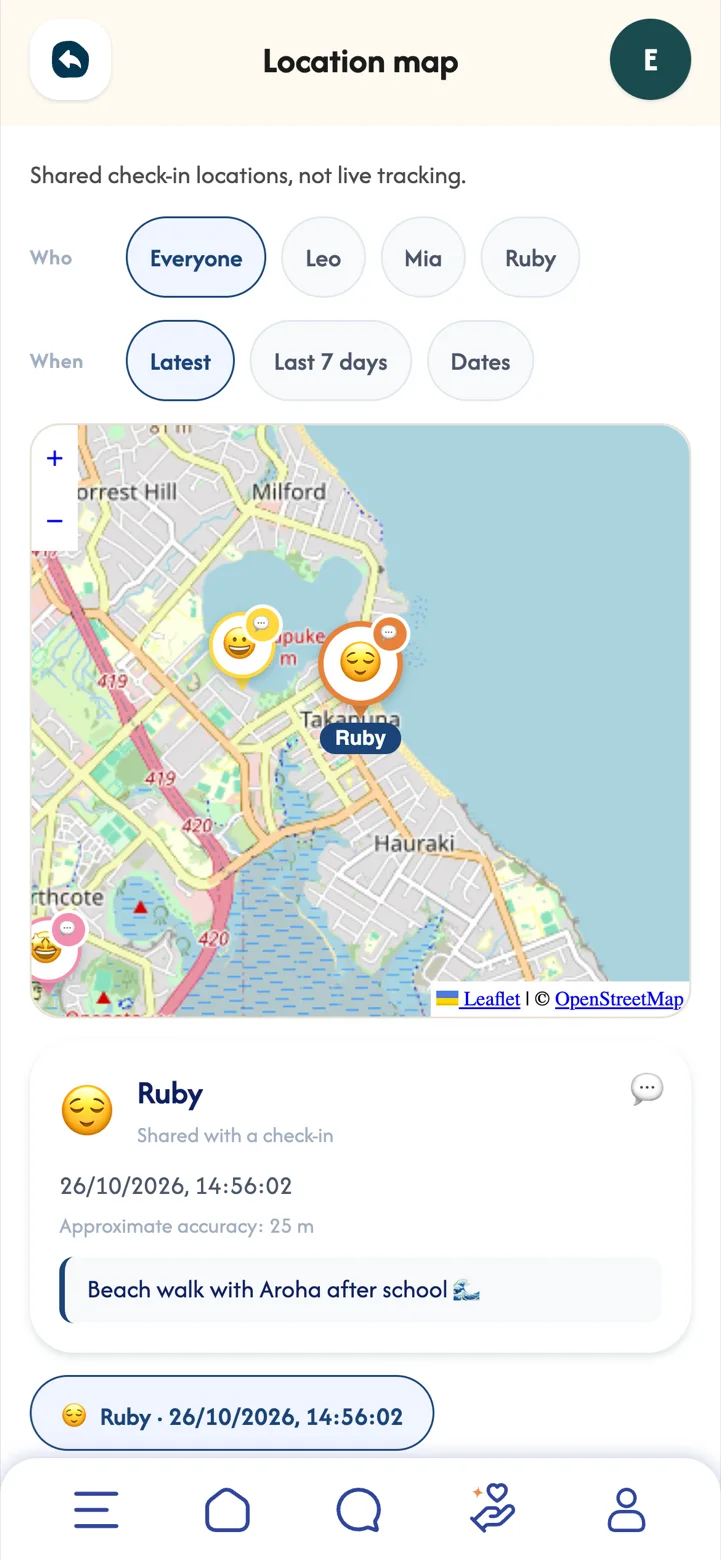
Your child can add where they are to a check-in, so you can see that they got to netball, the pool or the beach, without a phone call.
This is a snapshot your child chooses to share, not live tracking. Because they decide, it becomes a small way of keeping you in the loop that builds trust, and a pin with "Netball training!" on it is a lovely thing to see from work.
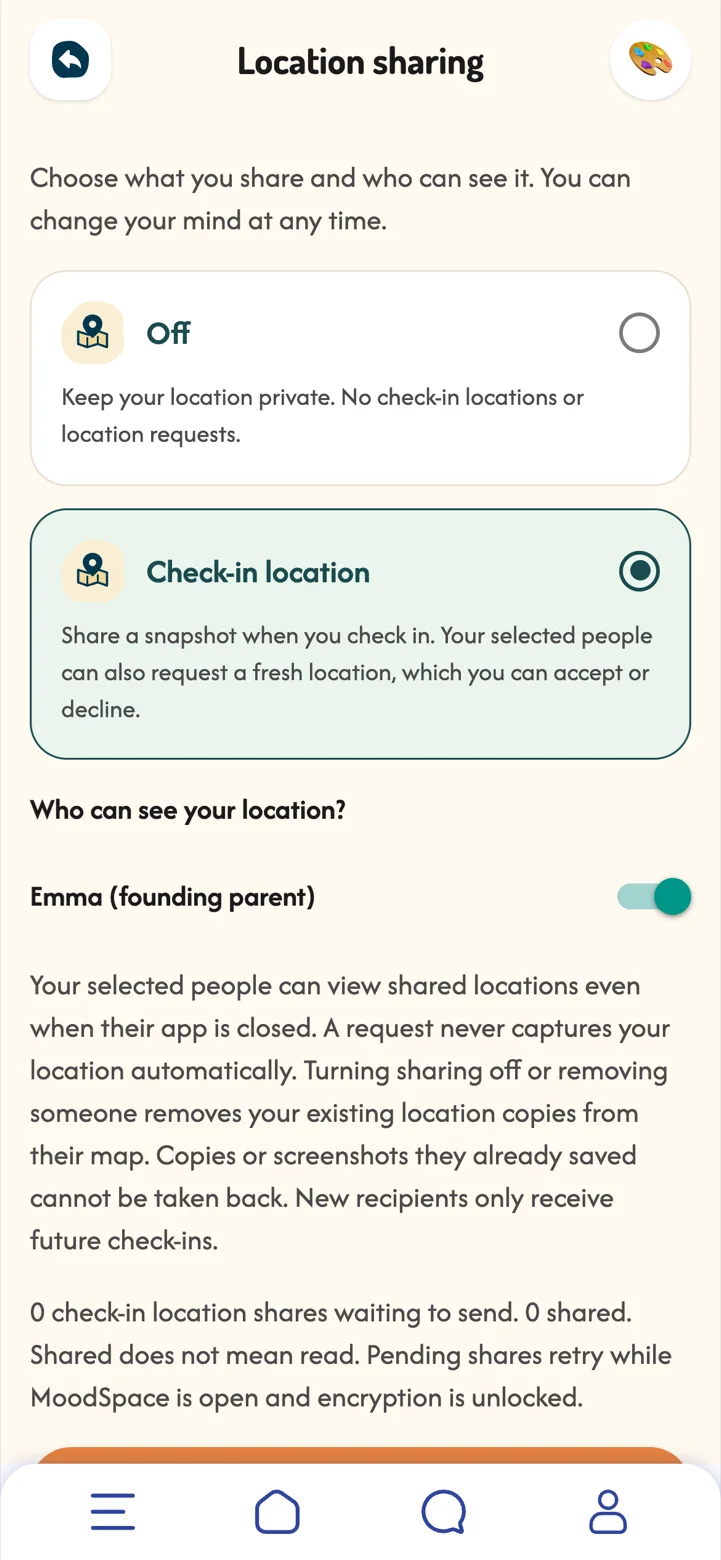
- Your child turns it onIn Location sharing they choose Check-in location, and pick who can see it. It is off until they do.
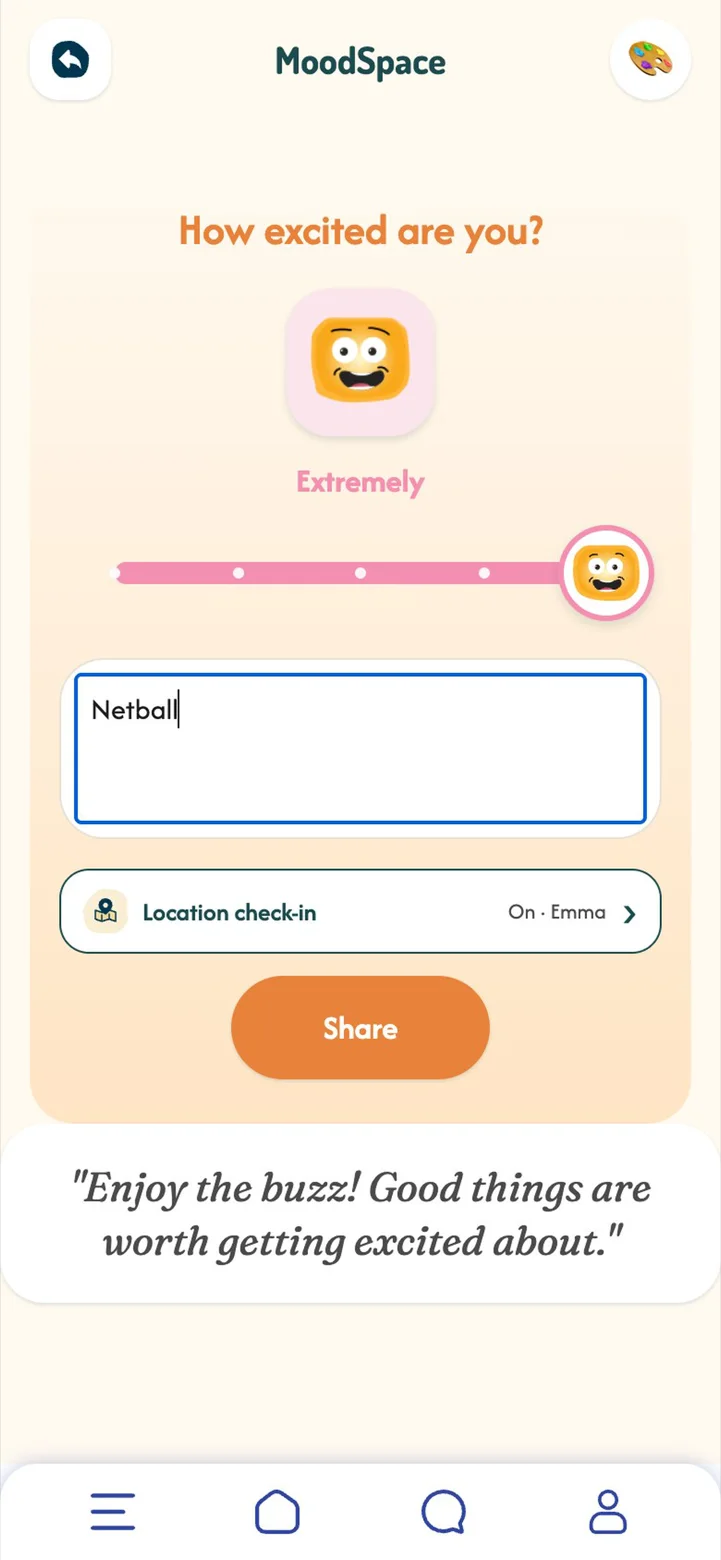
- They check in as usualThe check-in shows "Location check-in: On", and a snapshot of where they are goes with it.
- You see it on the mapOpen Check-in map from your dashboard to see each child's latest pins, the mood, and any note they added.
- Ask for a fresh locationIf you want to check in later, you can ask. Your child chooses whether to accept.
 Part 06Premium
Insights and the mood calendar
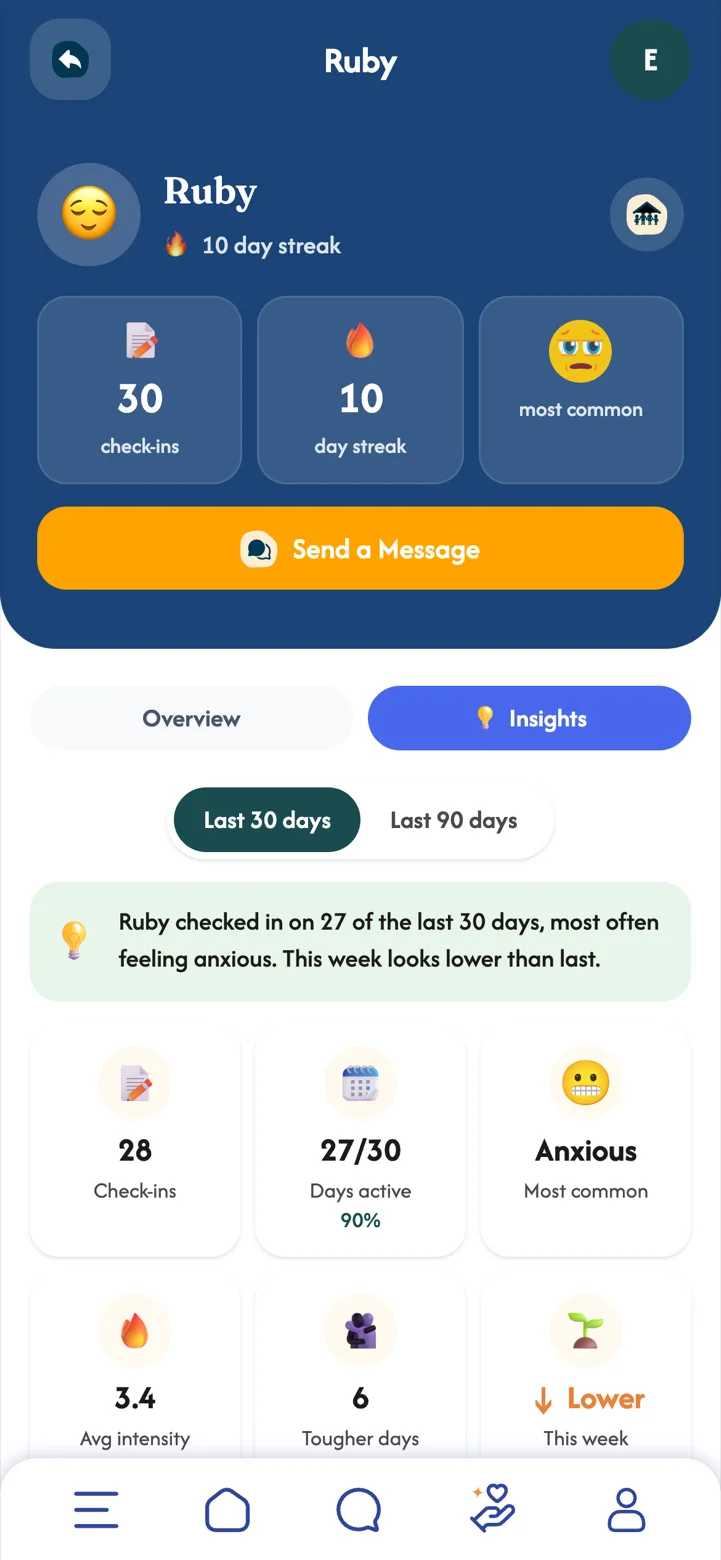
Patterns are easier to see over weeks than in a single day. Tap a child's card, then Insights.
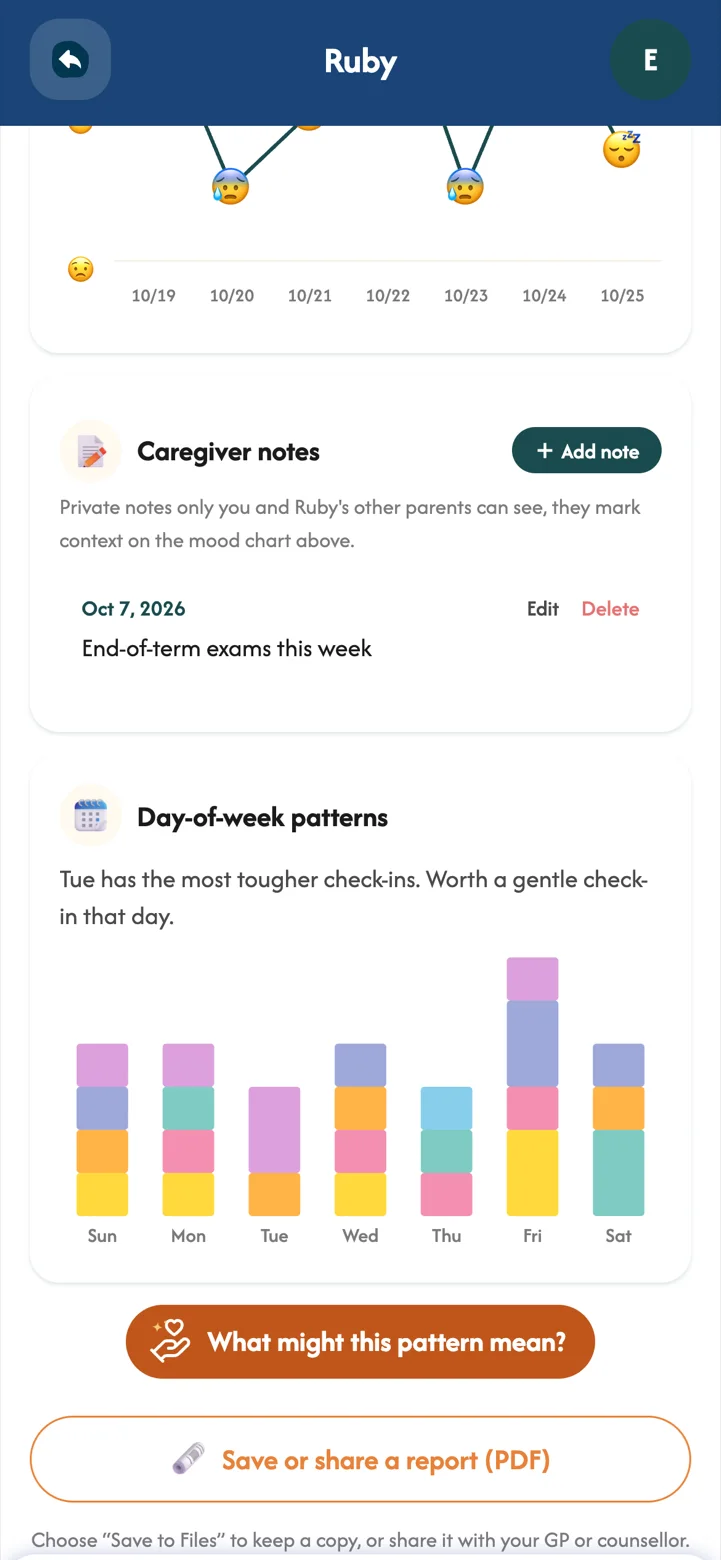
One tough day is just a day. Seeing feelings over weeks helps you spot what lifts your child and what weighs on them, like a busy exam week or a great Saturday at netball, so you can plan support instead of reacting in the moment.
- Insights their mood mix, mood over time and day-of-week patterns, for the last 30 or 90 days.
- Caregiver notes add context like "End-of-term exams this week" and it appears on the chart. Only your child's parents see it.
- A report to share save a PDF for your GP or counsellor.
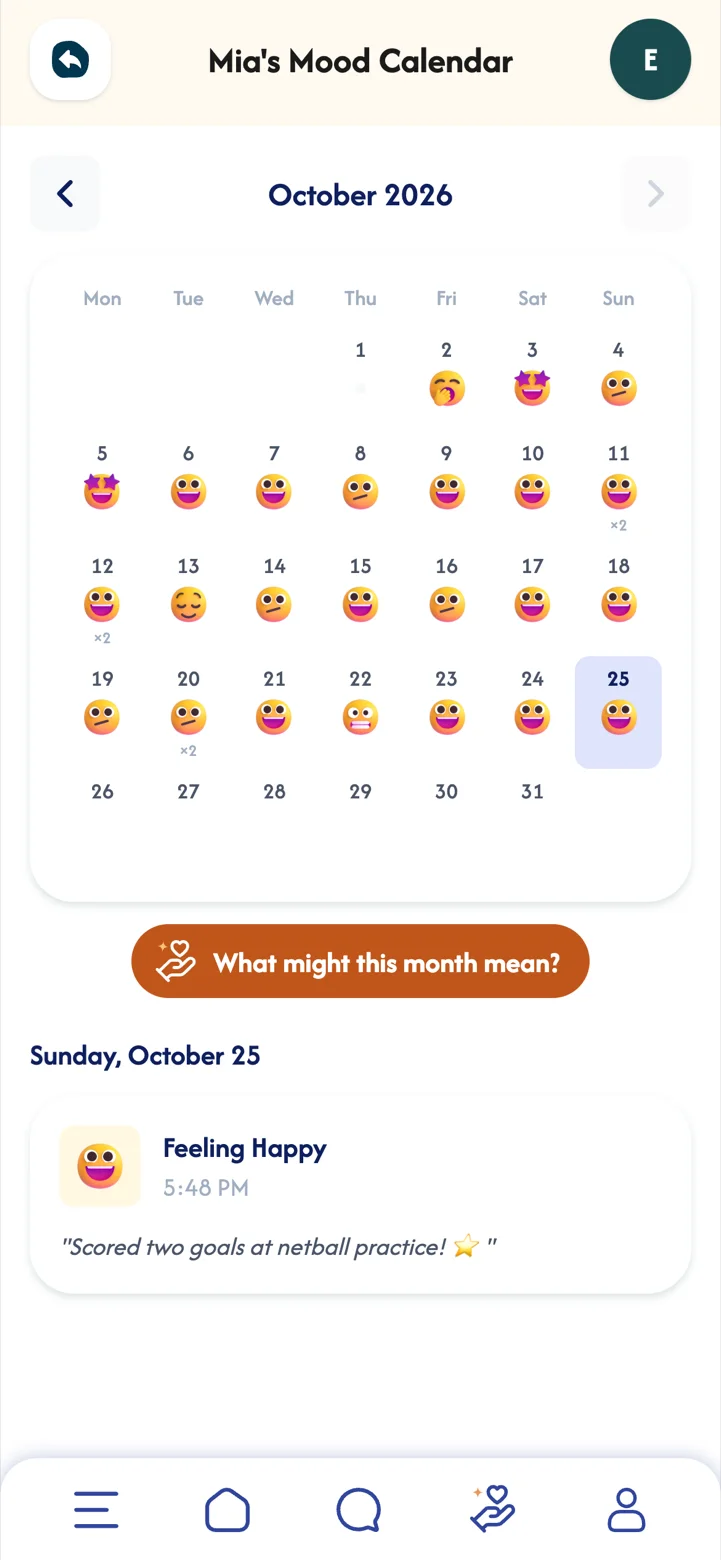
- The mood calendar every day's moods, notes and badges.
 Part 07Premium
Chat
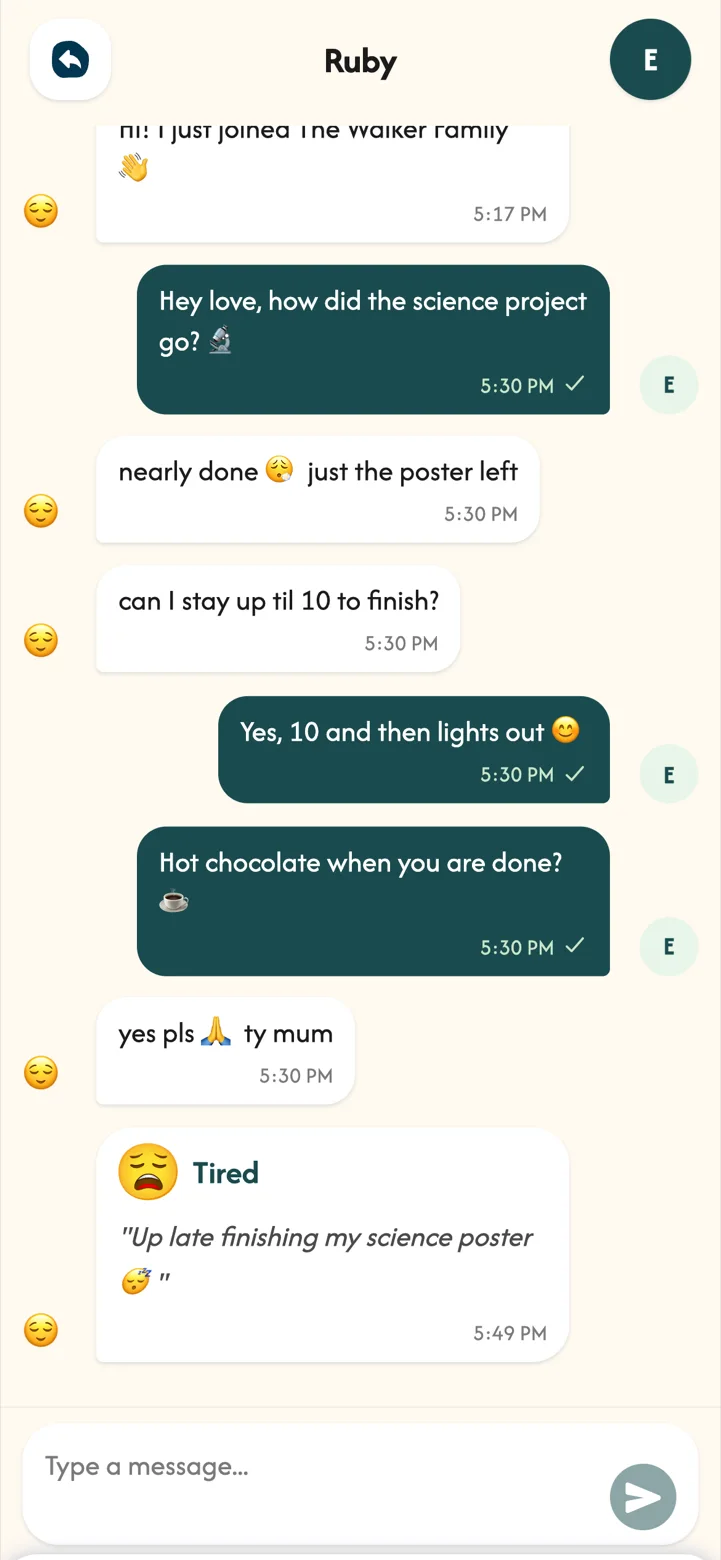
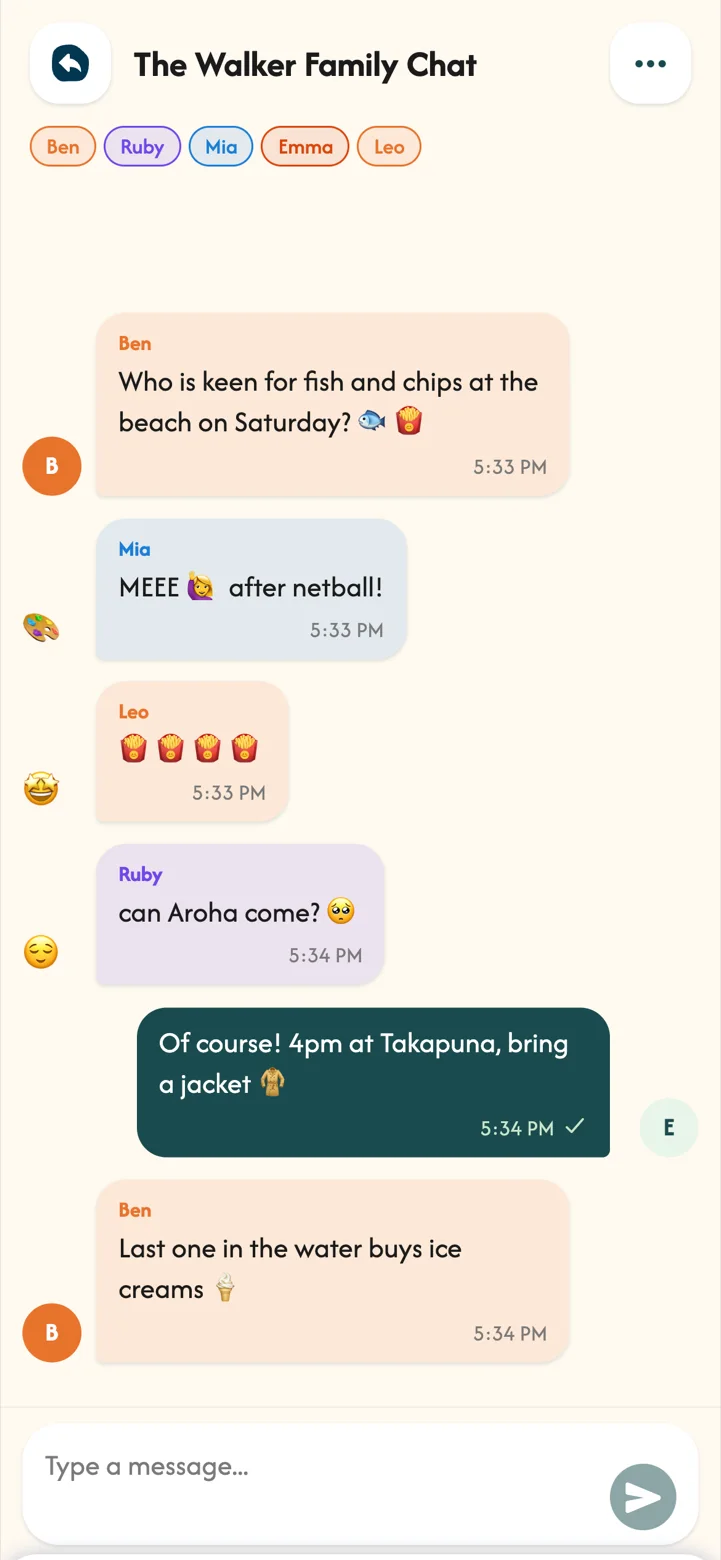
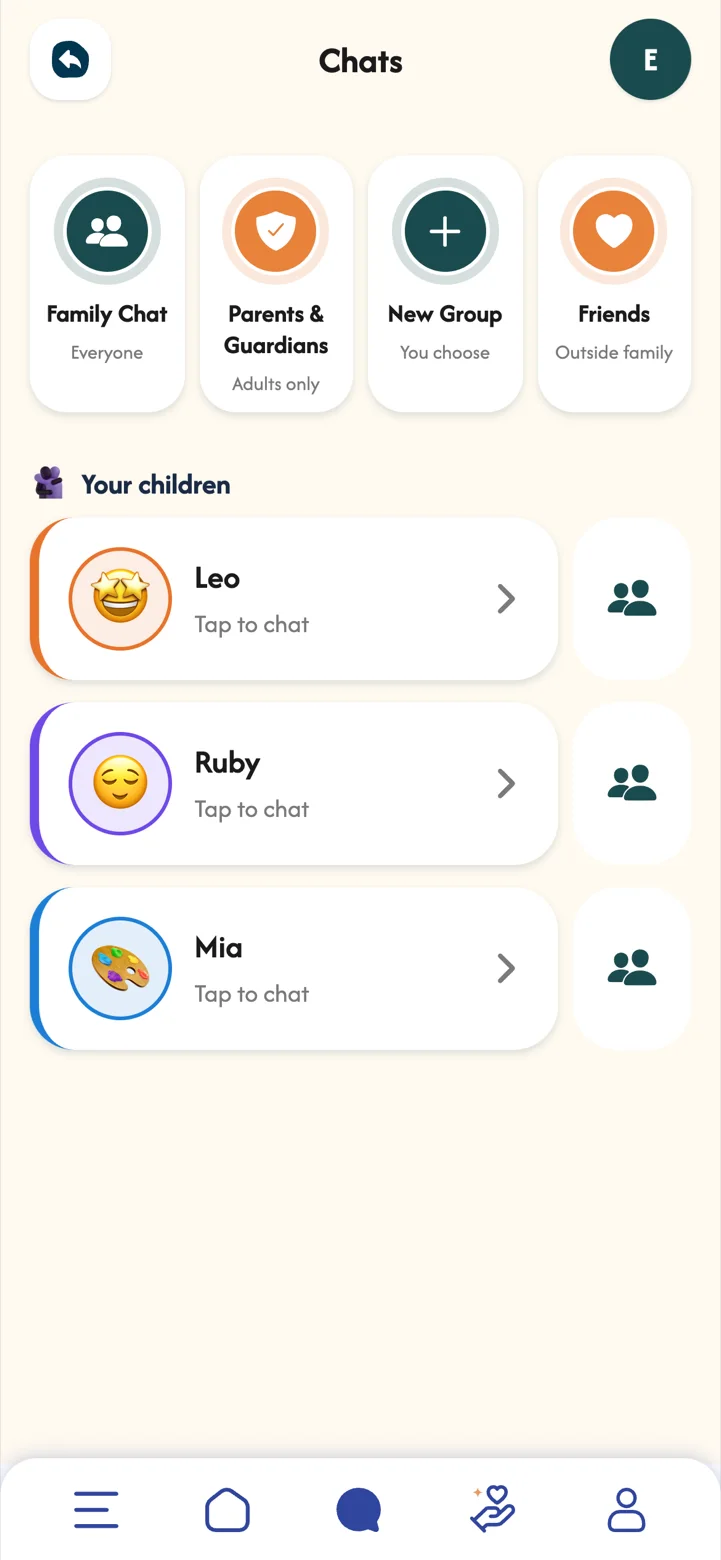
Private chats with each child, a Family Chat for everyone, and Parents & Guardians for the grown-ups. Messages are end-to-end encrypted, so only your family can read them.
Sometimes it is easier to type a feeling than to say it out loud. Chat gives your child a gentle way to reach you, and your reply arrives right next to the check-in that prompted it.
 Part 08
Chores and rewards
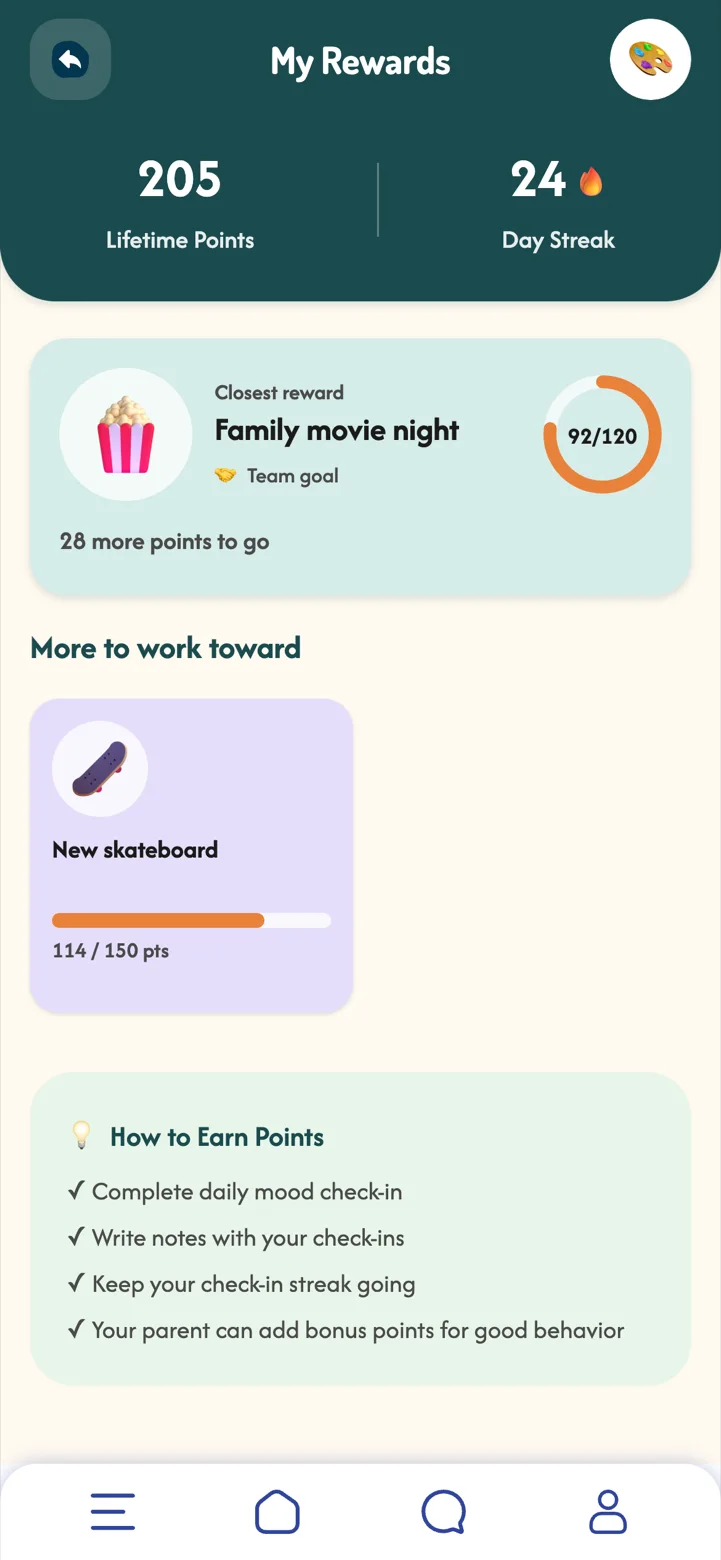
Chores turn everyday helping-out into points, and rewards give those points somewhere to go.
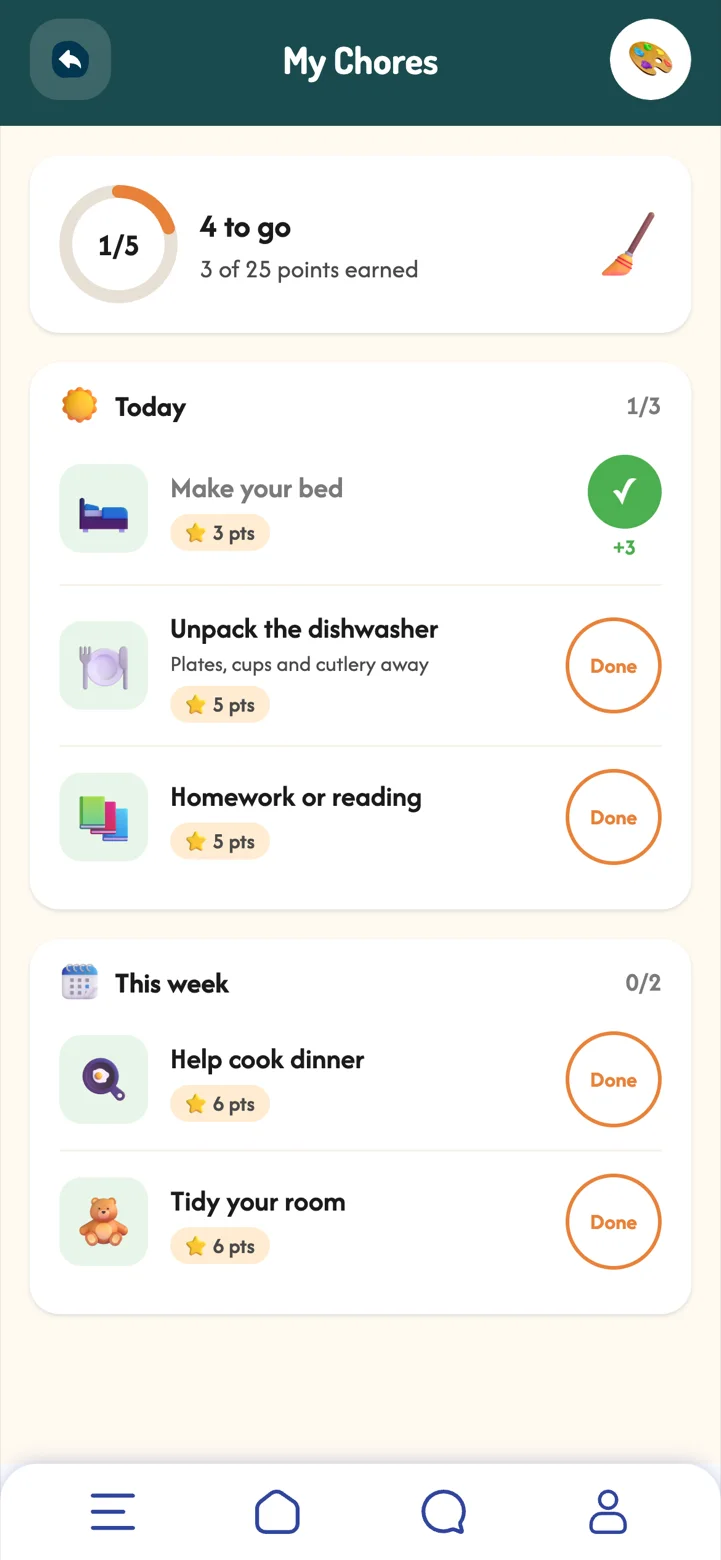
Chores in MoodSpace only ever add points; nothing is ever taken away. Children see their effort turn into something they are working towards, which builds responsibility and pride without nagging or penalties.
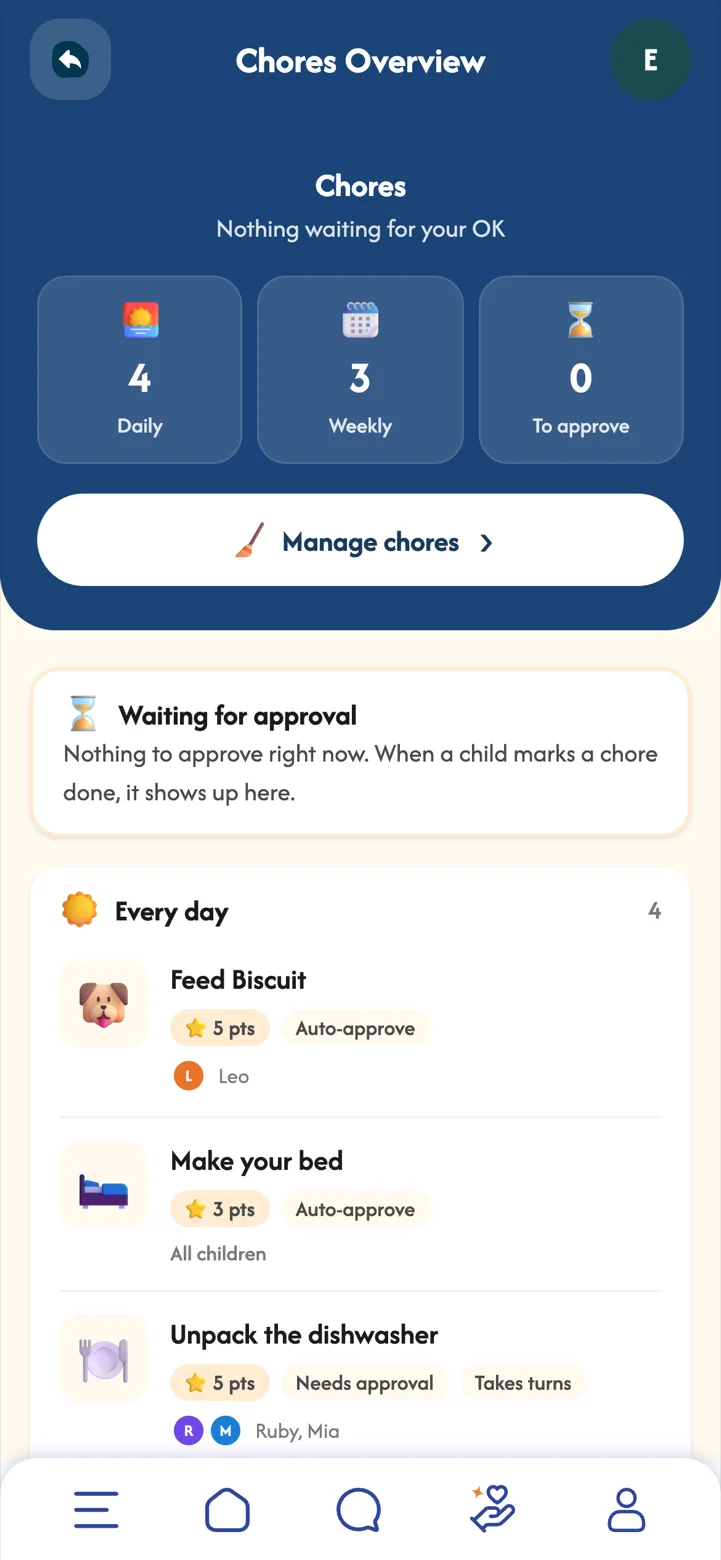
- Set up choresFrom Menu, Manage Chores, or start from Starter chores grouped by age. Choose daily or weekly, the points, and who does it.
- Your child taps DonePoints go straight in, or the chore waits for your OK in Chores Overview.
- Create rewardsA treat, an outing, extra screen time or MoodBuddy outfits. Make it a team reward the whole family works towards.
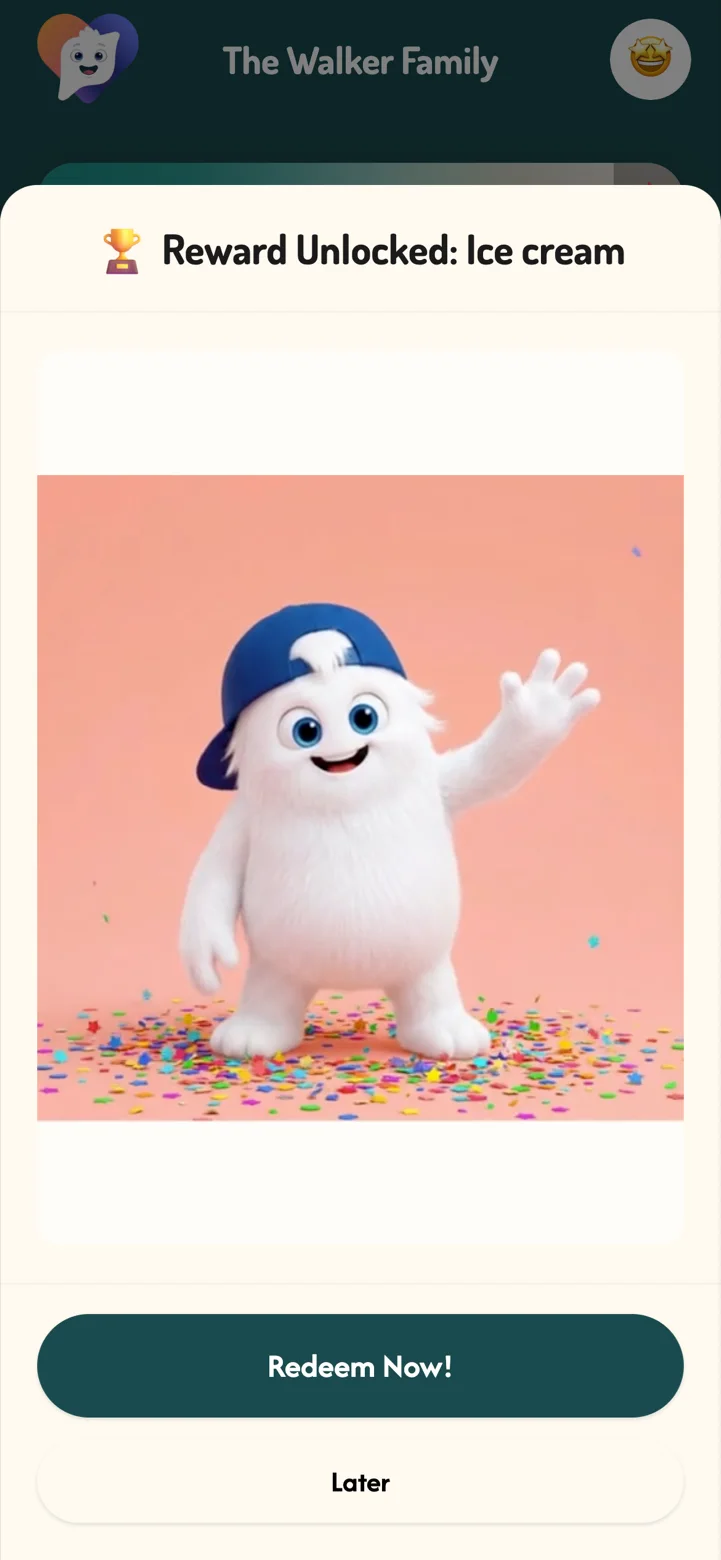
- CelebrateWhen a child reaches a reward, they get a celebration and can redeem it.
Chores are part of Premium. Rewards are free.
 Part 09
Daily routines
Mornings and bedtimes run more smoothly when everyone knows what comes next.
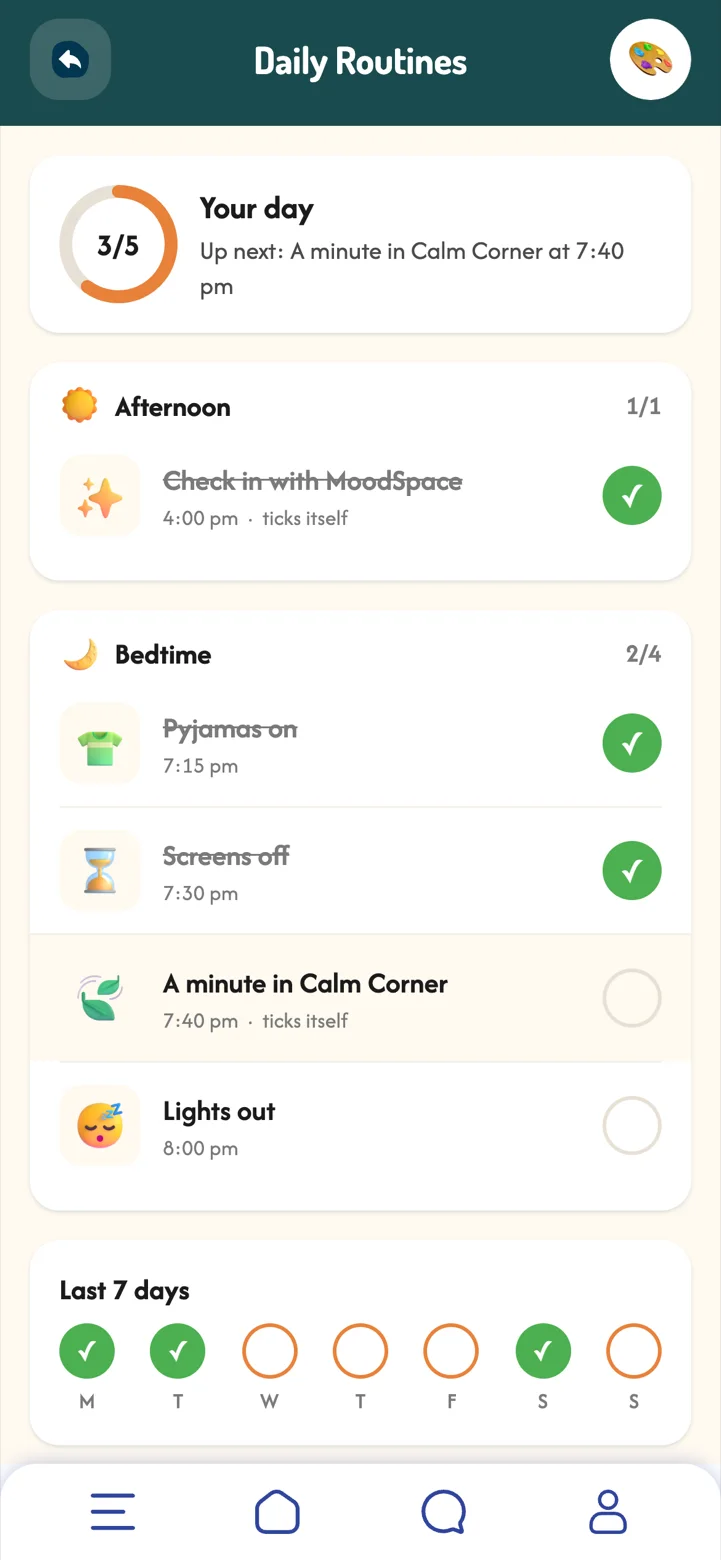
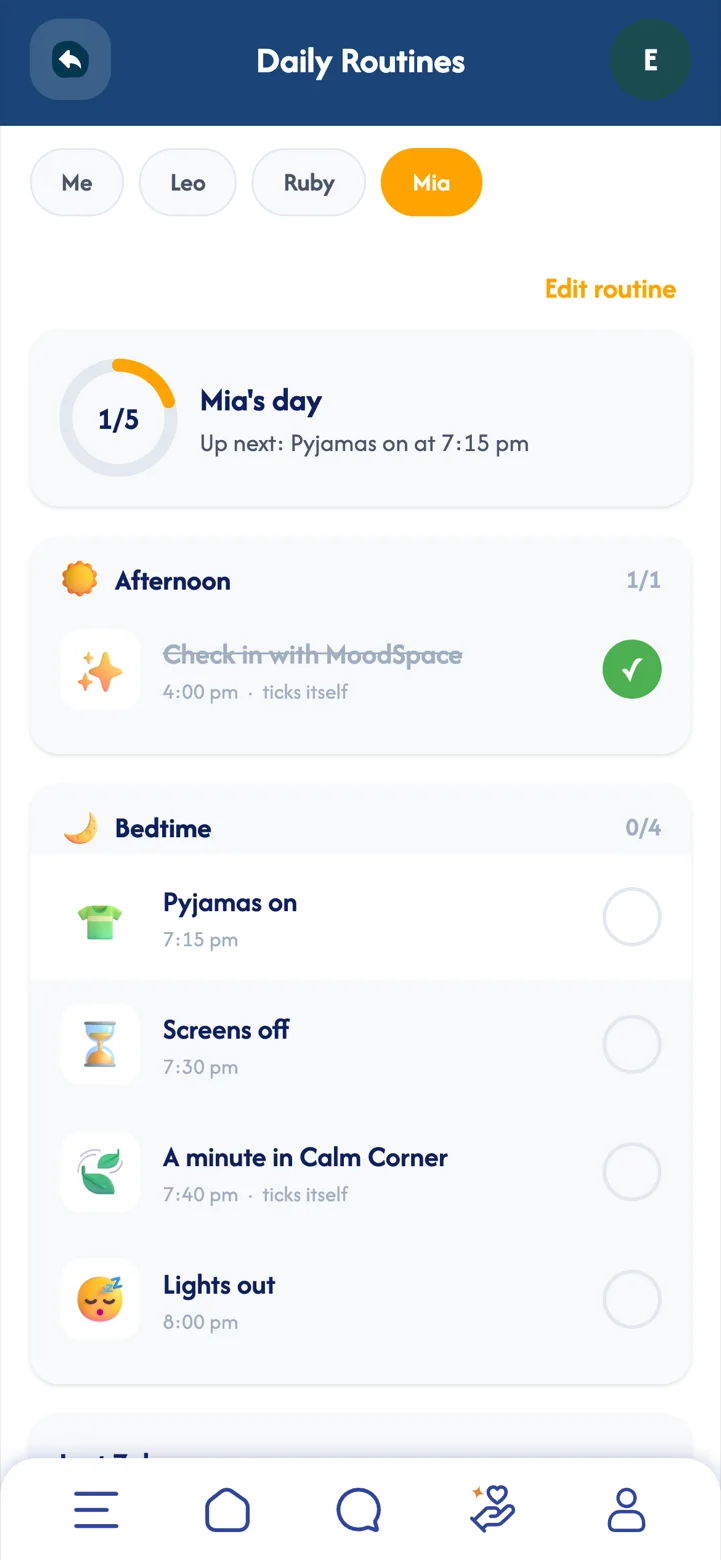
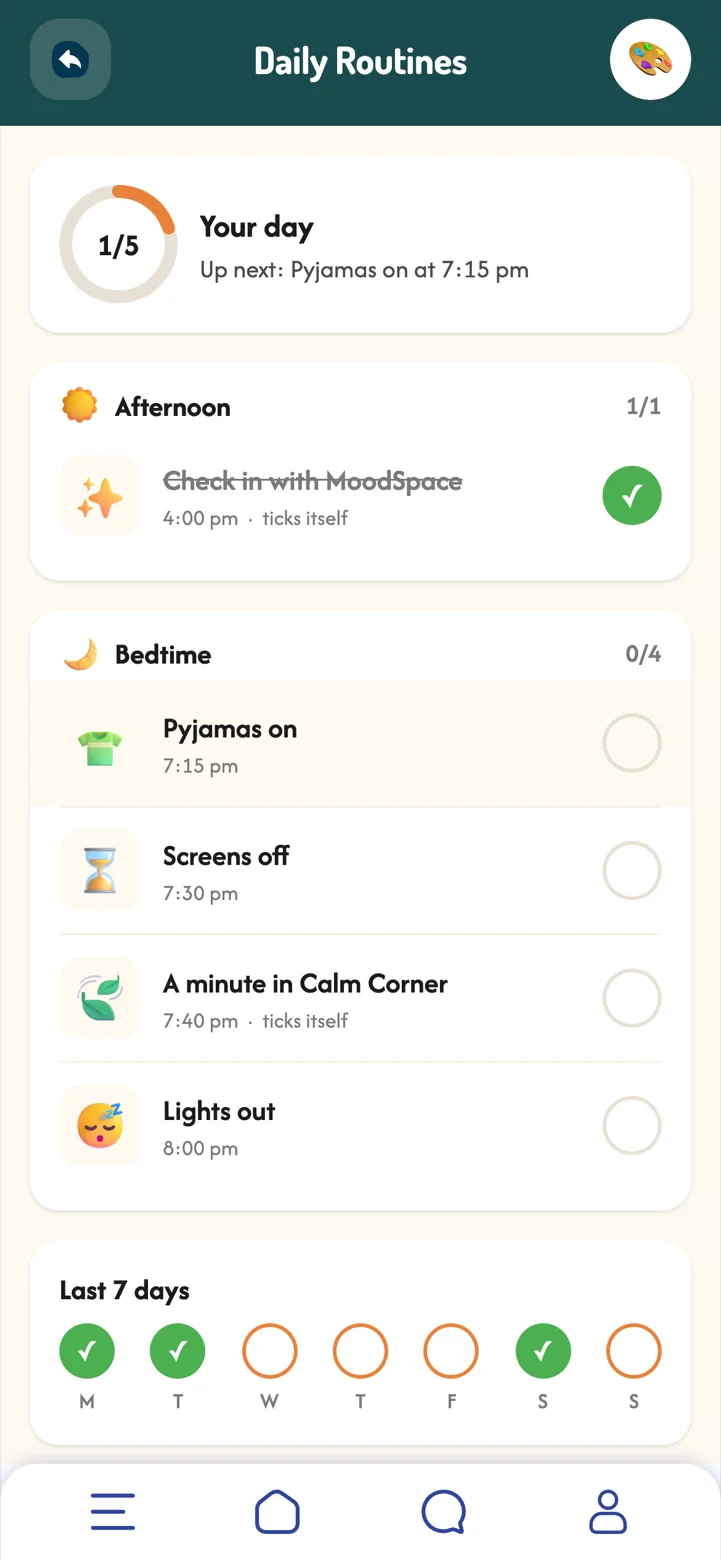
Predictable routines help children feel safe and ready for what comes next. Ticking things off gives a small sense of achievement, and folding a check-in or a calm minute into the day makes looking after feelings part of normal life.
- Pick a packSchool morning, after school or bedtime, ready-made for your child's age.
- Make it yoursChange the items and times to suit your family.
- Tick it offYour child ticks items as they go. "Check in with MoodSpace" and "A minute in Calm Corner" tick themselves.
 Part 10Premium
The family planner
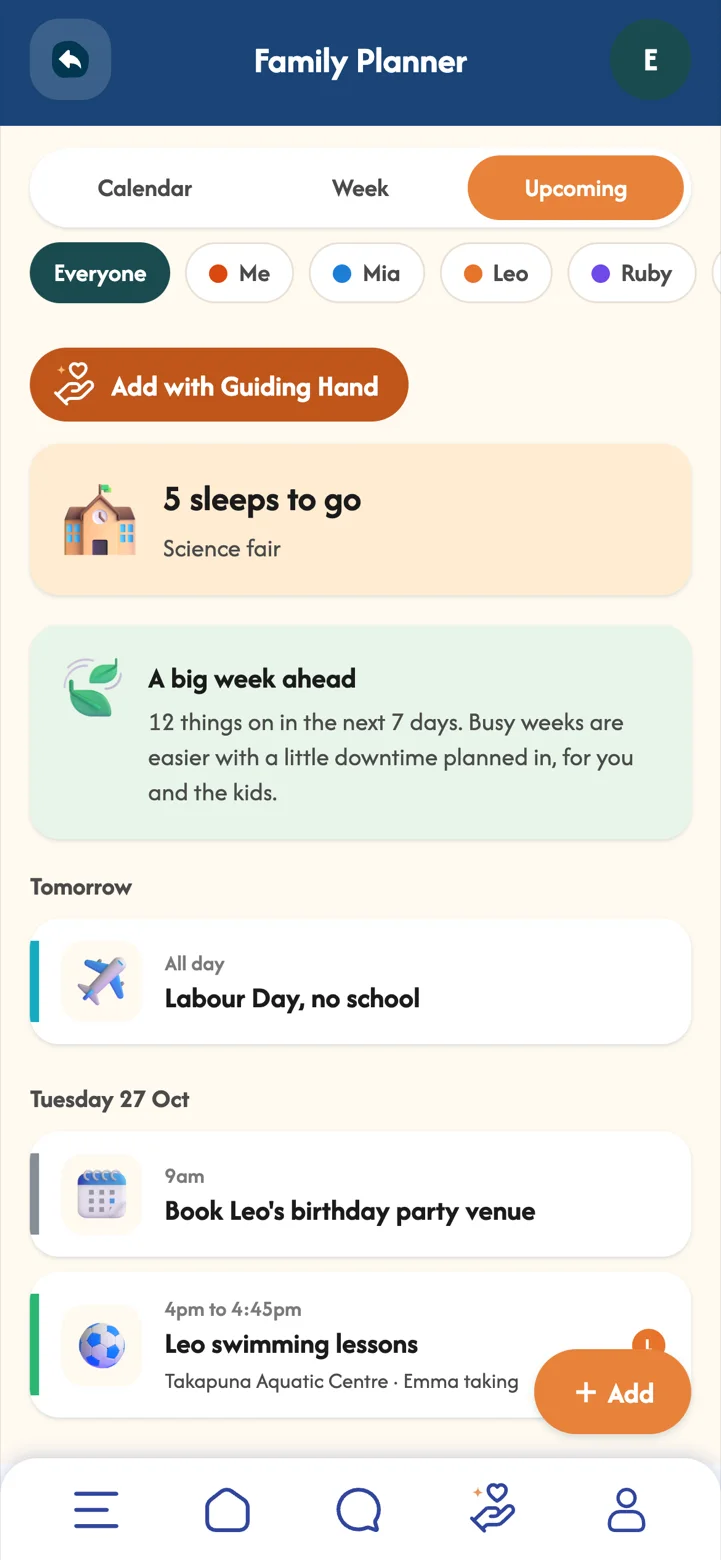
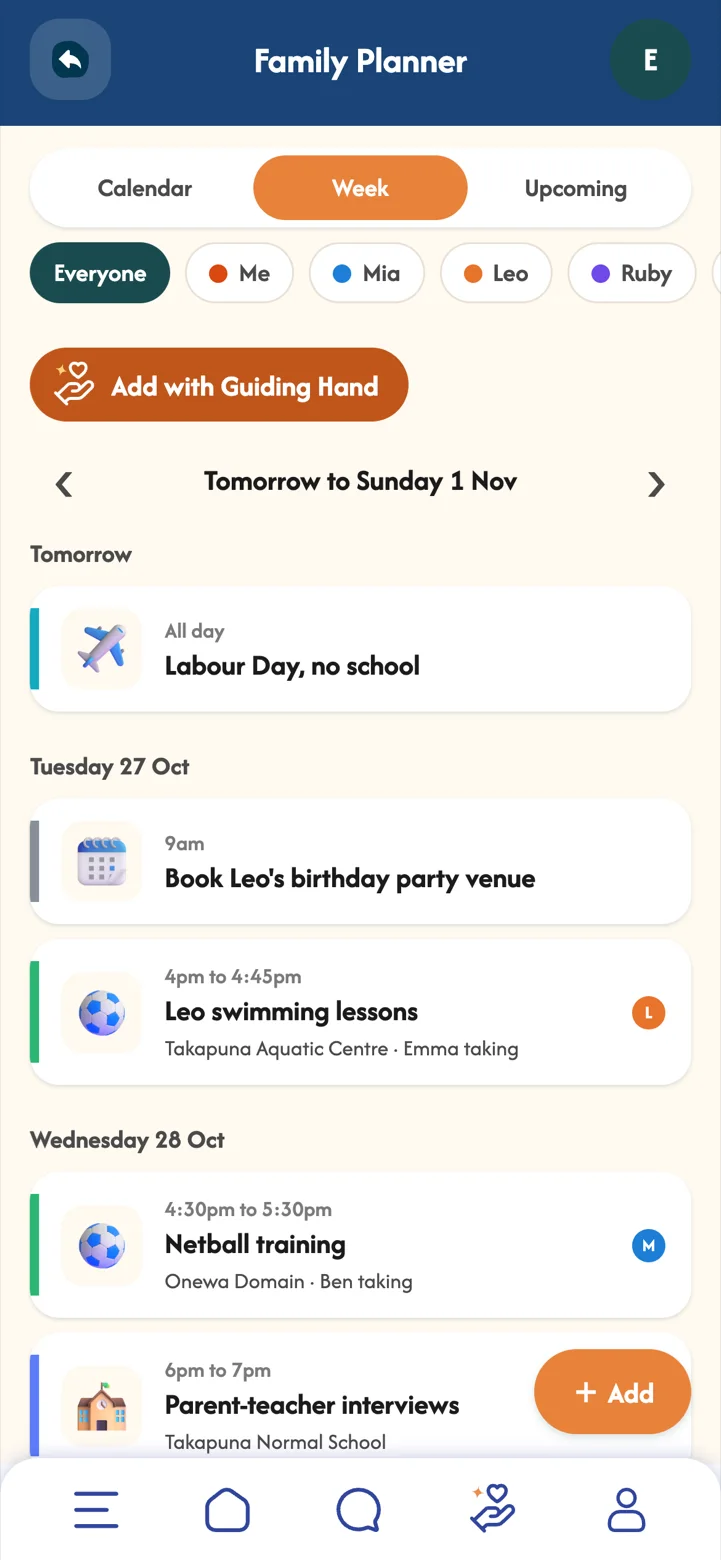
A shared calendar for the whole family, with the little details that make busy weeks easier.
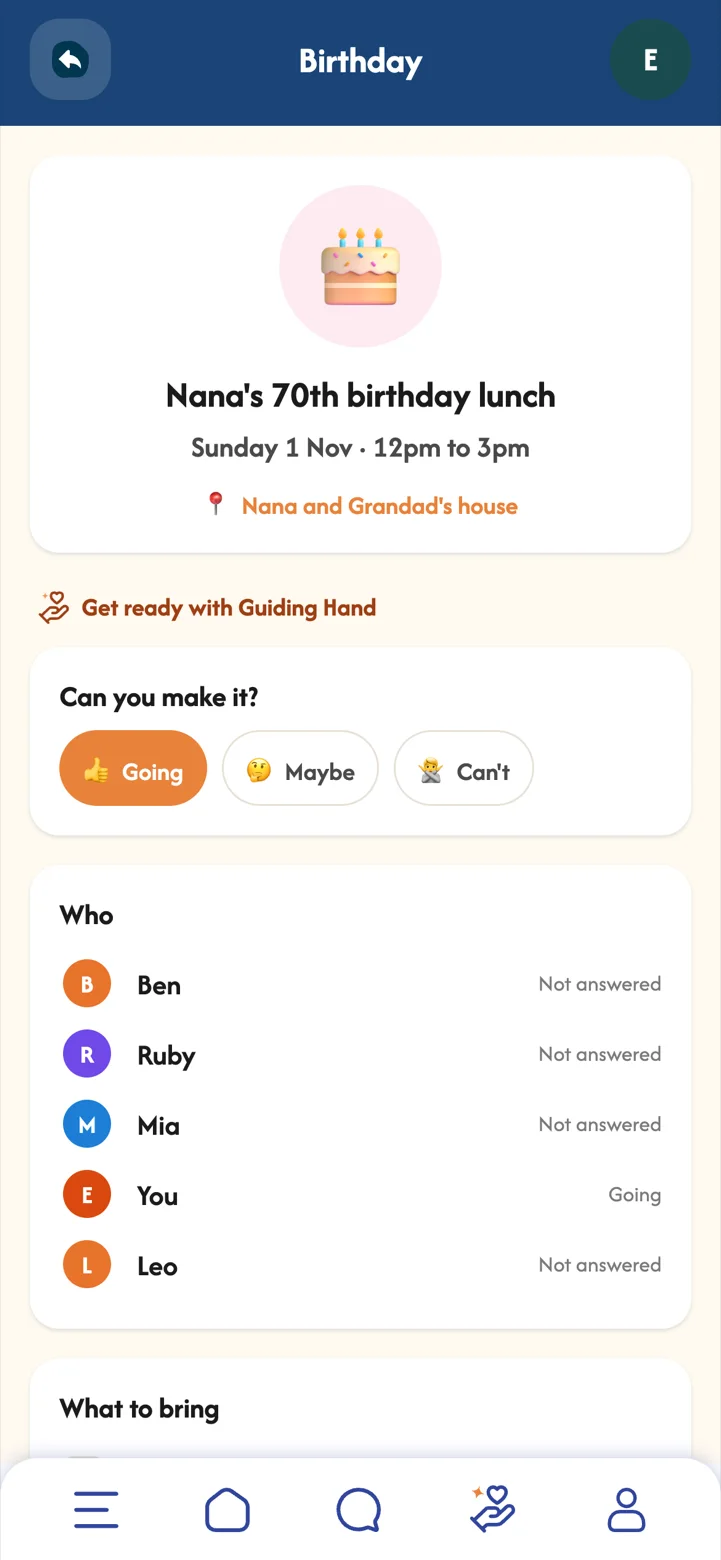
Busy weeks feel lighter when everyone can see what is coming. Children can say whether they feel excited or nervous about an event, so a big day becomes a chance to talk before it happens, not just afterwards.
- Calendar, Week and Upcoming whichever view suits you.
- Who's coming, who's driving and whether it is for everyone, adults only, or just you.
- RSVPs and bring lists plus a reminder the evening before.
- Countdowns star an event for "6 sleeps to go".
 Part 11Family+
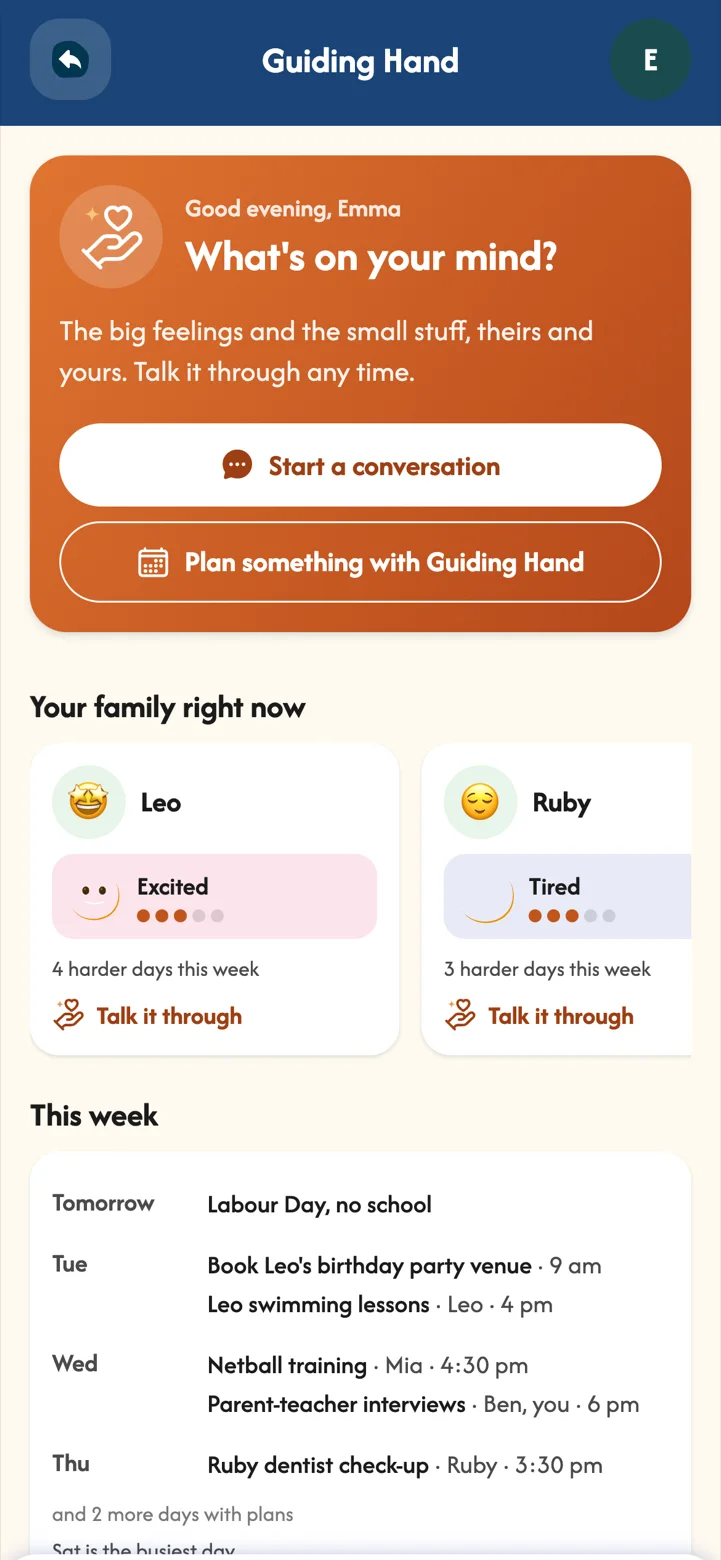
Guiding Hand
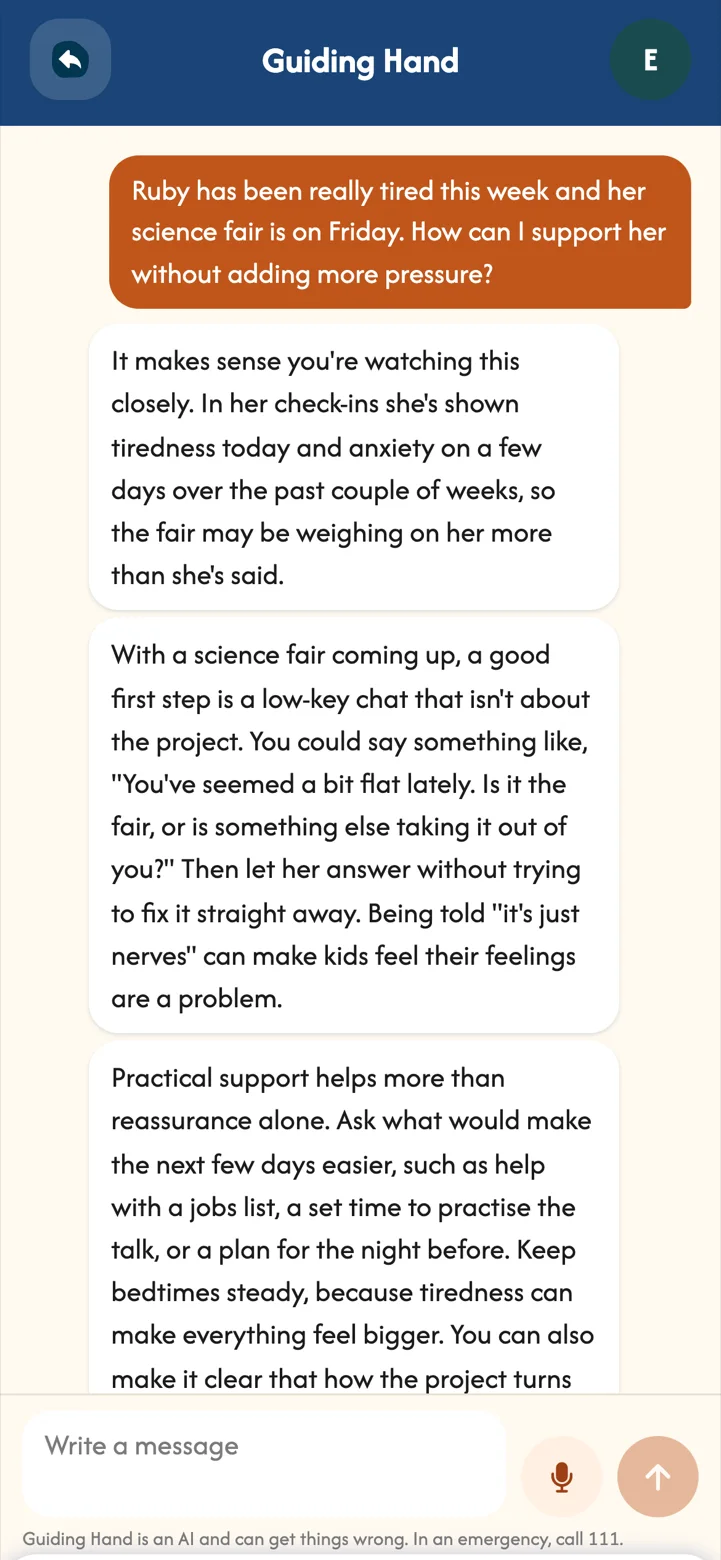
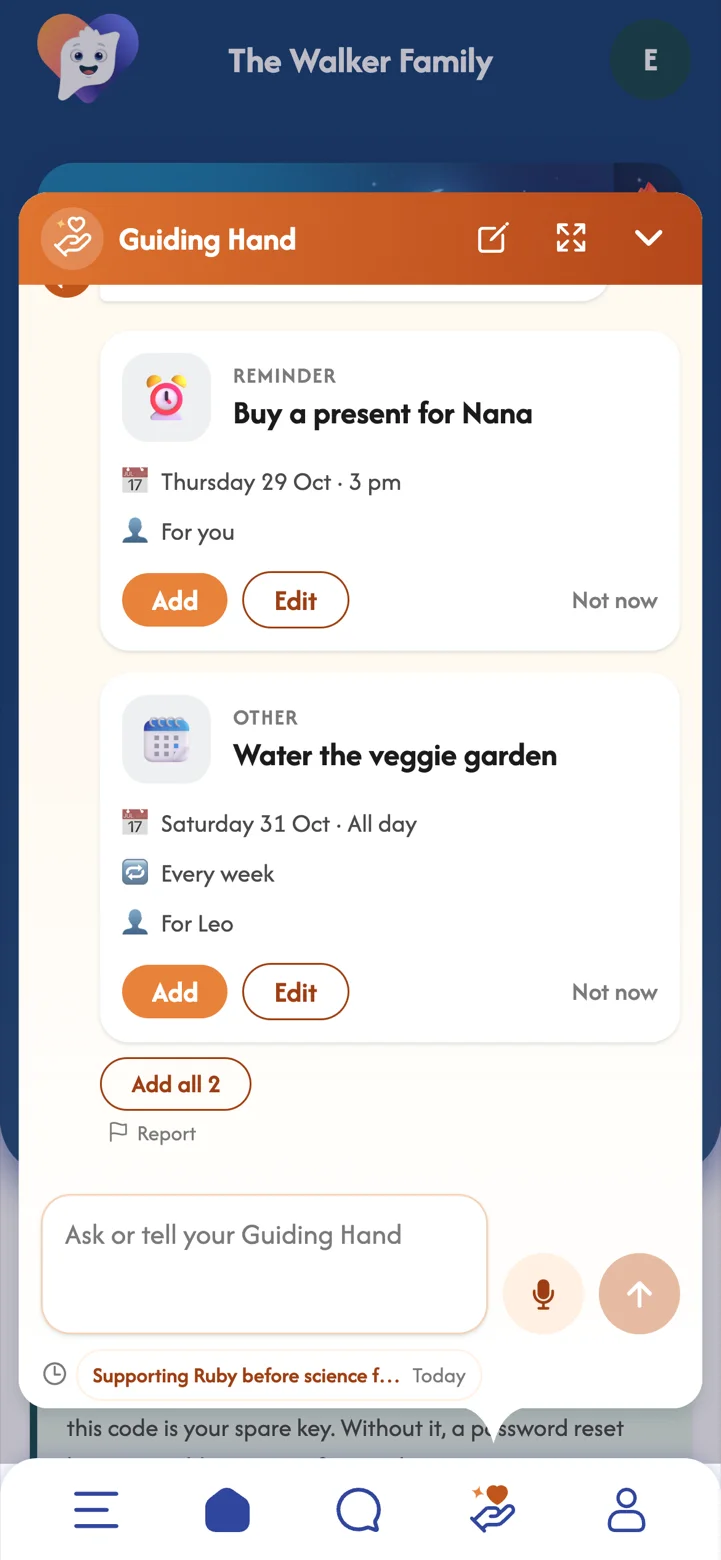
An AI helper for parents. Talk through the big feelings and the small stuff, or ask it to add something to the planner, a routine, the chores or rewards.
Parenting questions do not keep office hours. Guiding Hand is there for the moments when you want a calm, thoughtful second opinion, a few words to try, or a hand with the planning, so you can show up for your kids with a bit more energy.
- You stay in control it explains what it uses first, and you choose whether it can see your family's check-in moods.
- It never sees your family's messages, journals, check-in notes or locations.
- Nothing is added until you tap Add it suggests items as cards you can check and edit.
- Type or talk from the Guiding Hand button on any screen.
 Part 12Premium
MoodBuddy
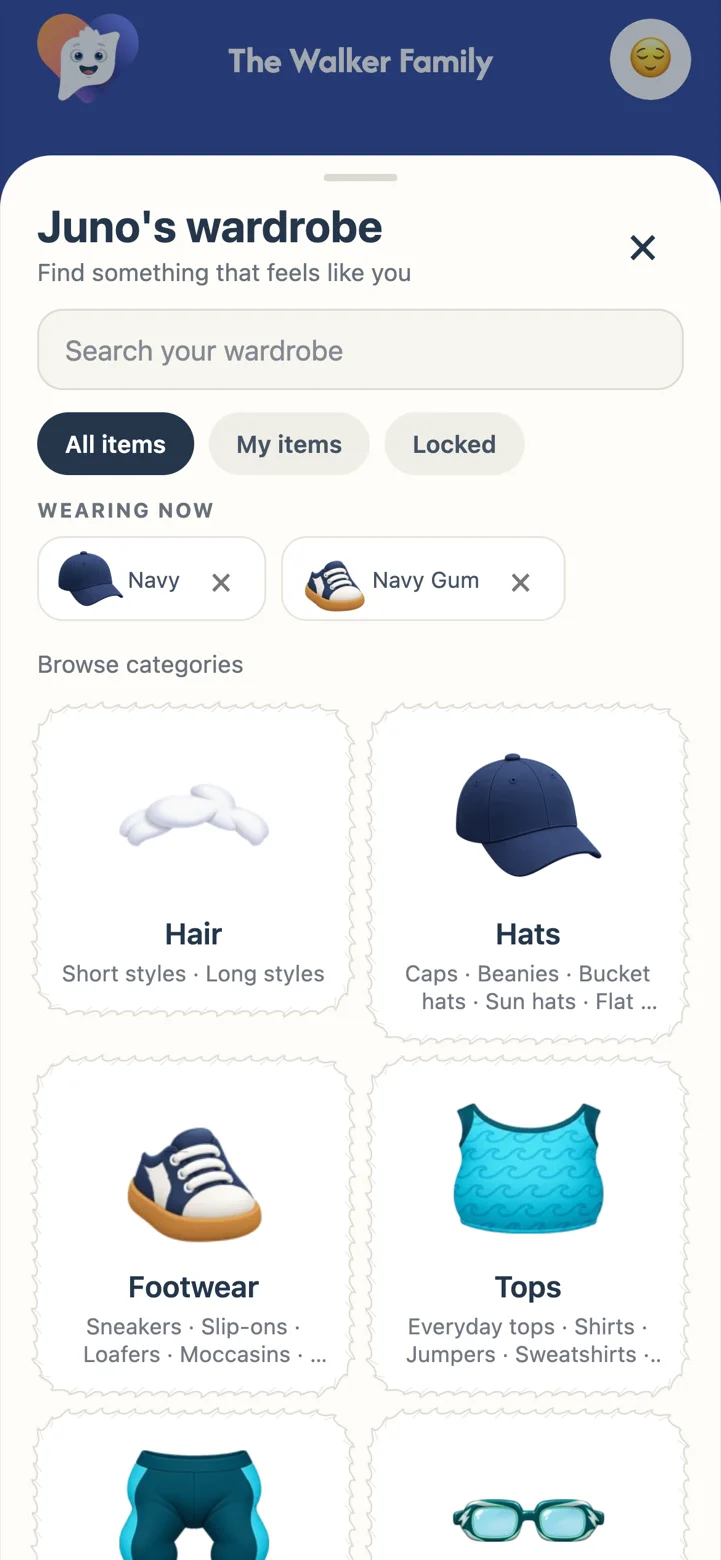
Every child has a MoodBuddy that cheers them on, reacts to their check-ins and chats back with playful lines written by people.
MoodBuddy gives feelings a friendly face. Children who might not want to talk about their day often happily tell their buddy, and every line it says is written and checked by people, so it is always warm and age-appropriate.
- A wardrobe to explore hats, tops, shoes, glasses and more.
- You decide in Child Settings, MoodBuddy: everything unlocked, or items saved as rewards.
 Part 13
Calm Corner, My Space and My Corner
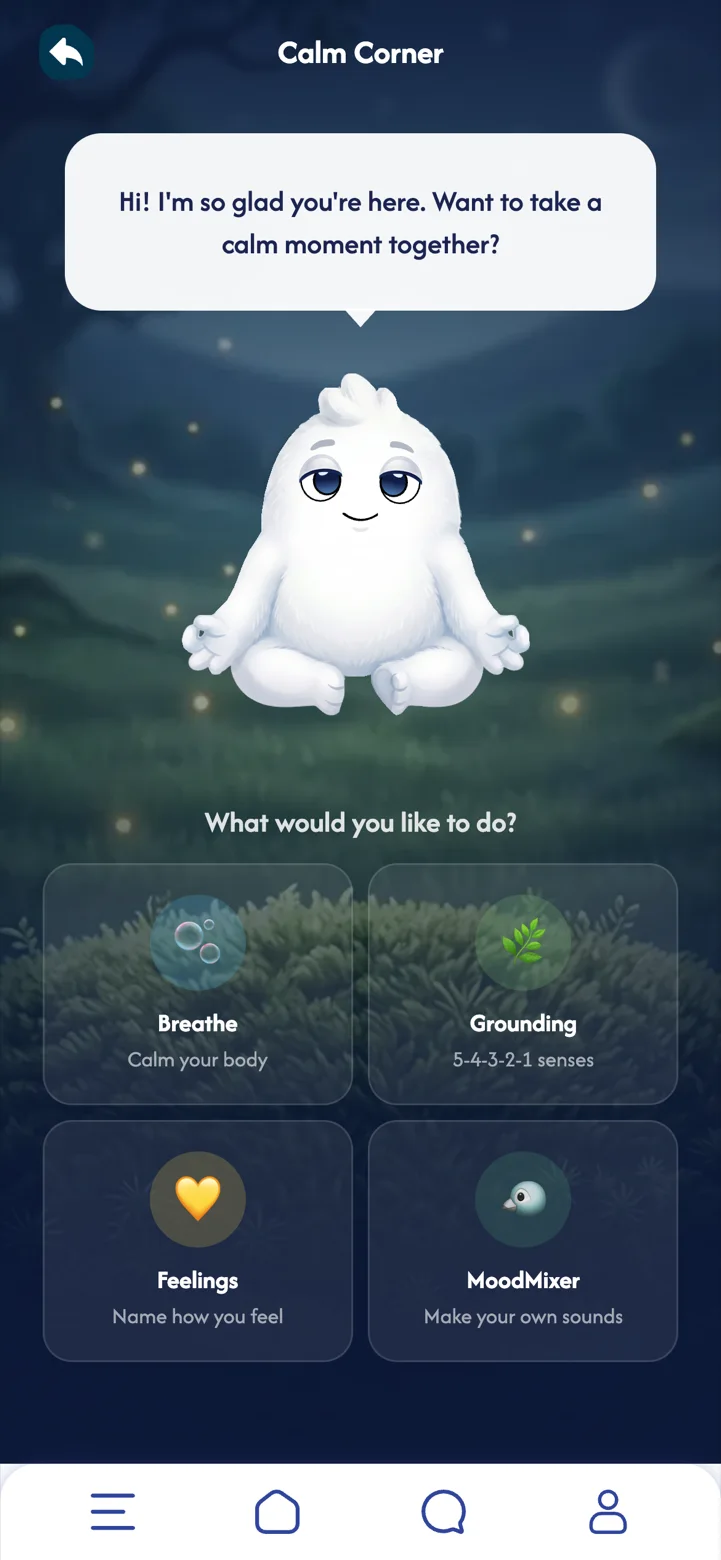
Gentle spaces for the moments in between.
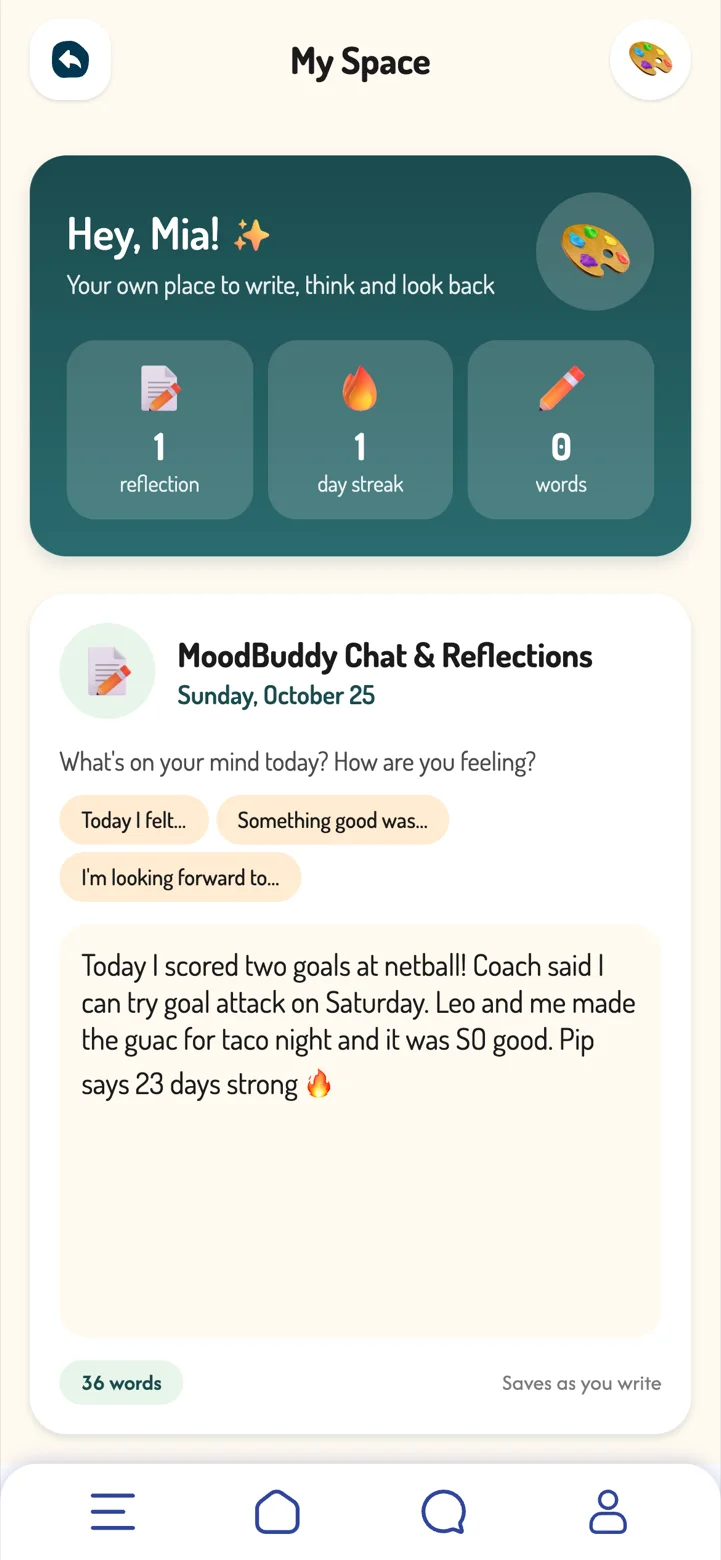
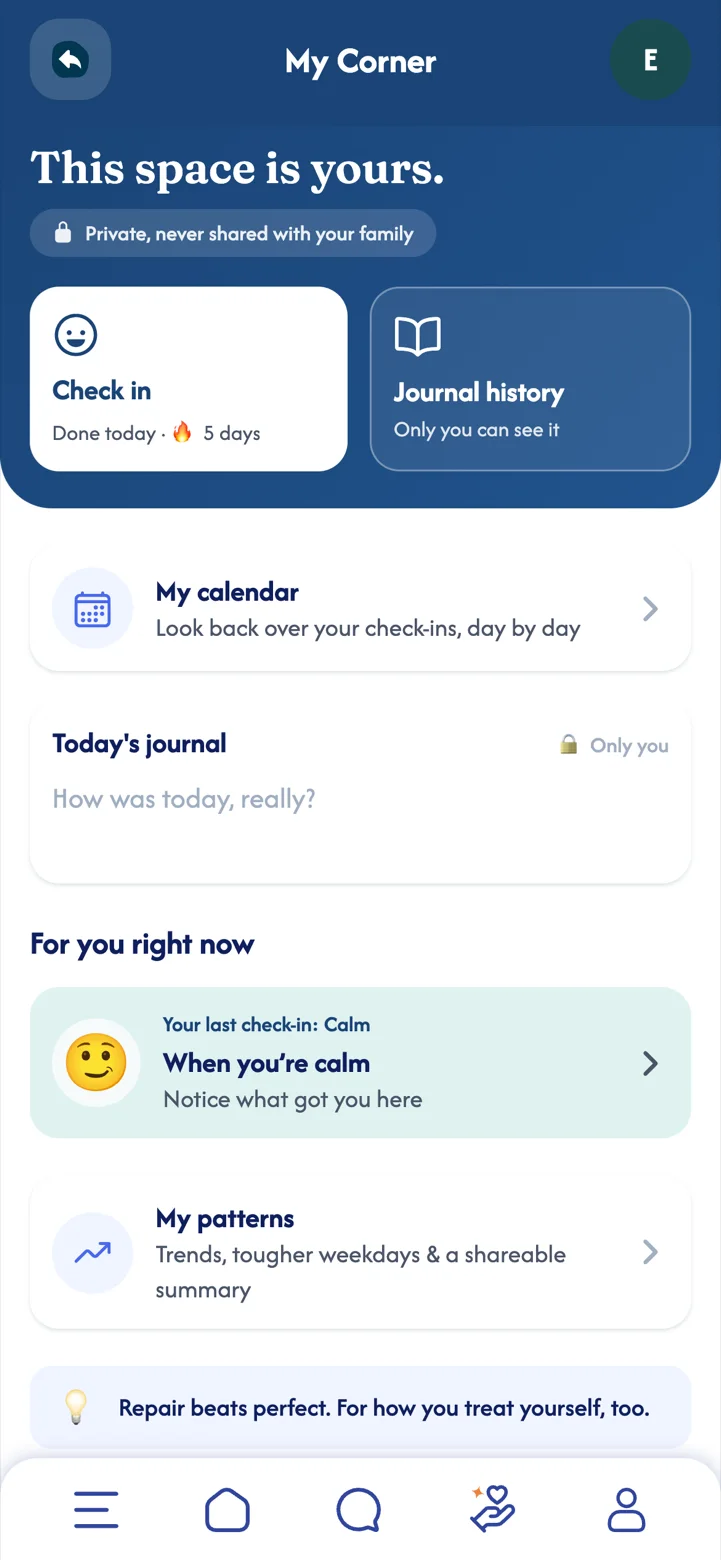
Big feelings need somewhere to go. These spaces offer simple, gentle tools for slowing down, writing things out, and looking after yourself, for children and parents alike. They are calming tools, never a replacement for real support.
- Calm Corner (Premium) breathing, grounding and feelings tools for big moments.
- My Space your child's own place to write, think and look back, with gentle journal prompts.
- My Corner a space just for parents, with guides for your own hard days.
 Part 14Premium
Achievements
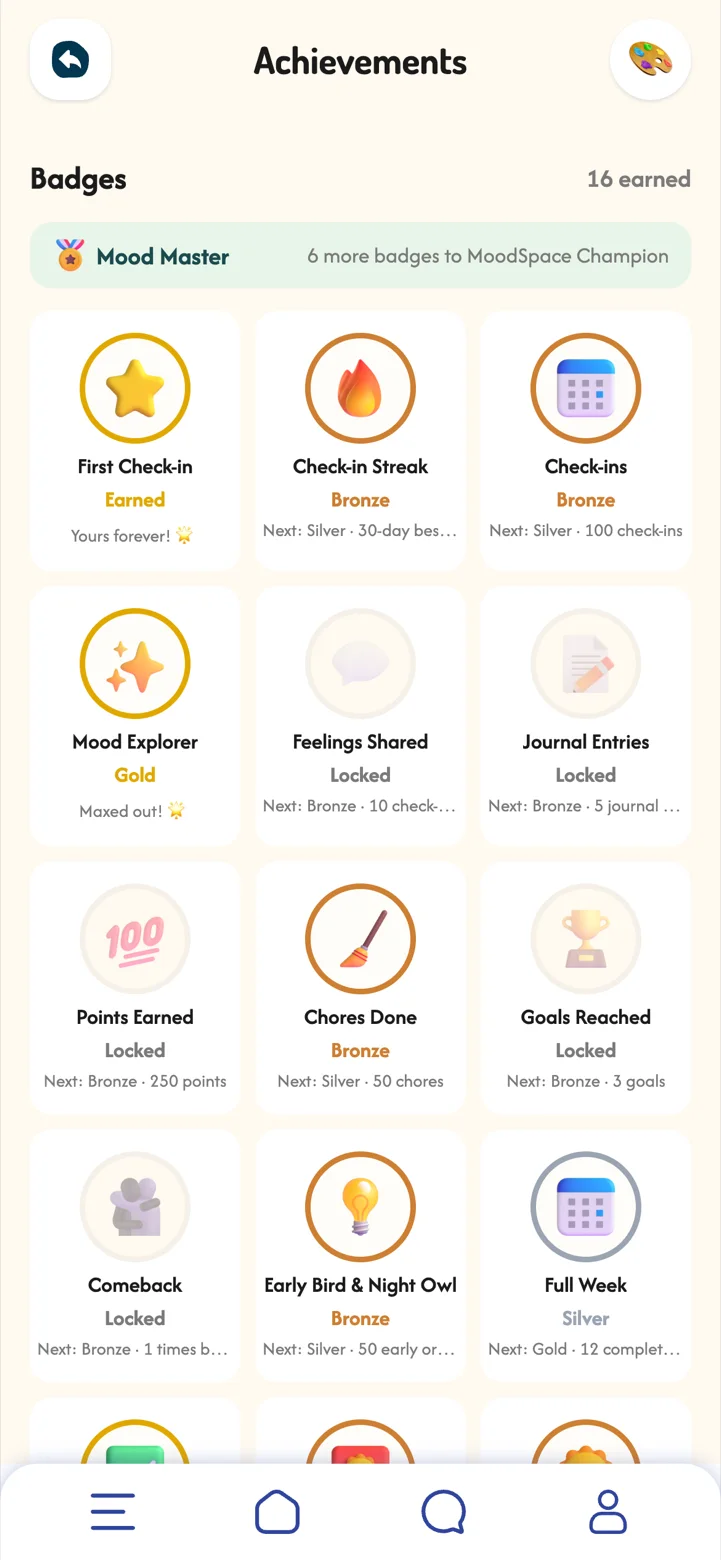
Bronze, silver and gold badges for streaks, check-ins, routines, chores and more, with titles to grow into.
Badges celebrate showing up, not being perfect. Once earned, a badge is never taken away, so progress always feels like something to be proud of.
 Part 15
Settings and privacy
Your child's space is theirs. Children control what they share, and MoodSpace is designed to support, not to surveil.
Trust works both ways. You choose how your family uses MoodSpace, and your child's private space stays theirs. That balance is what keeps children sharing honestly.
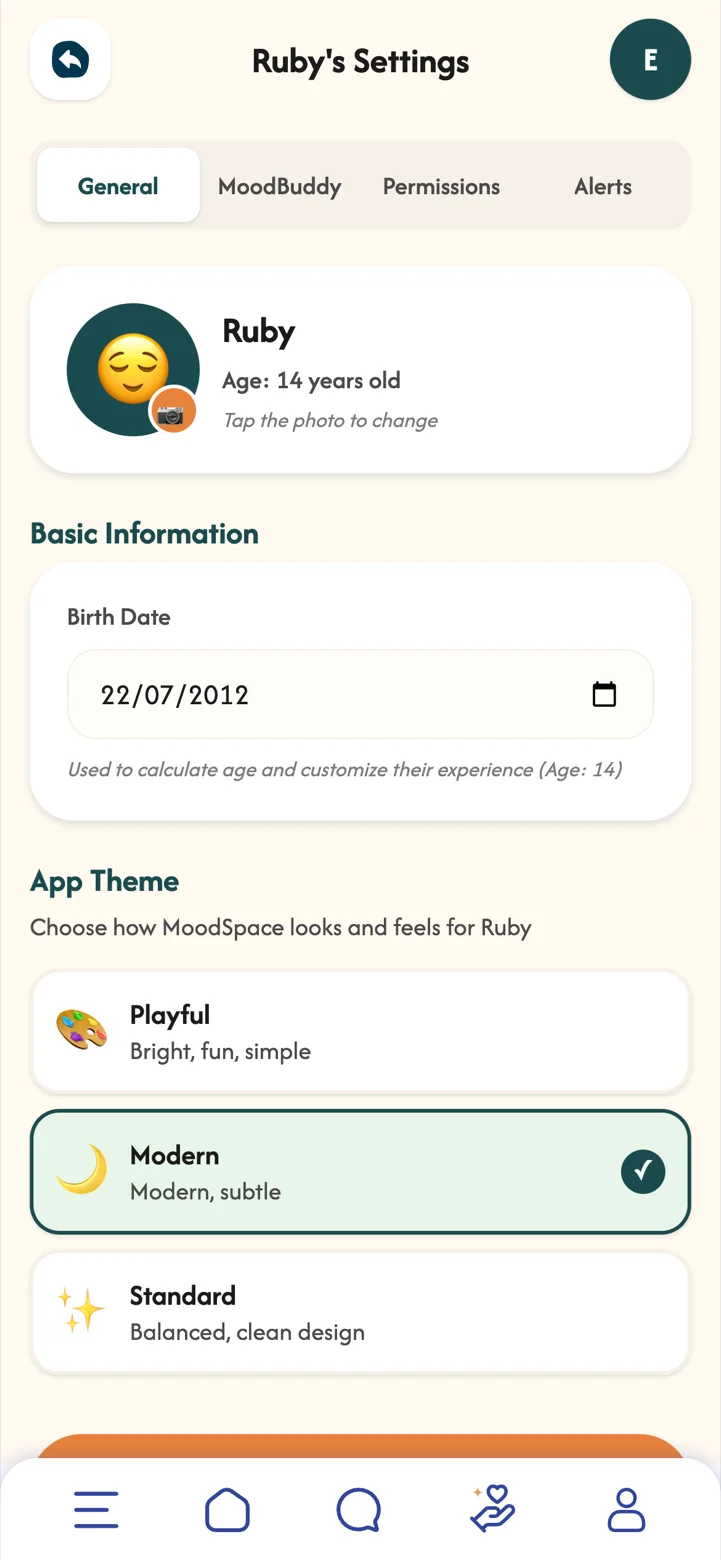
- Child Settings their details, MoodBuddy, permissions and alerts.
- Family Settings which features your family uses, quiet hours and points.
- Parents & Guardians invite other adults and choose what each can see.
- Profile notifications, your check-in reminder, password and recovery code.
Premium and Family+
Free
Check-ins, rewards and daily routines.
Premium
Insights and reports, pattern alerts, chores, the family planner, MoodBuddy and its wardrobe, achievements, family chats, Calm Corner, the check-in map, guides for parents and room for up to 7 children and 6 adults.
Family+
Everything in Premium, plus Guiding Hand and room for up to 12 adults.
Have a promotional code? Go to Profile, Redeem a code.
Welcome to MoodSpace
MoodSpace Solo is MoodSpace for you, on your own: a quiet minute each day to notice how you feel, and a few gentle tools for the days that need them.
Everything is private by default. If you want company, you can invite friends you trust and choose exactly what each of them sees.
Features marked Premium are part of MoodSpace Premium. New accounts get a free 7-day Premium trial with everything unlocked, no card needed.
Meet Alex
Follow Alex through an ordinary week: morning runs, a big design review, climbing with Priya on Thursdays and the odd slow Sunday.
 Alex31, with Mochi
 PriyaAlex's friendPart 01
Getting started
Setting up takes about a minute, and nothing is shared with anyone unless you choose to share it.
MoodSpace Solo starts from one simple idea: noticing how you feel is easier when it is a small daily habit, not a big task. Setting it up just for you keeps it light and private from day one.
- Create your accountSign up with your email and a password. We email you a 6-digit code to confirm it is you.
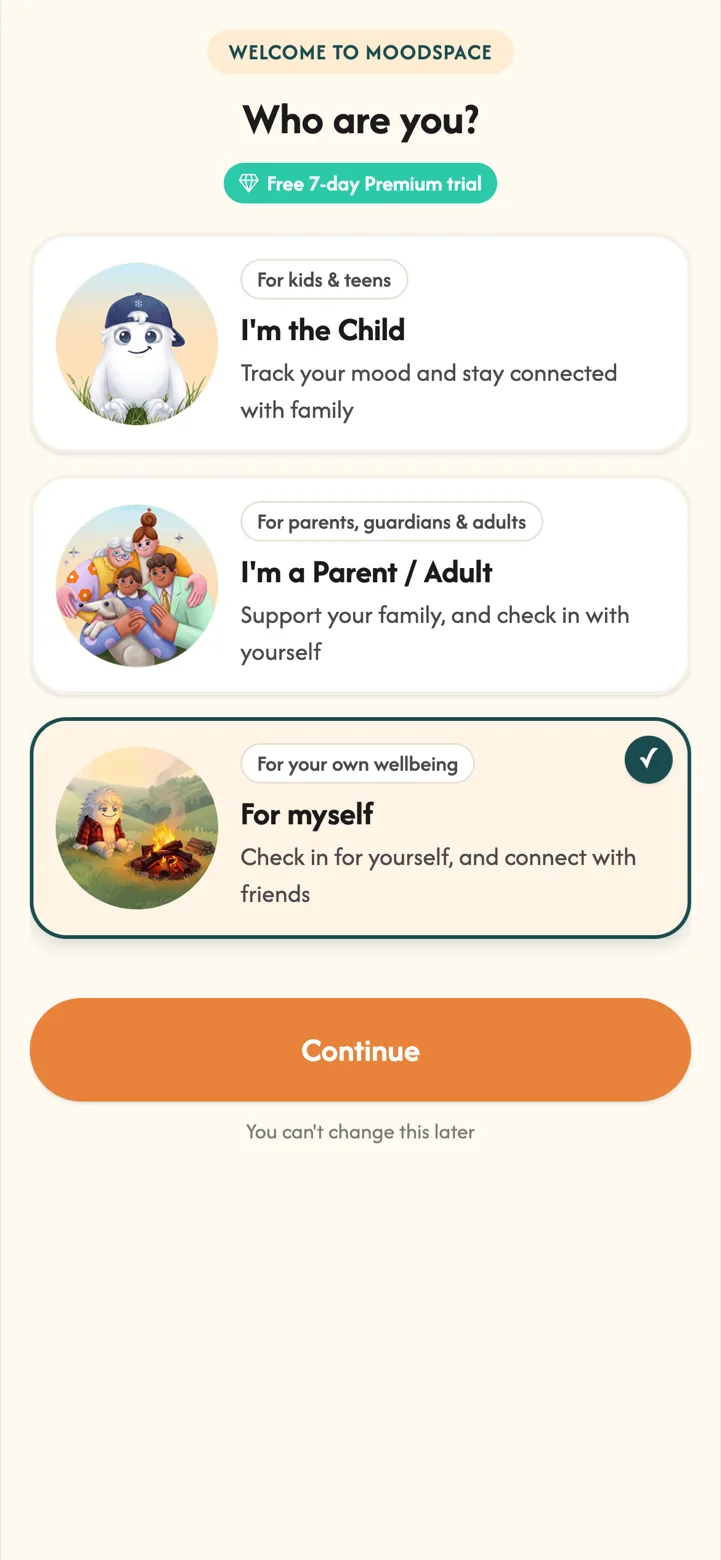
- Choose For myselfThis is the Solo option, for checking in for yourself and connecting with friends.
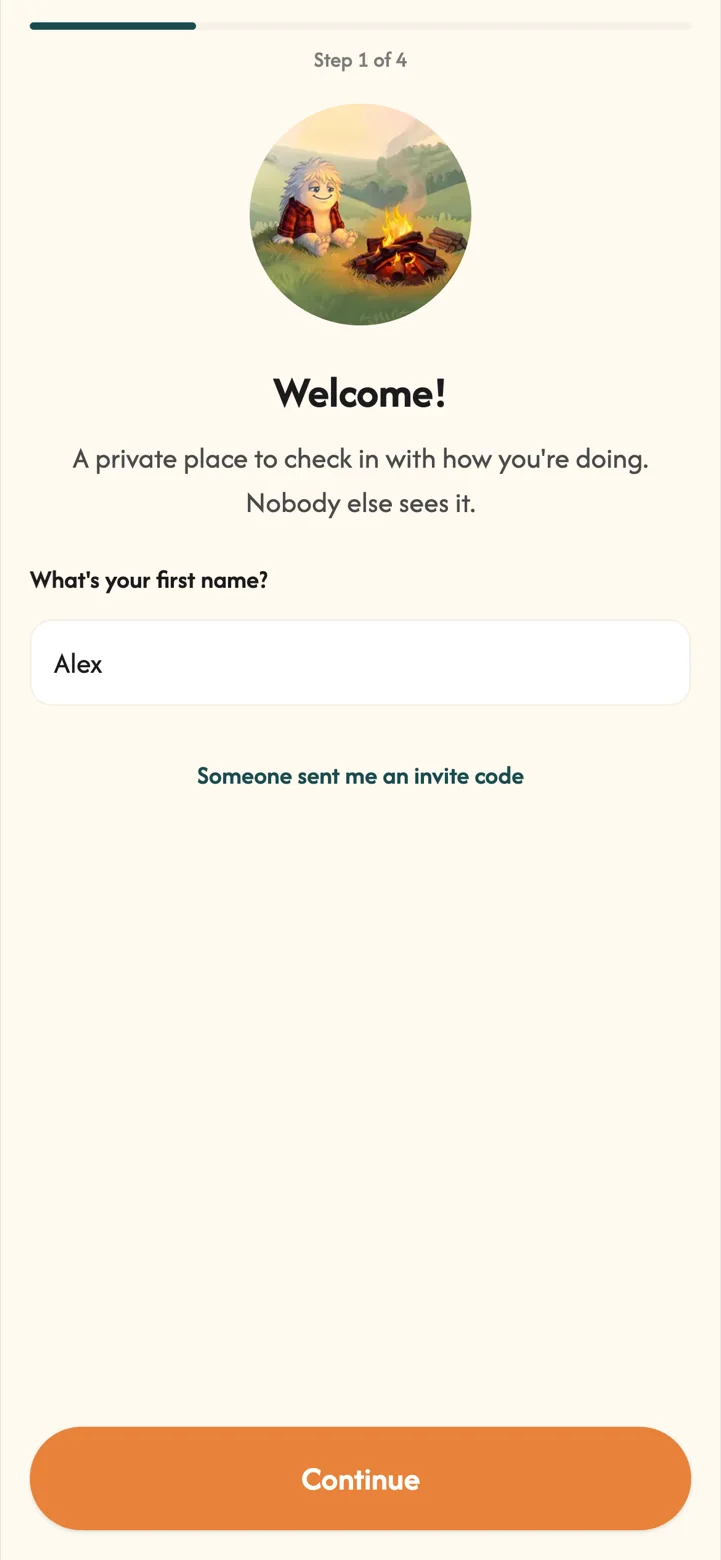
- Your name and birthdayOnly you can see these, and you can skip the birthday.
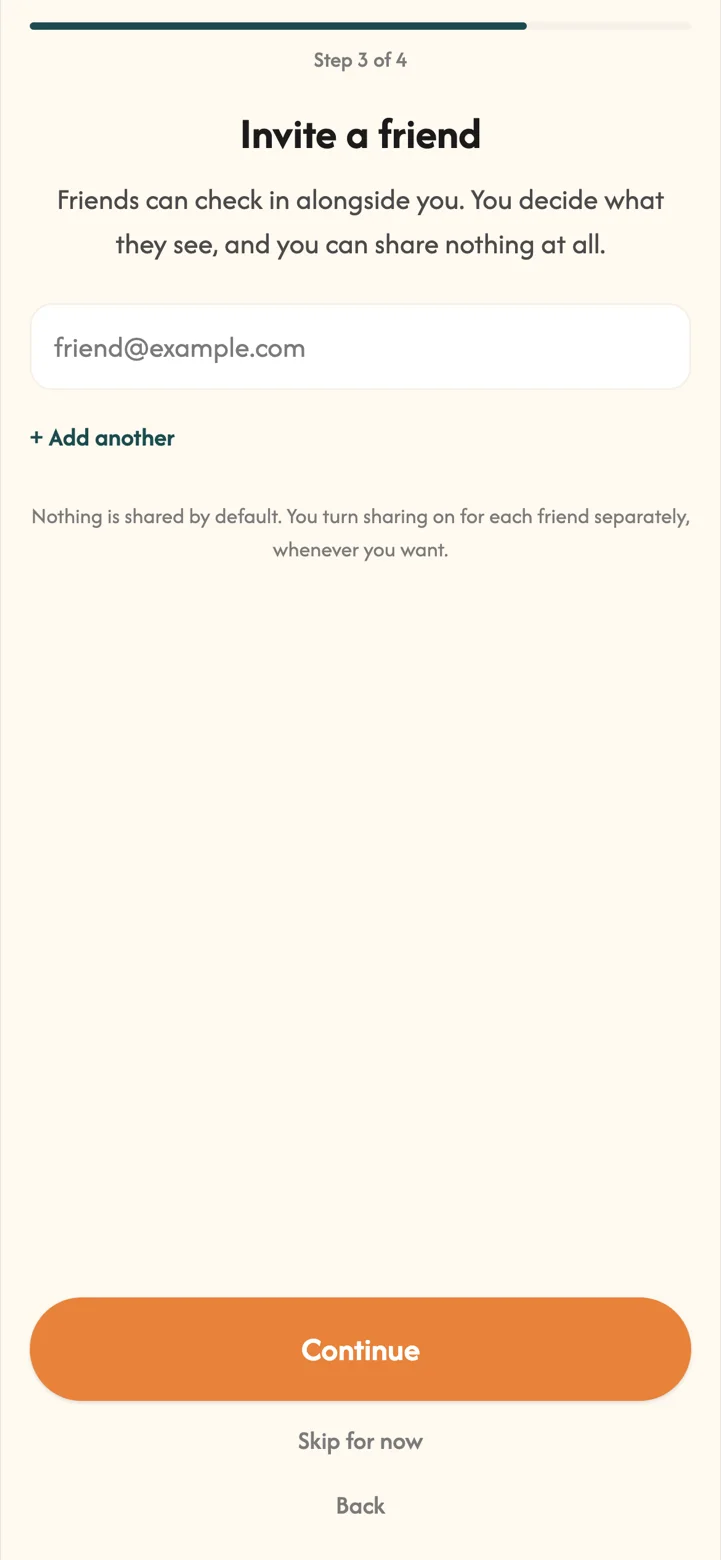
- Invite a friend, or notYou can add friends now or any time later. Nothing is shared by default.
 Part 02
Your space
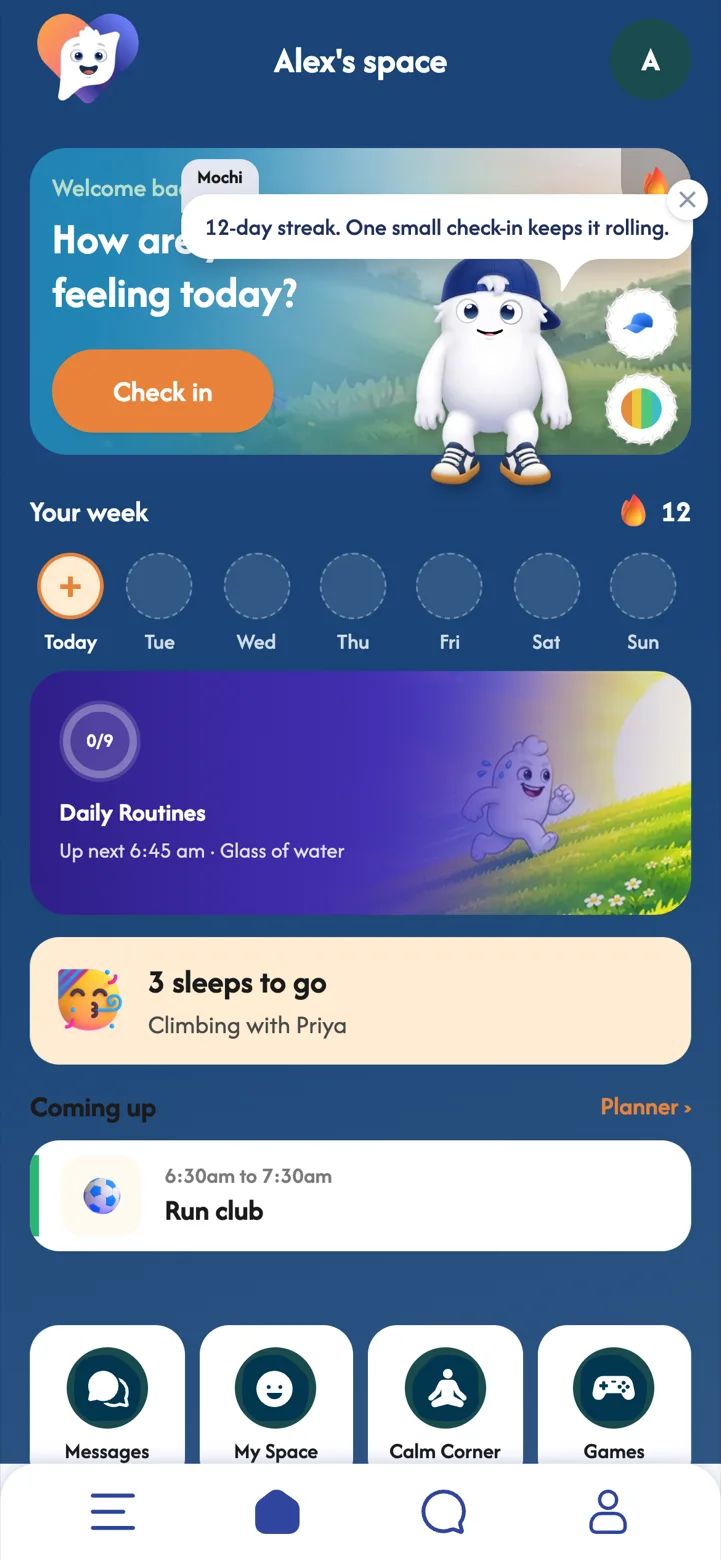
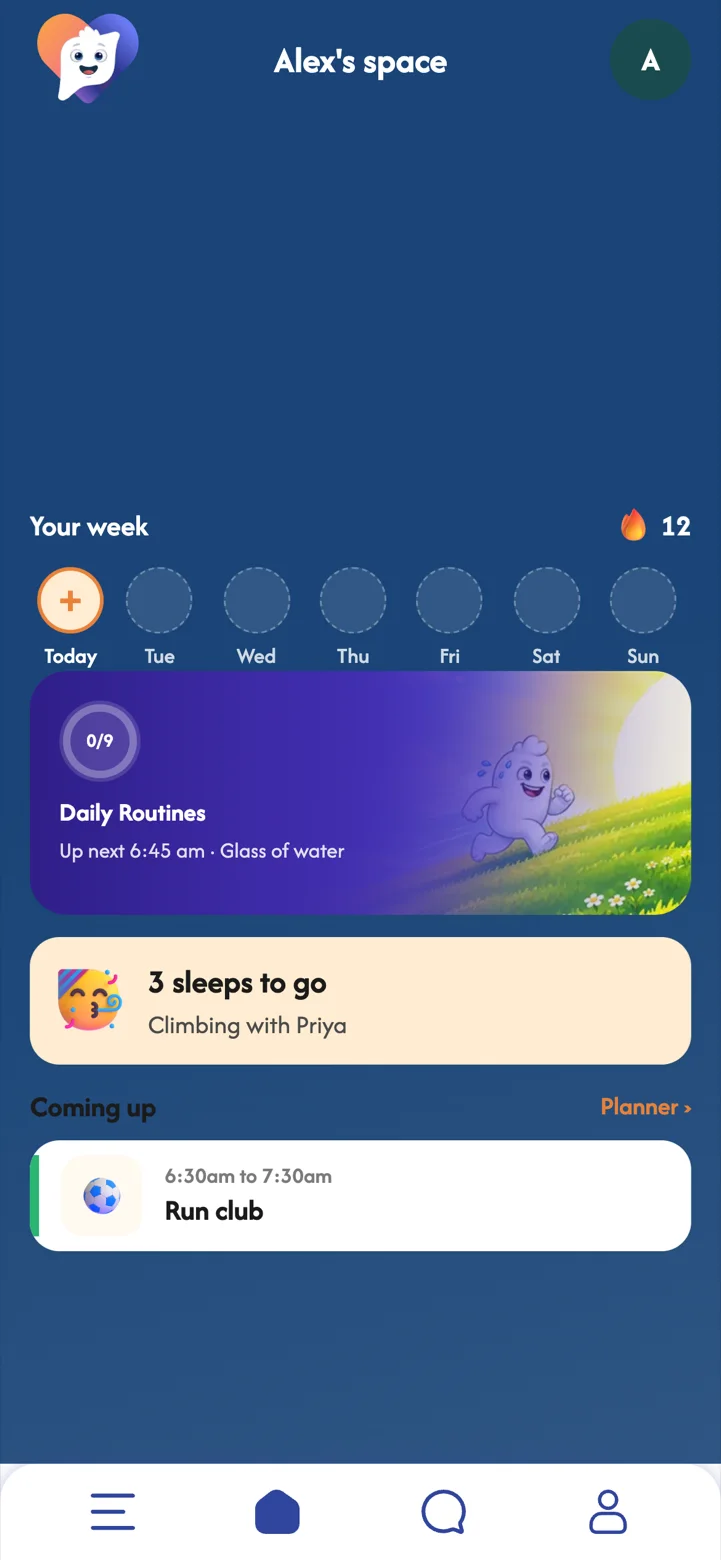
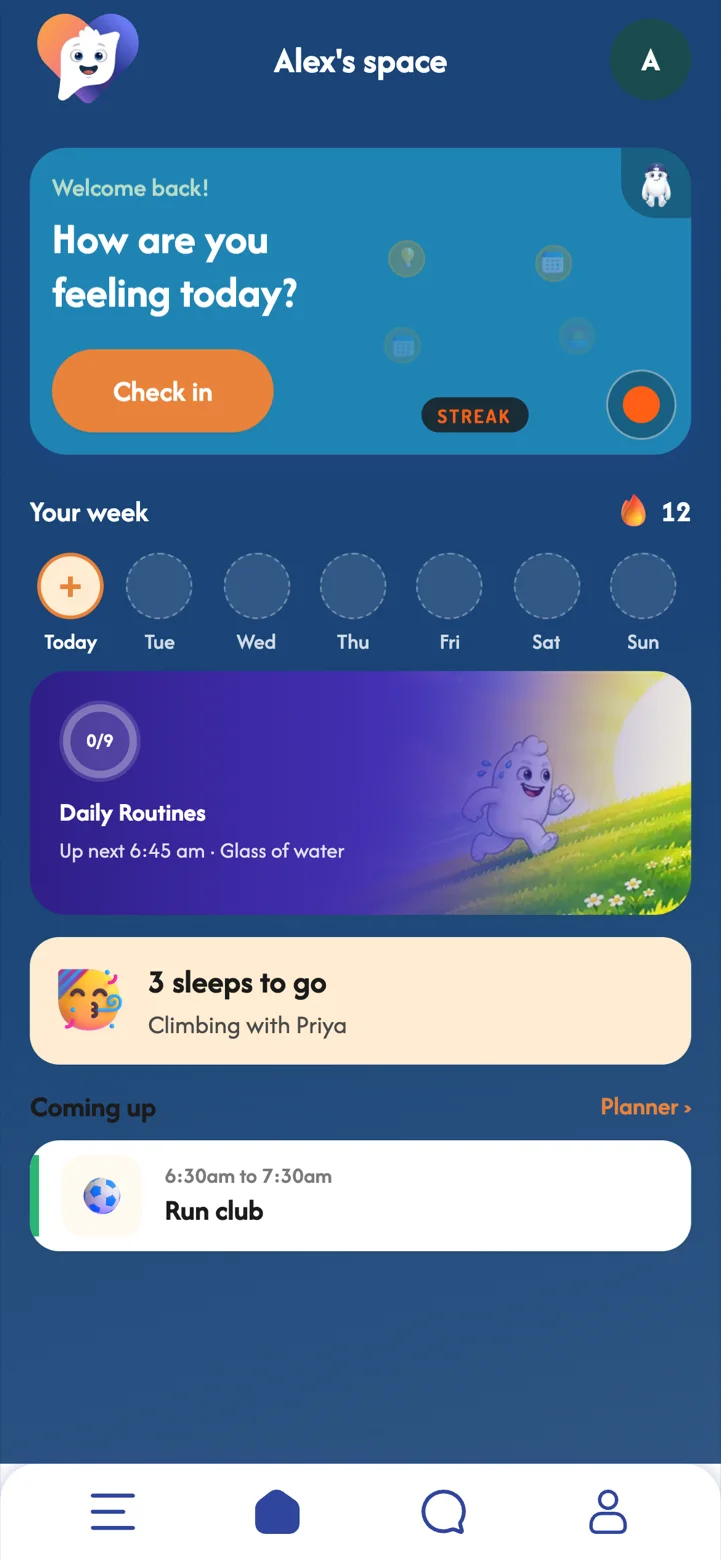
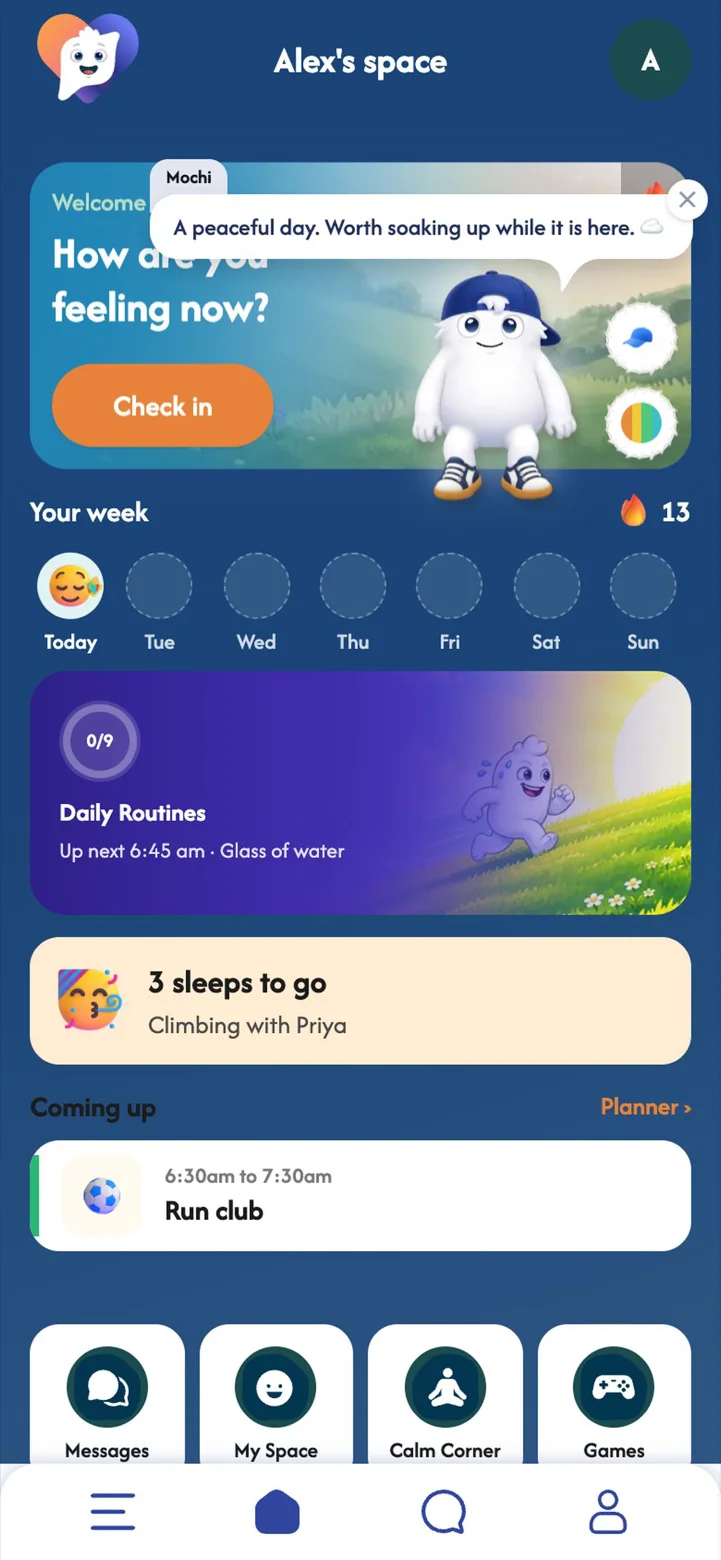
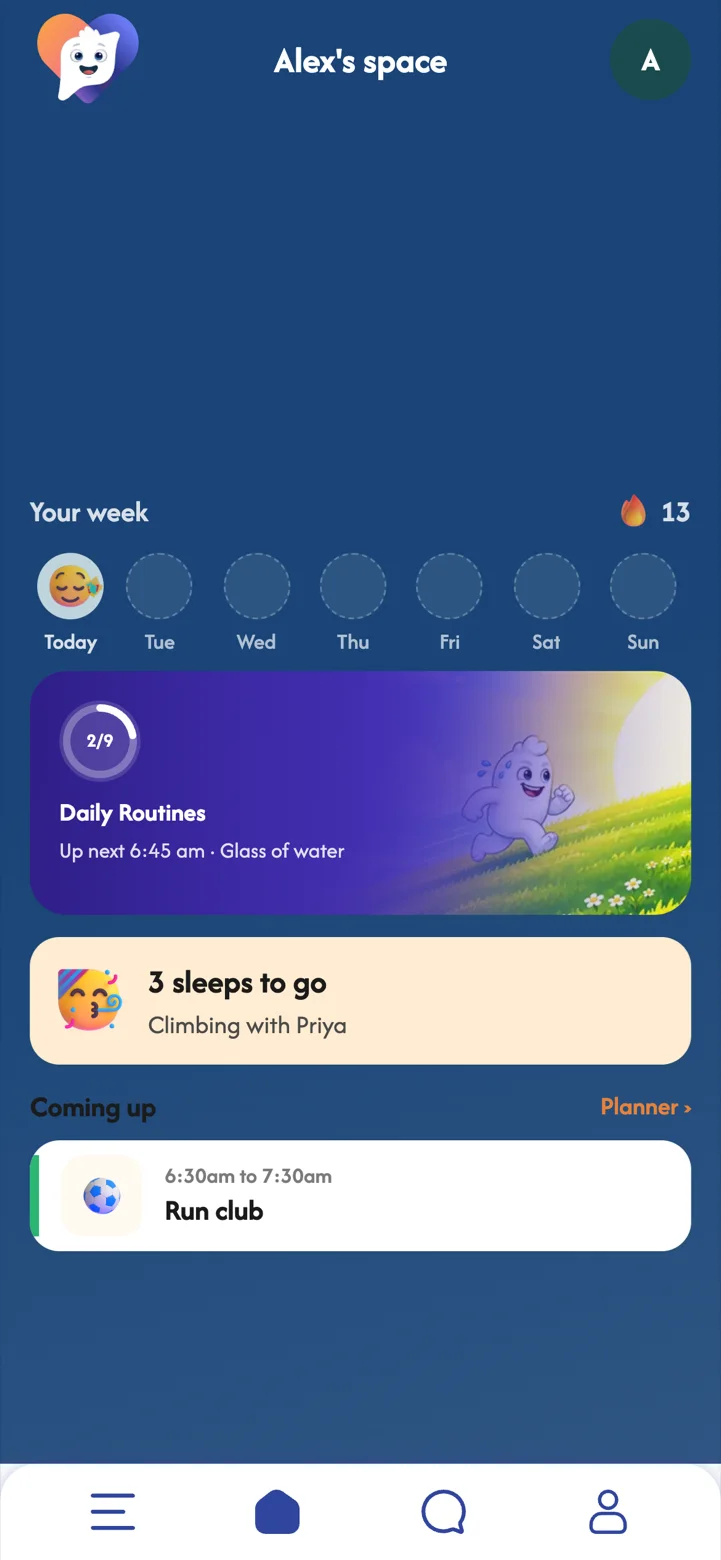
Your home screen shows your week at a glance: your check-ins, your routine, and what is coming up next.
The home screen is designed to be calm. One look tells you how your week is going and what is next, without a feed to scroll or anything asking for your attention.
- Your week a face for each day you checked in, and your streak.
- Daily Routines what is up next, and how much of the day is done.
- Countdowns like "3 sleeps to go" for something you are looking forward to.
- Shortcuts to Messages, My Space, Calm Corner and Games.
 Part 03
Checking in
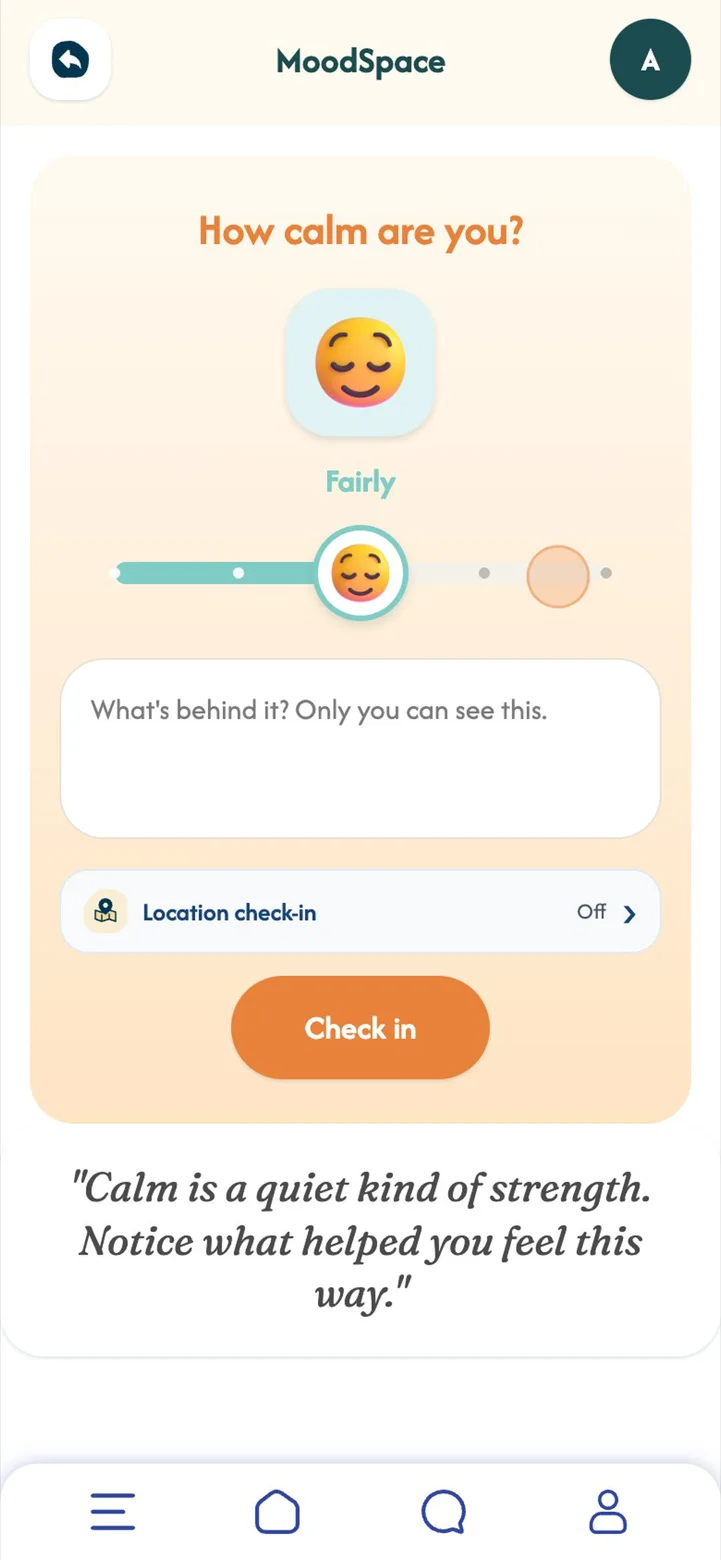
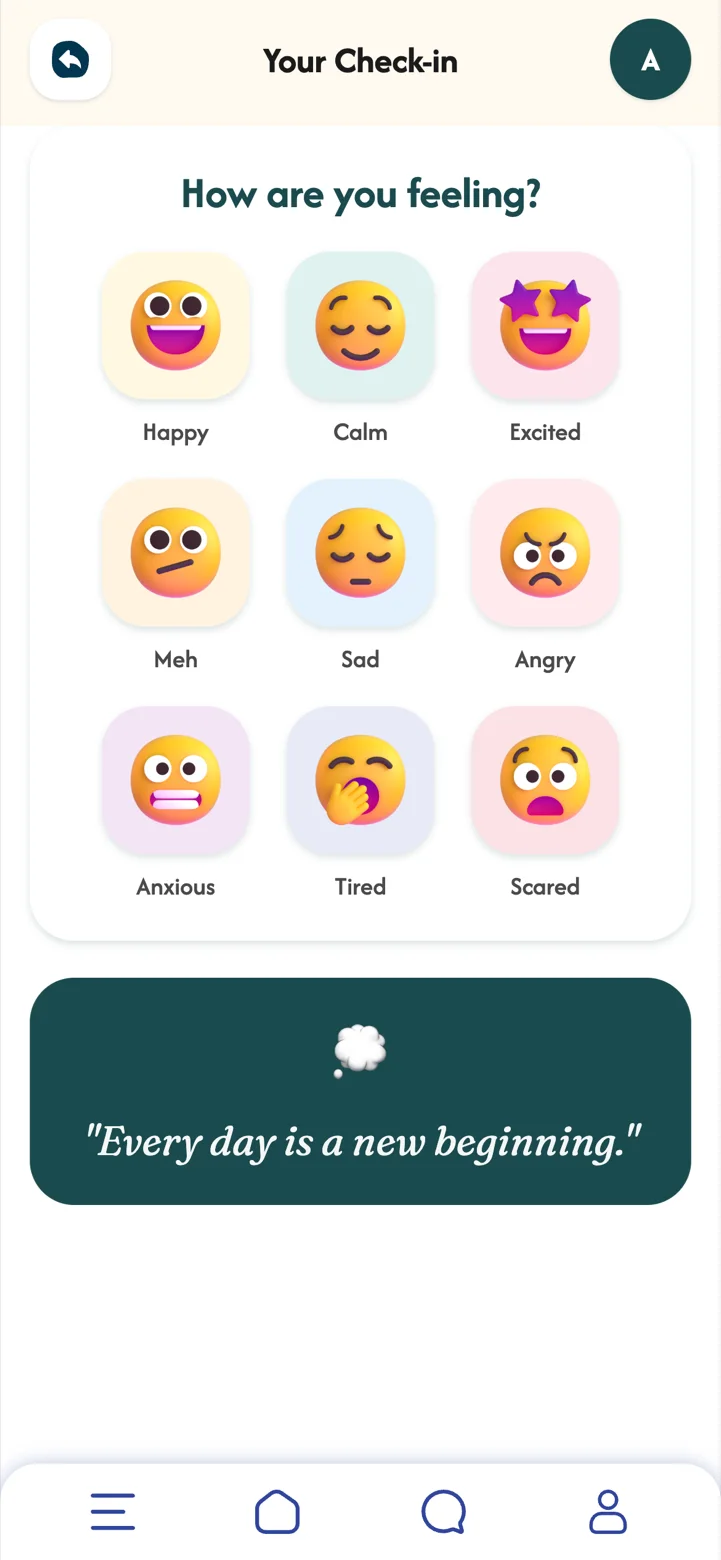
A few seconds, once or twice a day. Pick a feeling, show how strong it is, and add a note if you like.
Naming a feeling is one of the simplest ways to take some of the weight out of it. A quick, private check-in turns that into a habit, and there are no wrong answers.
- Tap Check inFrom your home screen, any time of day.
- Pick a feelingHappy, calm, excited, meh, sad, angry, anxious, tired or scared.
- Show how strong it isSlide from a little to extremely, and add a note. Only you can see it.
- DoneYour streak grows, and MoodBuddy reacts if you have one.
 Part 04
My Space and your journal
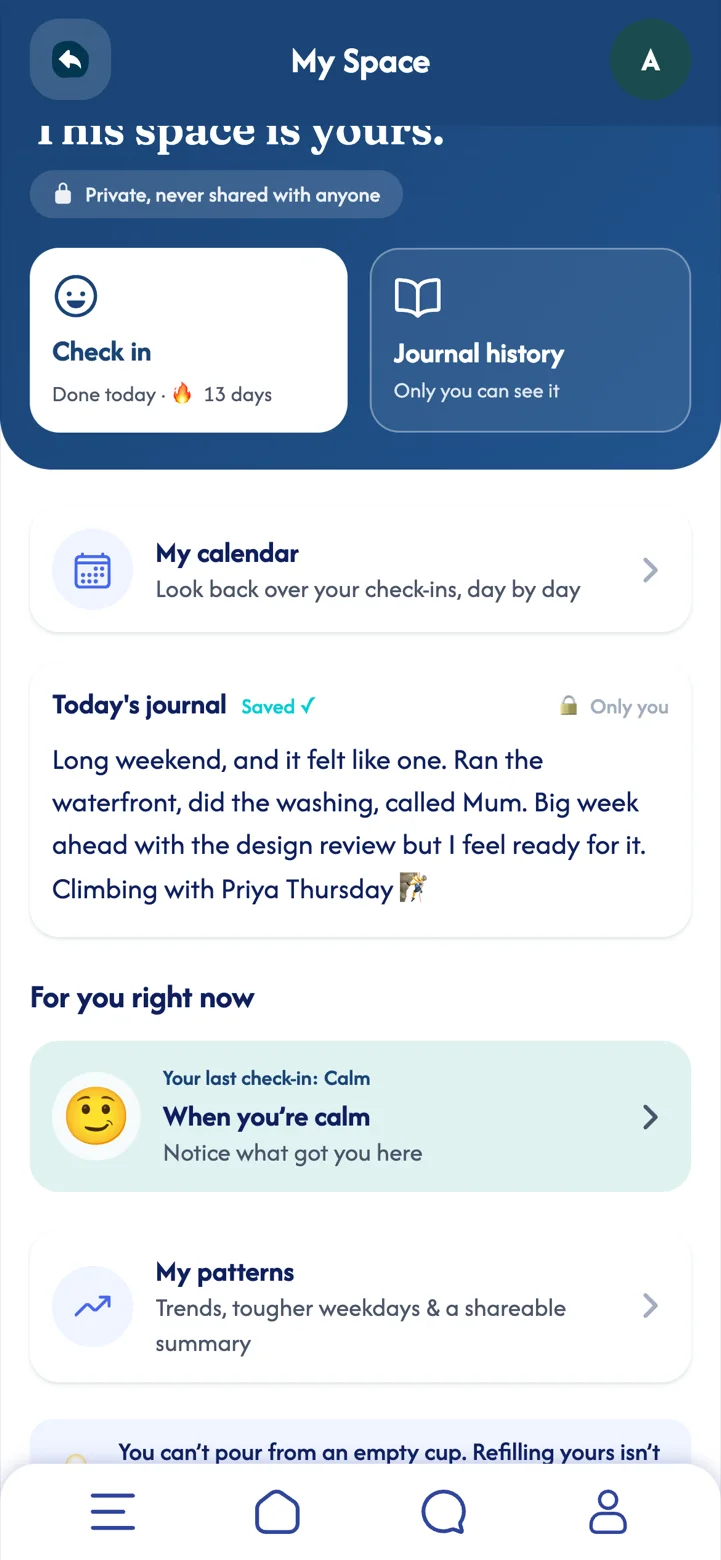
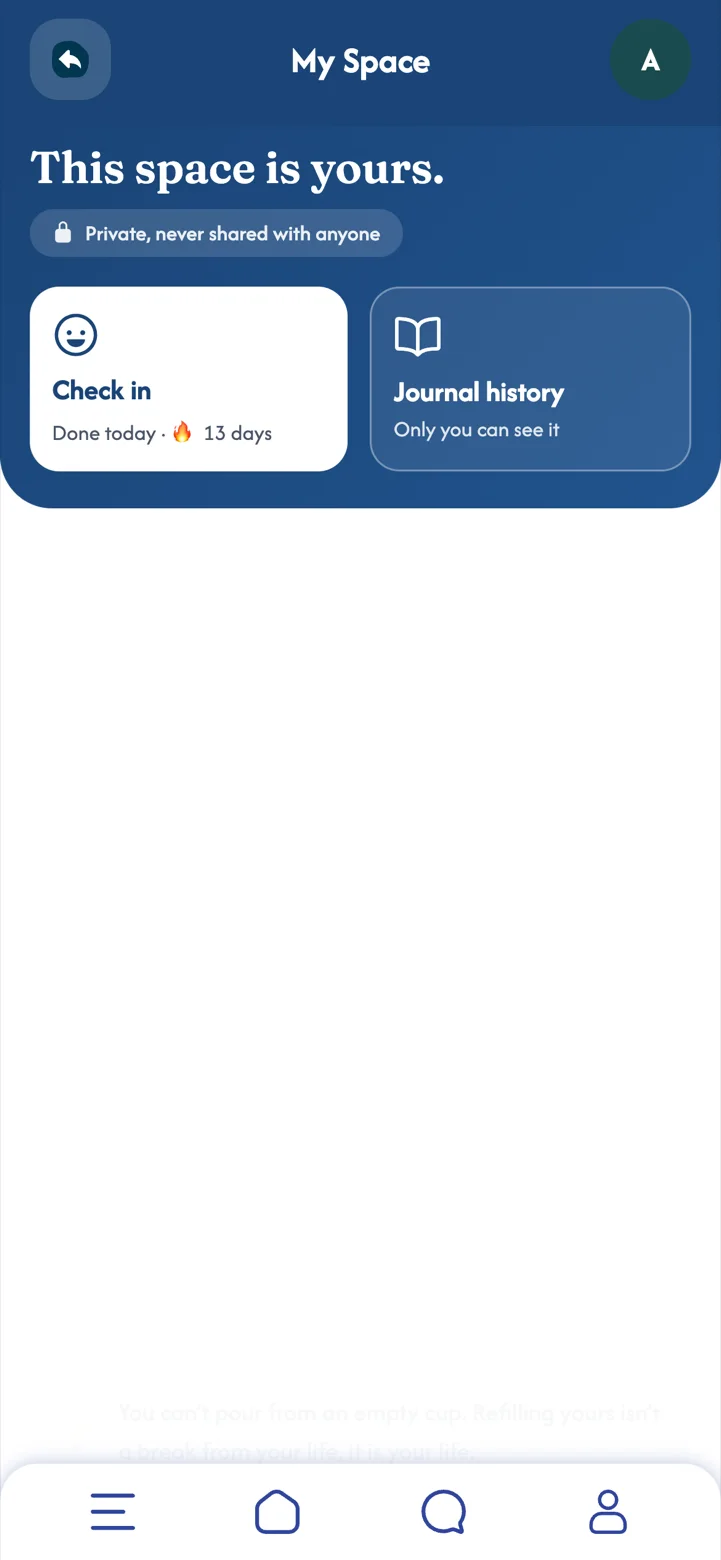
Your own private place to write, think and look back. It is never shared with anyone.
Writing things down, even a line or two, helps the day settle. Gentle prompts take away the blank-page feeling, and guides for different feelings are there when a day is heavier than usual.
- Today's journal it saves as you write, with prompts if you want them.
- Journal history and My calendar look back over past days (calendar with Premium).
- For you right now ideas that respond to your last check-in (Premium).
- Life topics short guides for things like work following you home, sleep and keeping friendships going (Premium).
 Part 05Premium
My Patterns
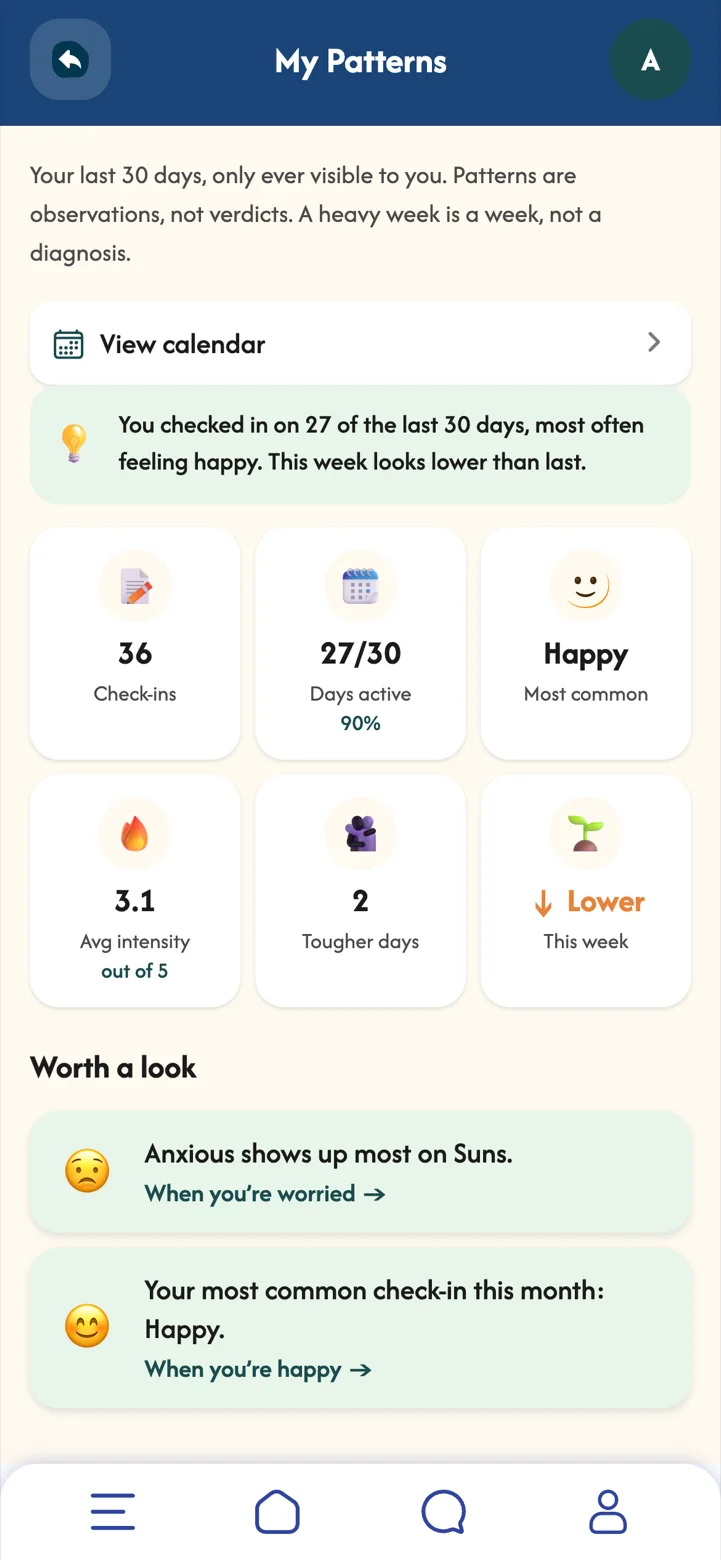
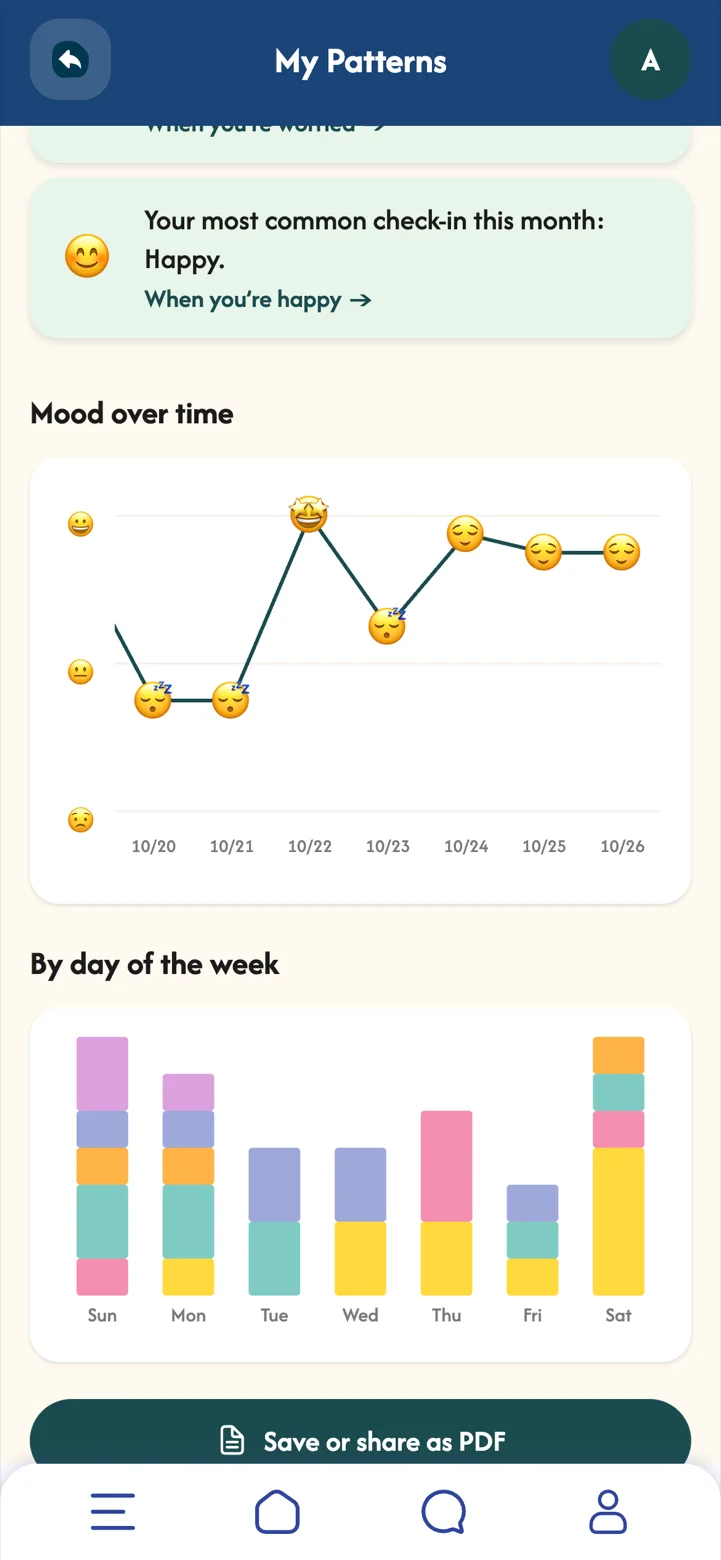
Your last 30 days, only ever visible to you: how often you check in, your mood mix, and the days of the week that tend to be harder.
Patterns are observations, not verdicts. A heavy week is a week. Seeing the shape of things over a month helps you notice what lifts you and plan a little kindness for the days that need it.
- A summary in plain words for example "You checked in on 27 of the last 30 days, most often feeling happy."
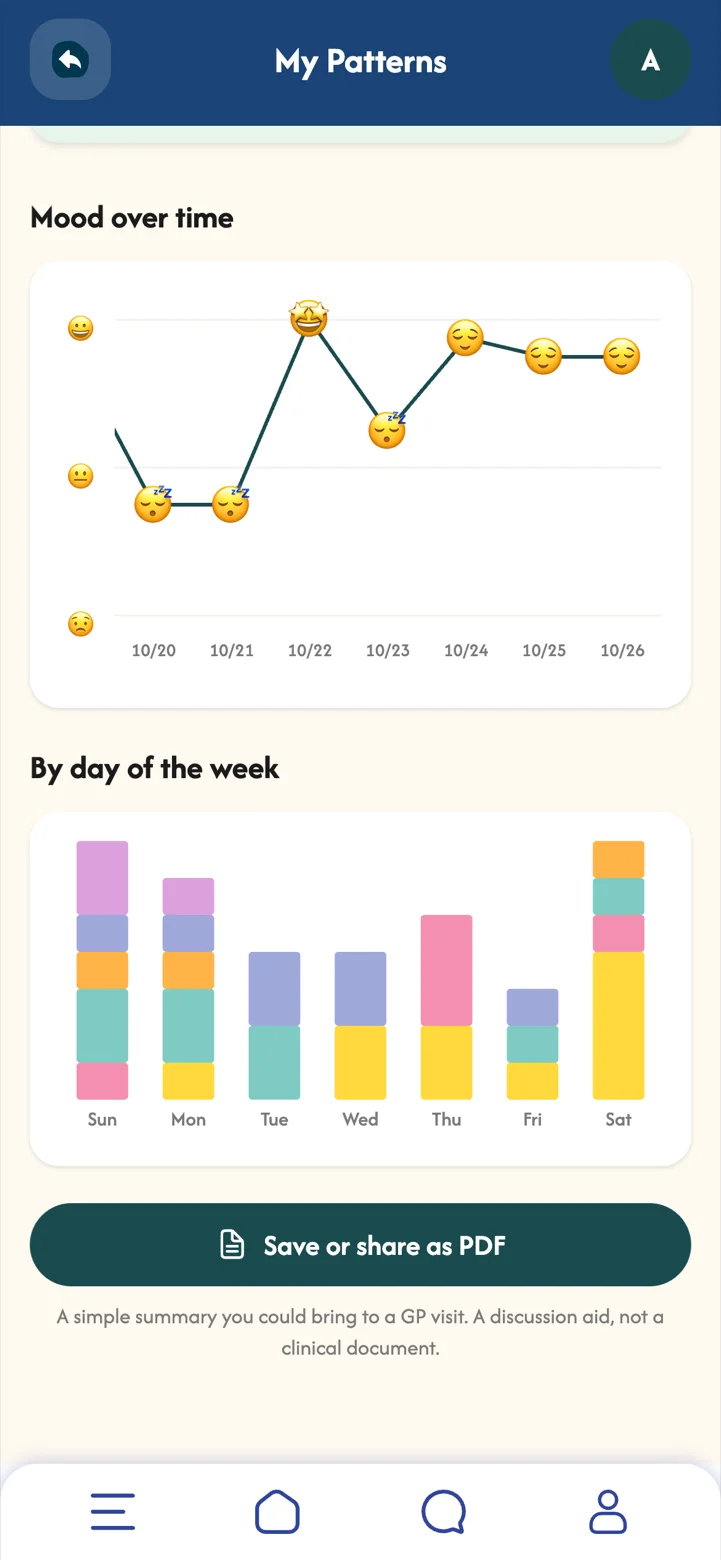
- Mood over time and by day of the week so trends are easy to see.
- Worth a look gentle pointers, like a weekday where one feeling tends to show up.
- Save or share as PDF a simple summary you could bring to a GP visit.
 Part 06
Friends and messages
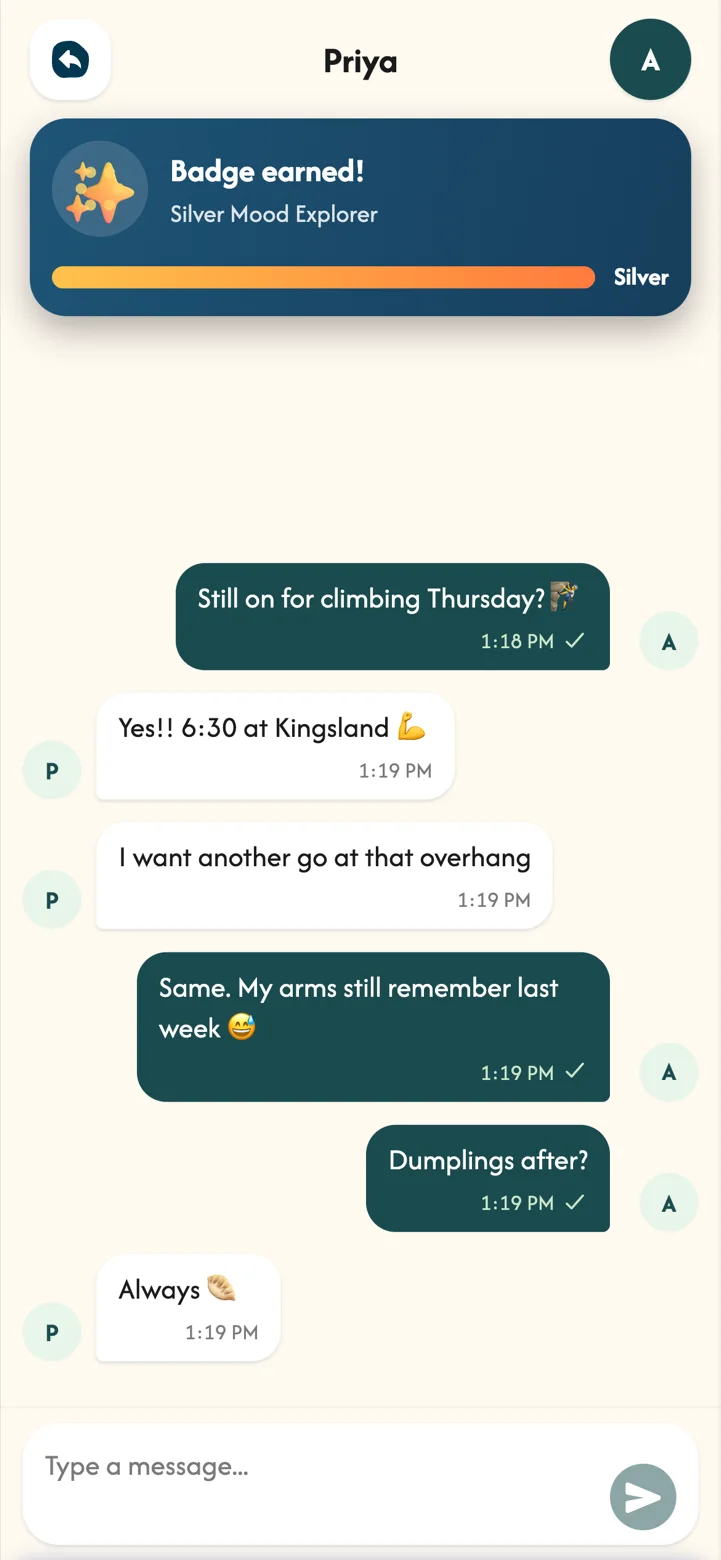
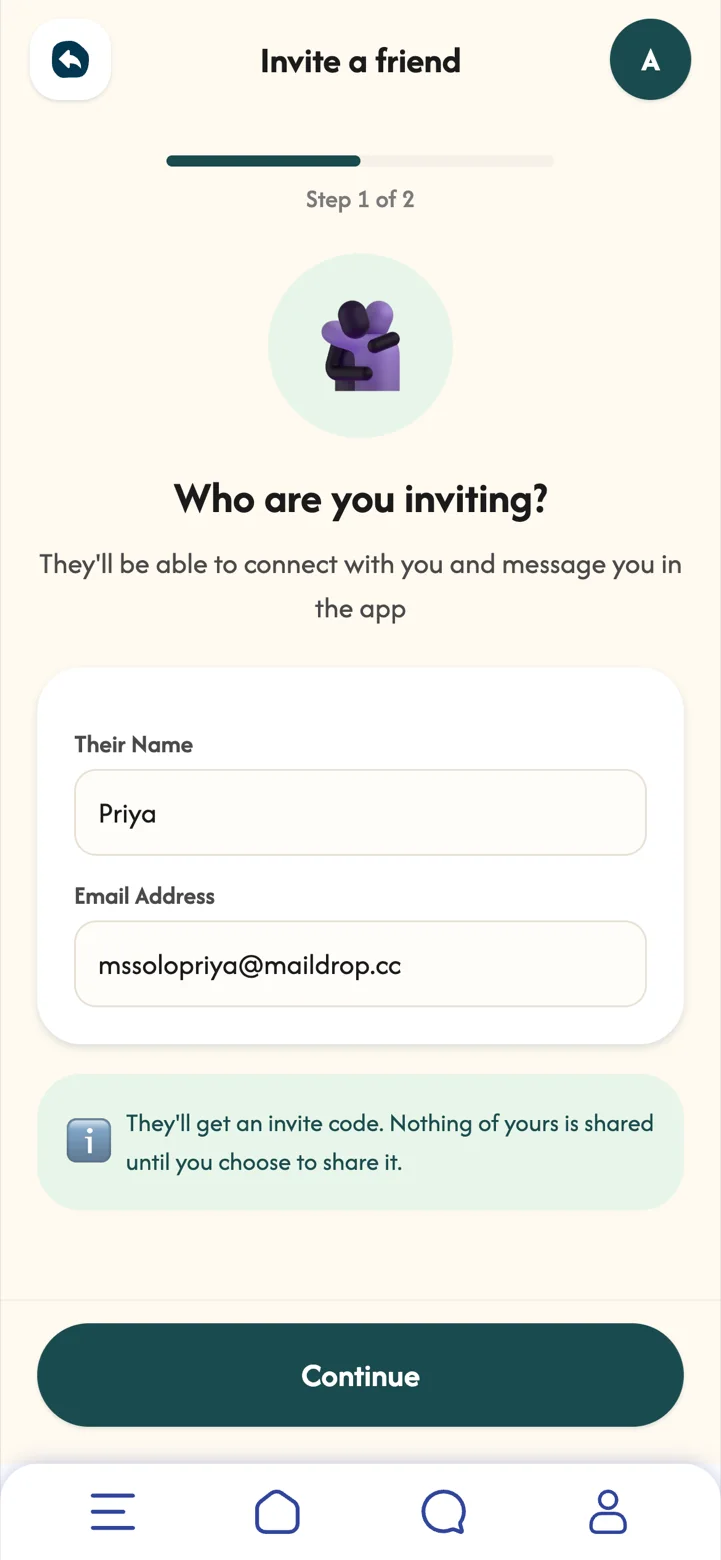
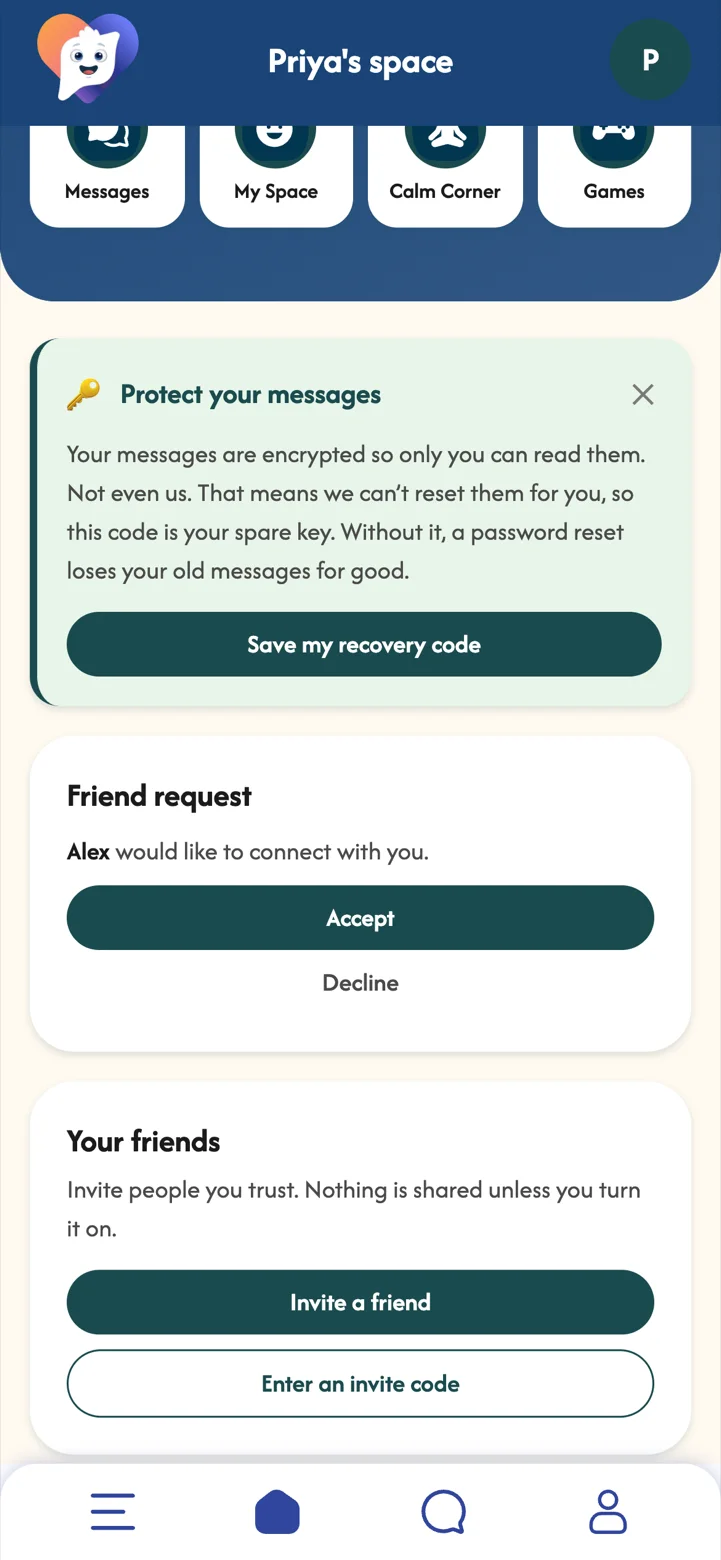
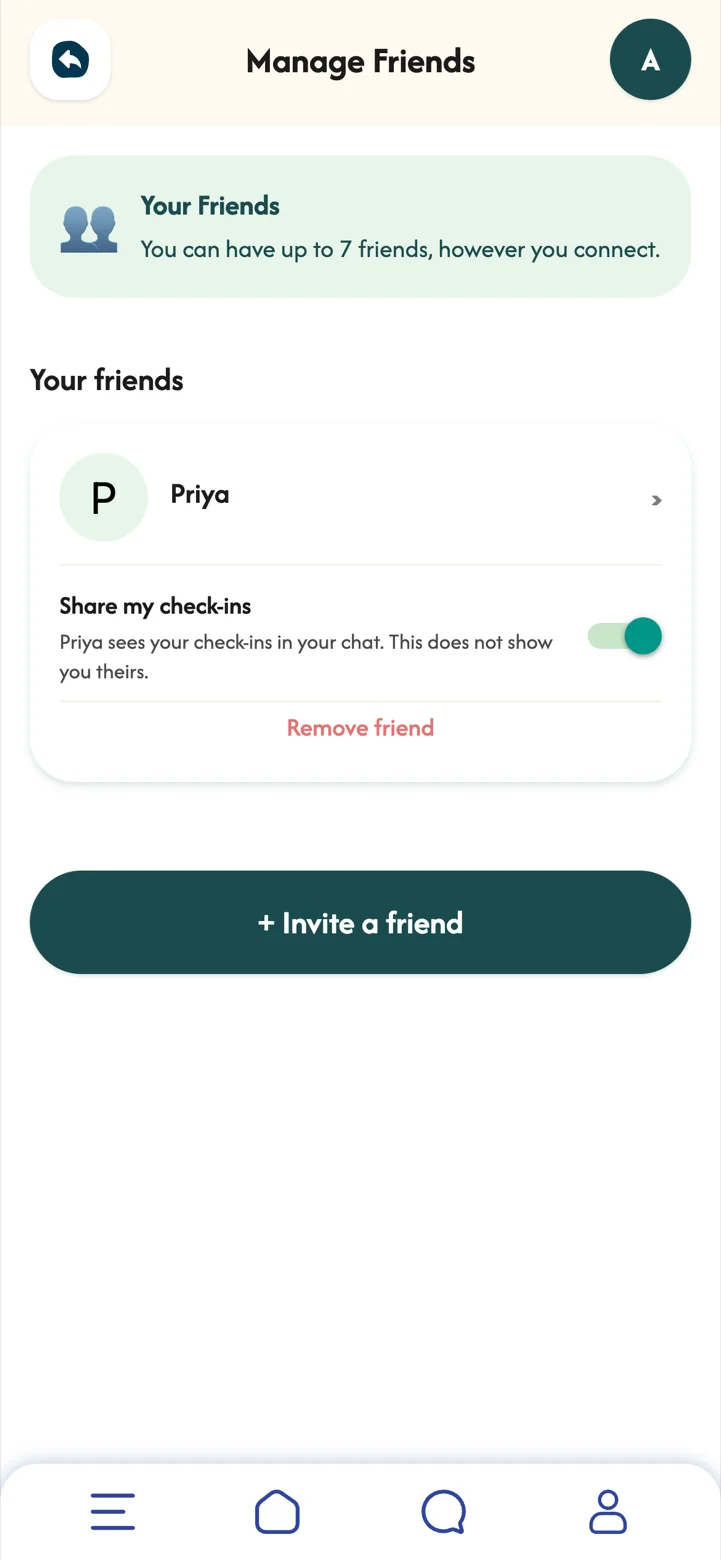
Invite the people you trust, chat with them privately, and decide for each friend whether they see your check-ins.
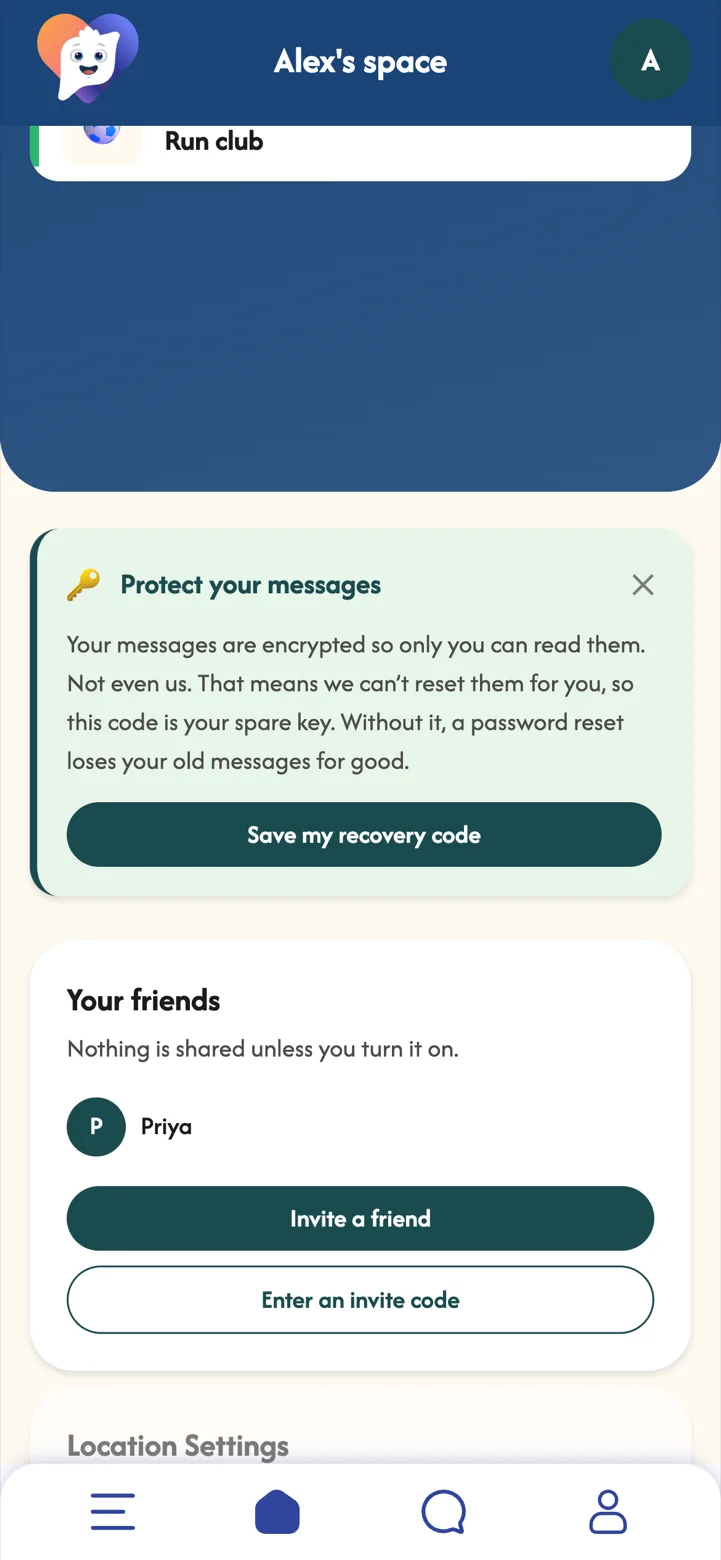
Sometimes it helps to let someone in, a little. MoodSpace keeps it simple and in your control: nothing is shared until you turn it on, and you can turn it off again any time.
- Invite a friendEnter their name and email. They get an invite code.
- They acceptYour friend sees the request in their MoodSpace and taps Accept.
- Chat privatelyMessages are end-to-end encrypted, so only you and your friend can read them.
- Share check-ins, if you wantTurn on Share my check-ins for a friend, and they see yours in your chat.
With Premium you can have up to 7 friends and start conversations. Replying is always free.
 Part 07Premium
Your planner
Your own calendar, with reminders, repeats and countdowns to the things you are looking forward to.
A busy week feels lighter when you can see it. Starring the good things, like a climbing night or a slow Sunday market, gives you something to look forward to as well as things to get done.
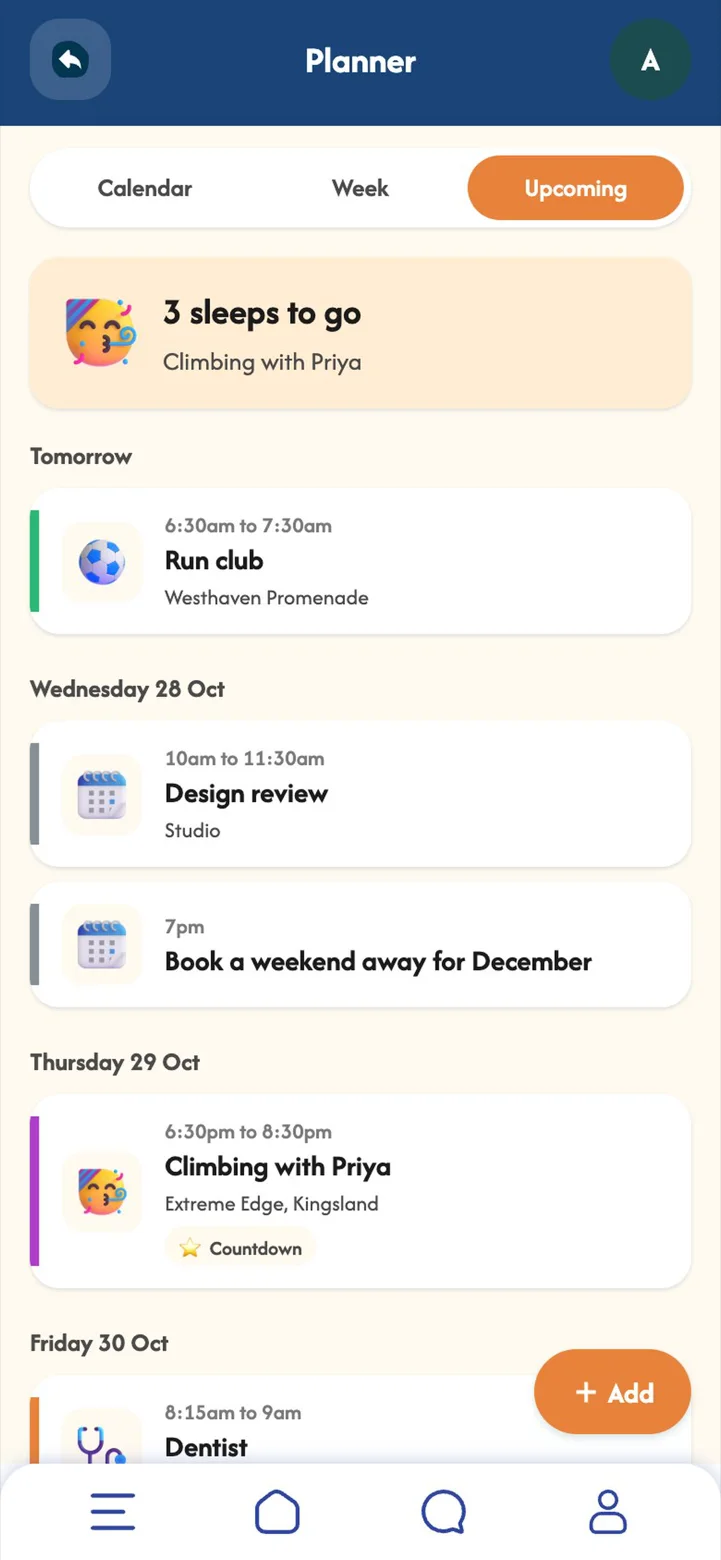
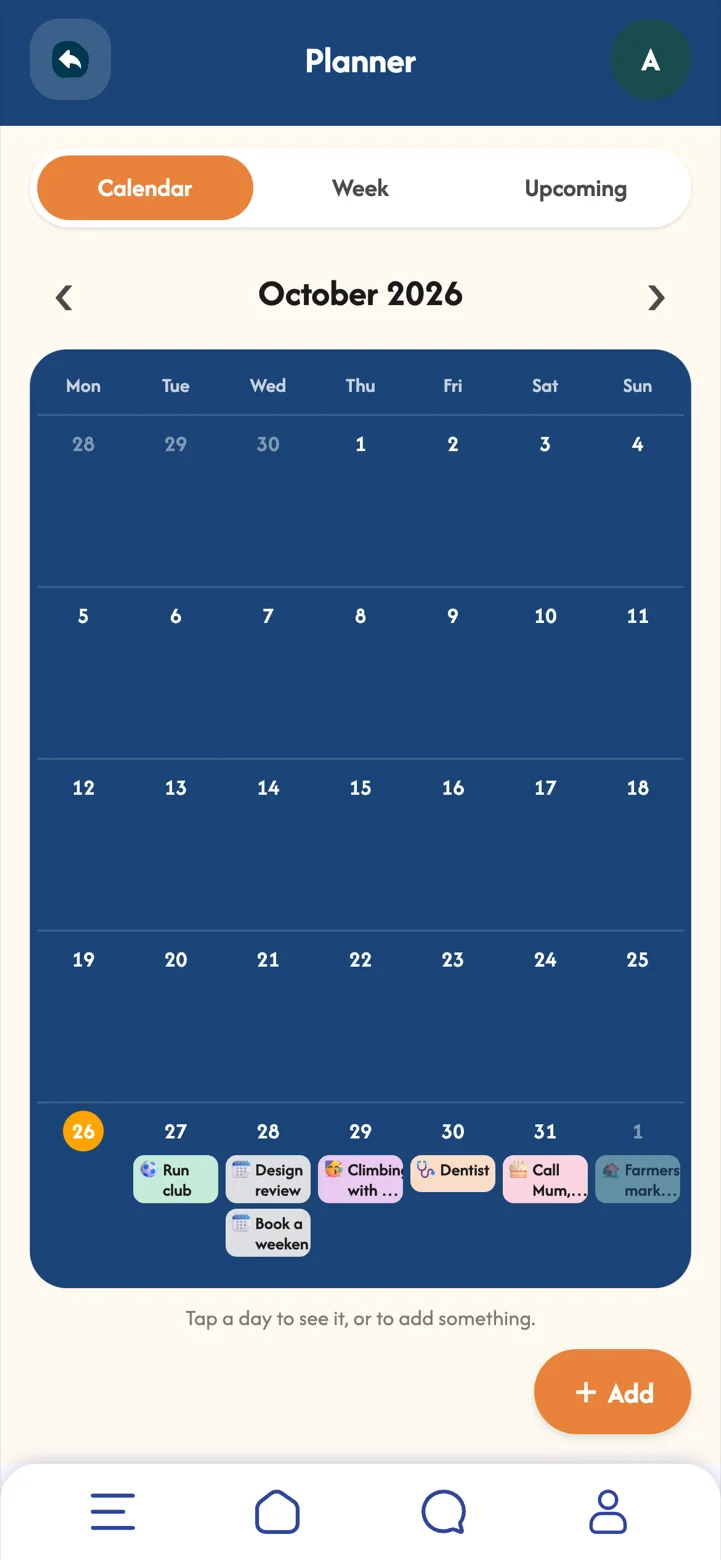
- Calendar, Week and Upcoming whichever view suits you.
- Reminders and repeats weekly run club, a dentist reminder the day before.
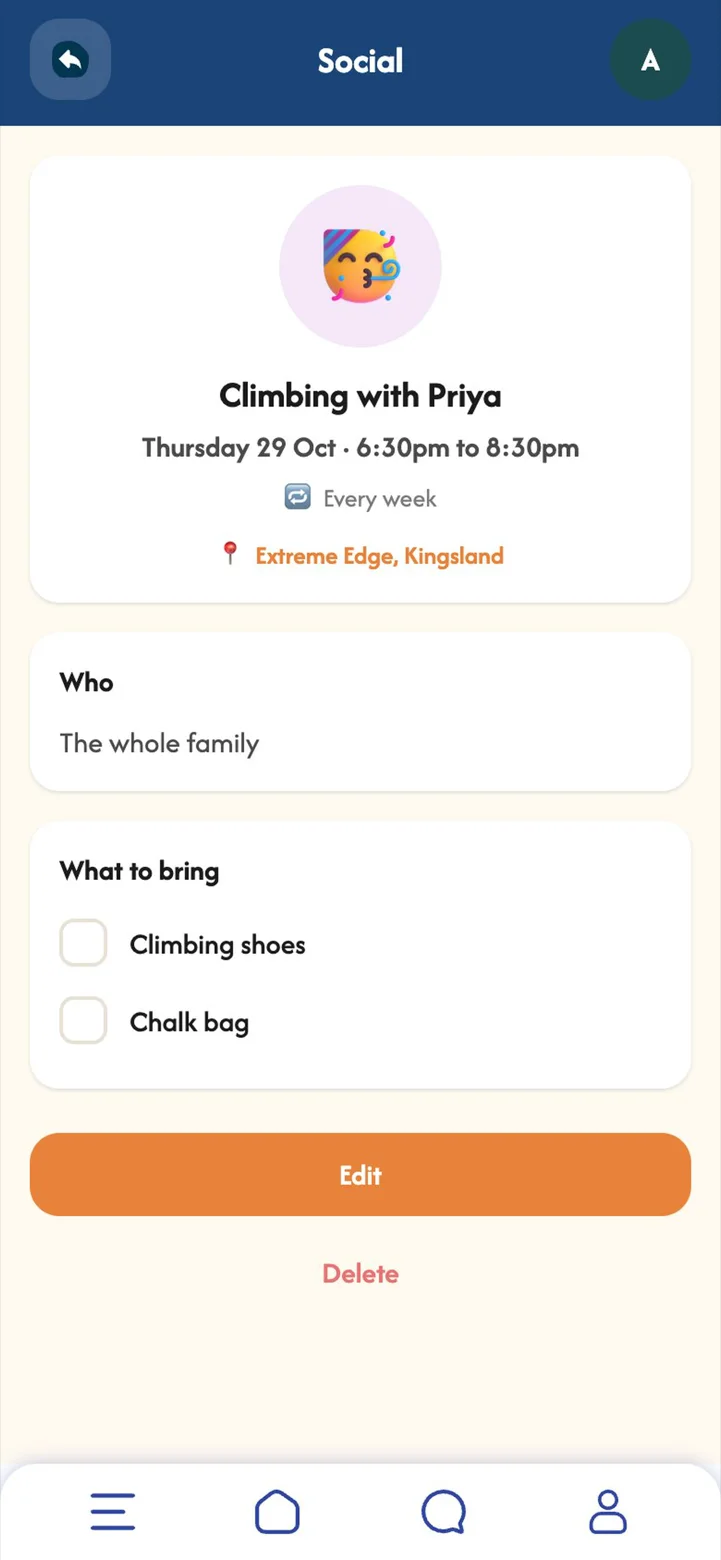
- Bring lists climbing shoes, chalk bag.
- Countdowns star an event and it counts down on your home screen.
 Part 08
Daily routines
Small, steady habits for your mornings and evenings, ticked off as you go.
Routines take the thinking out of looking after yourself. A glass of water, a walk at lunch and screens away before bed add up, and ticking them off is a small win you can count on.
- Pick a packMorning reset, Look after me or Wind down, ready-made.
- Make it yoursChange the items and the times.
- Tick it offSome items tick themselves, like "Check in with MoodSpace" or "Write in my journal".
 Part 09Premium
Calm Corner
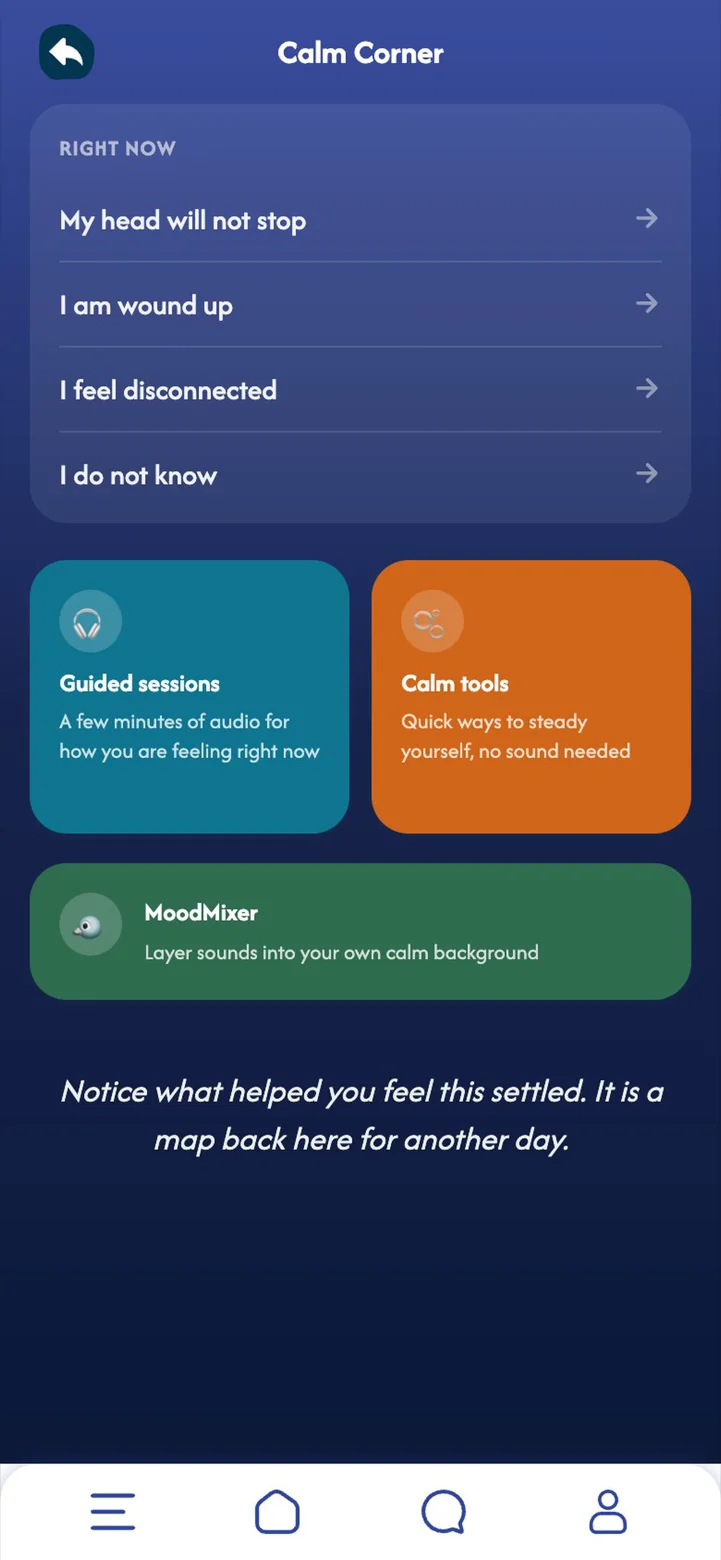
Quick ways to steady yourself: guided audio sessions, calm tools that work without sound, and a sound mixer.
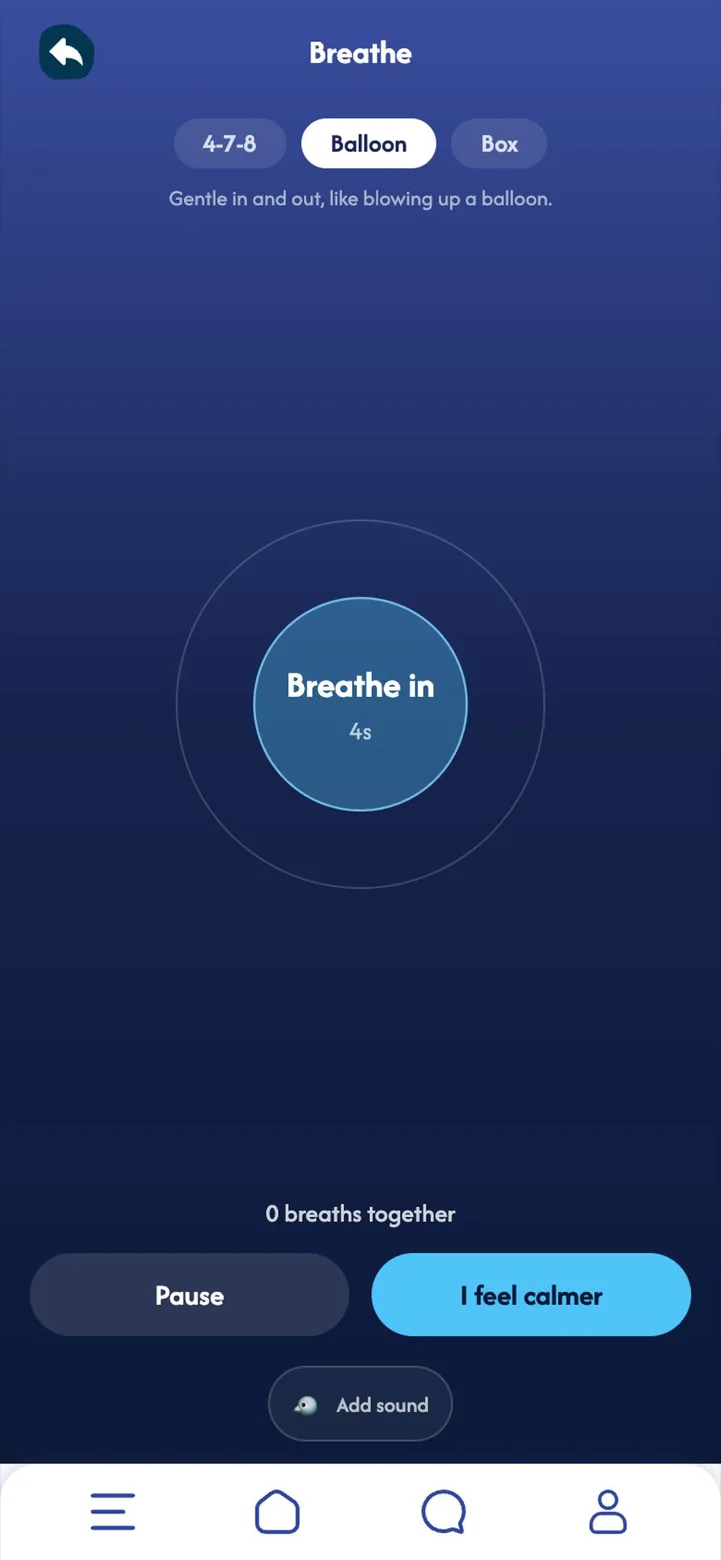
When your head will not stop or you feel wound up, two minutes of slow breathing or a grounding exercise can turn the volume down. Everything works offline and without sound, so it is there whenever you need it.
- Right now start from how you feel: "My head will not stop", "I am wound up", "I feel disconnected".
- Guided sessions a few minutes of audio for how you are feeling.
- Calm tools breathing, grounding, a body scan and naming feelings.
- MoodMixer layer sounds into your own calm background.
 Part 10Premium
MoodBuddy and your streak
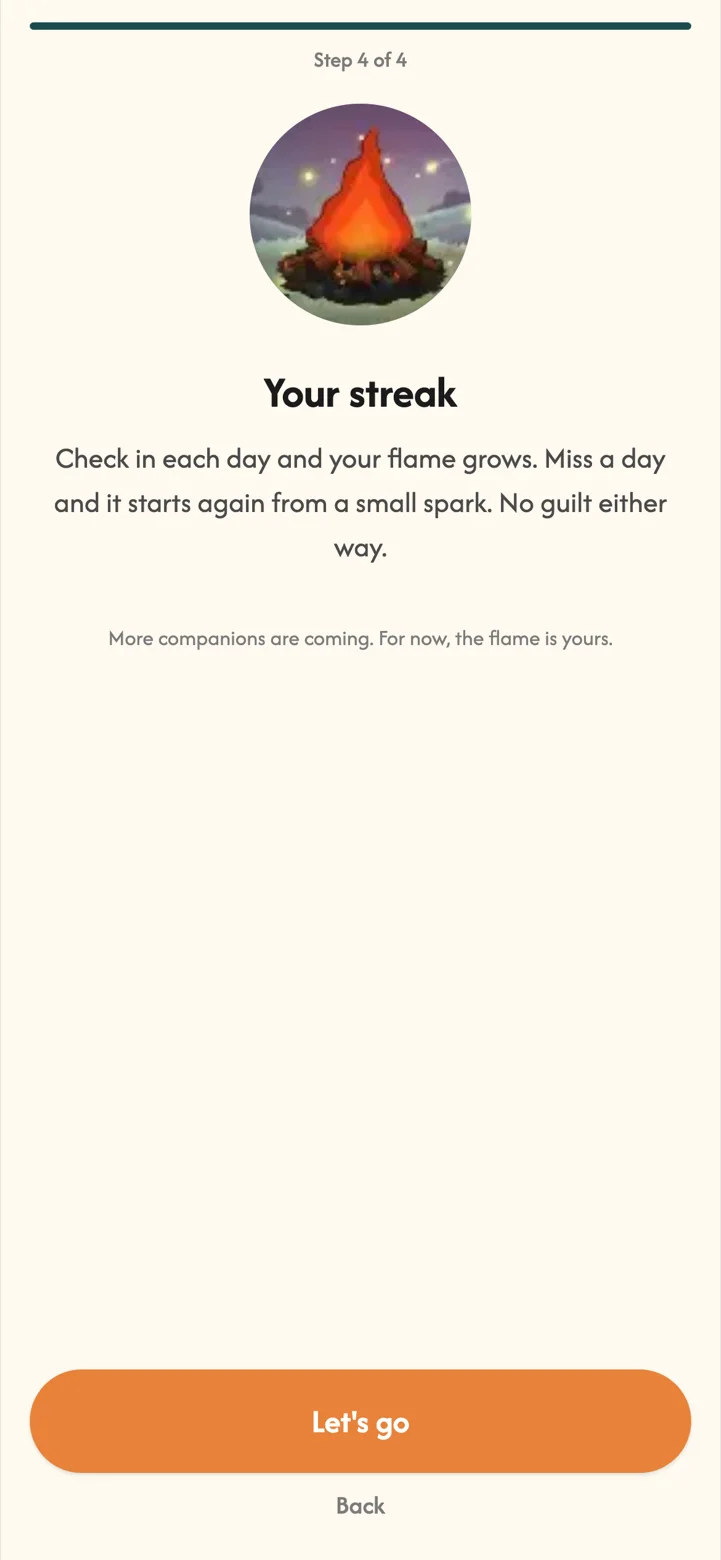
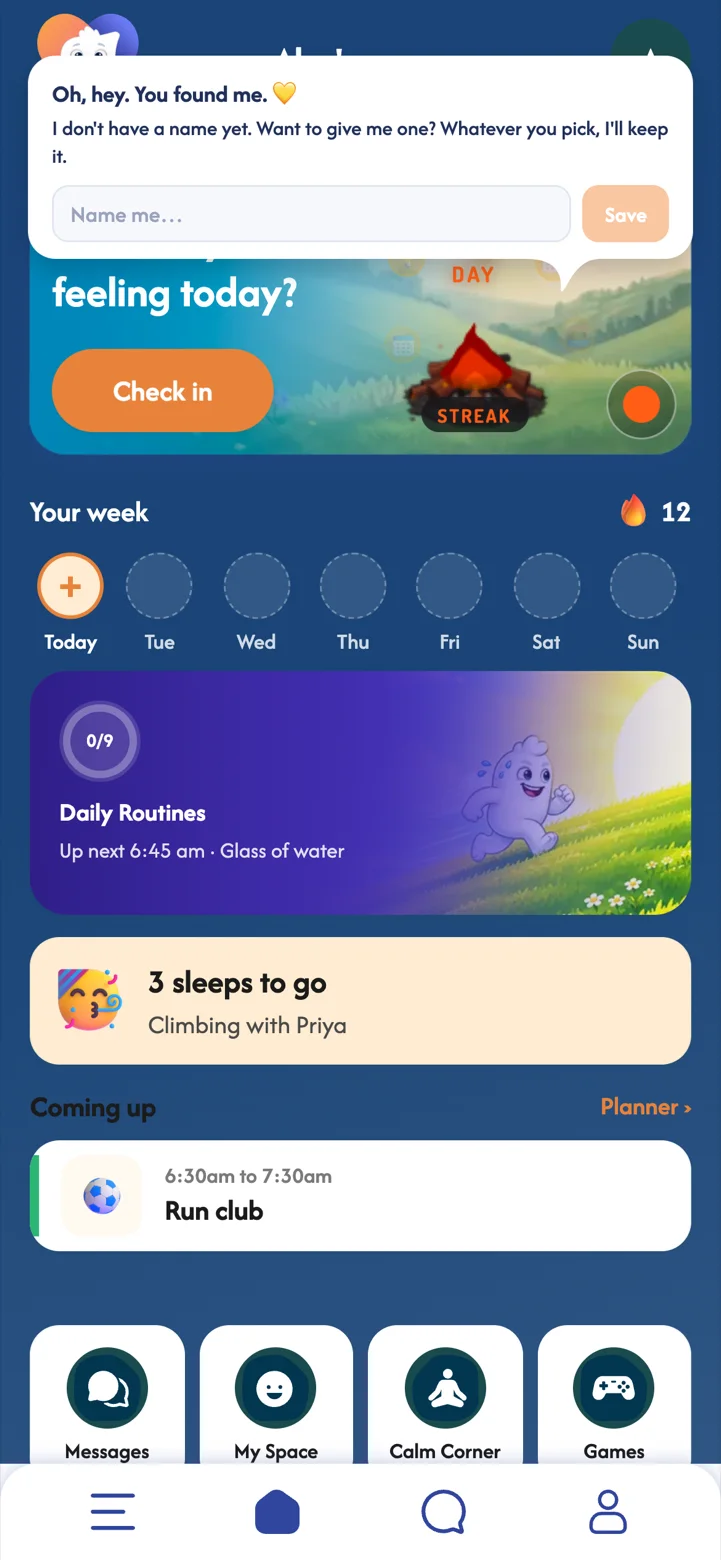
Your streak flame grows with every day you check in. With Premium, you can wake up a MoodBuddy too.
A little company makes a habit easier to keep. Your MoodBuddy notices your check-ins and says something kind, and every line it says is written by people, never by AI. Miss a day and the flame simply starts again, no guilt.
- Your streak flame tap it to see your achievements.
- Name your MoodBuddy and flip between the buddy and the flame any time.
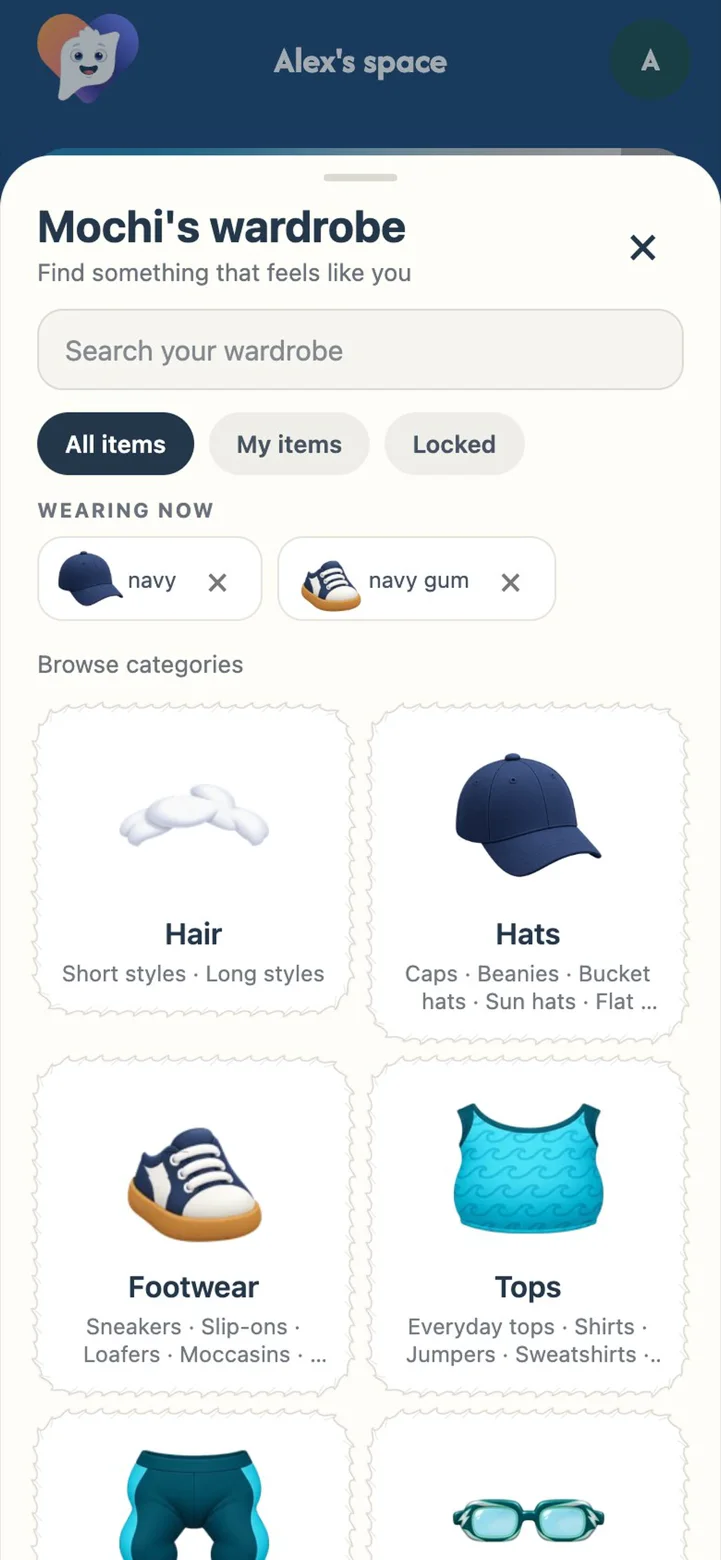
- A wardrobe to explore hats, tops, shoes and more.
 Part 11Premium
Achievements
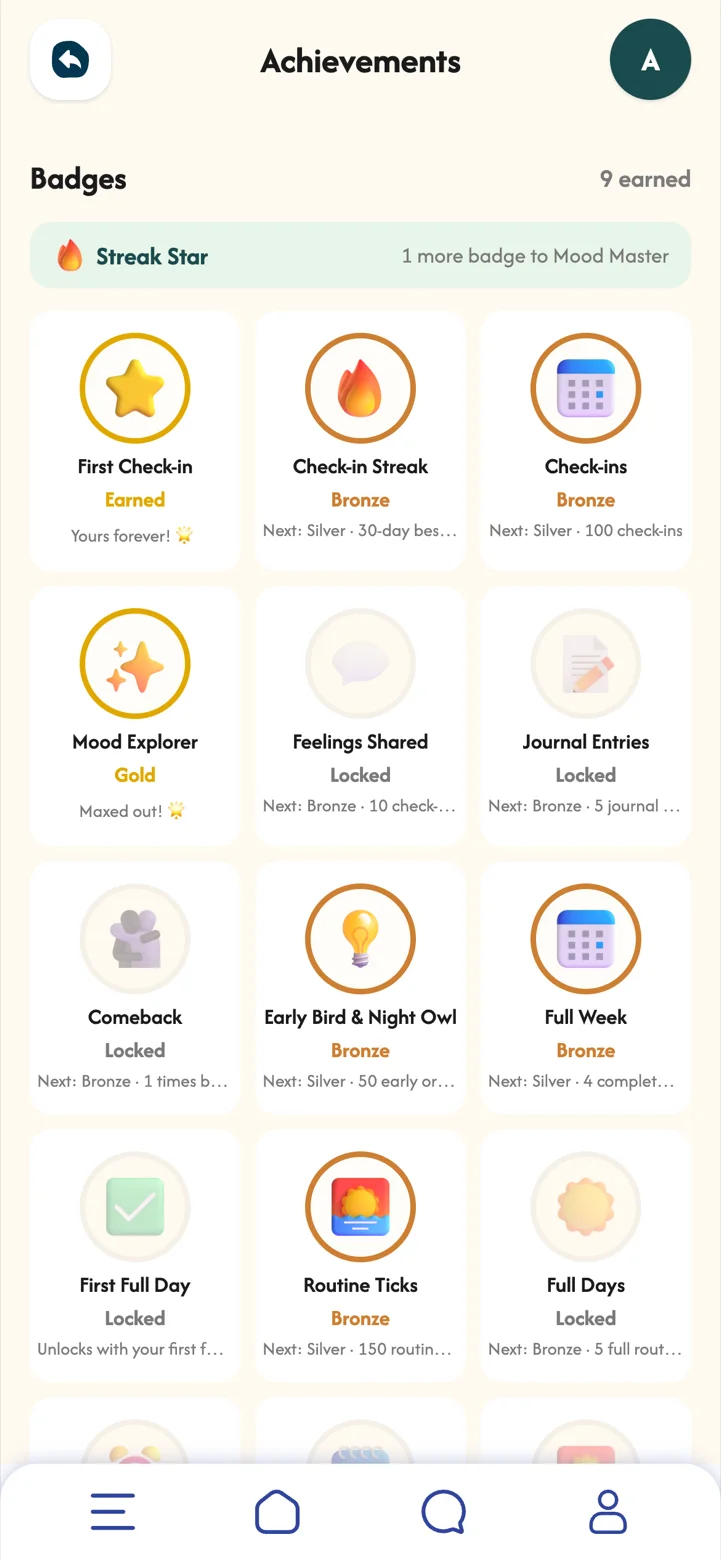
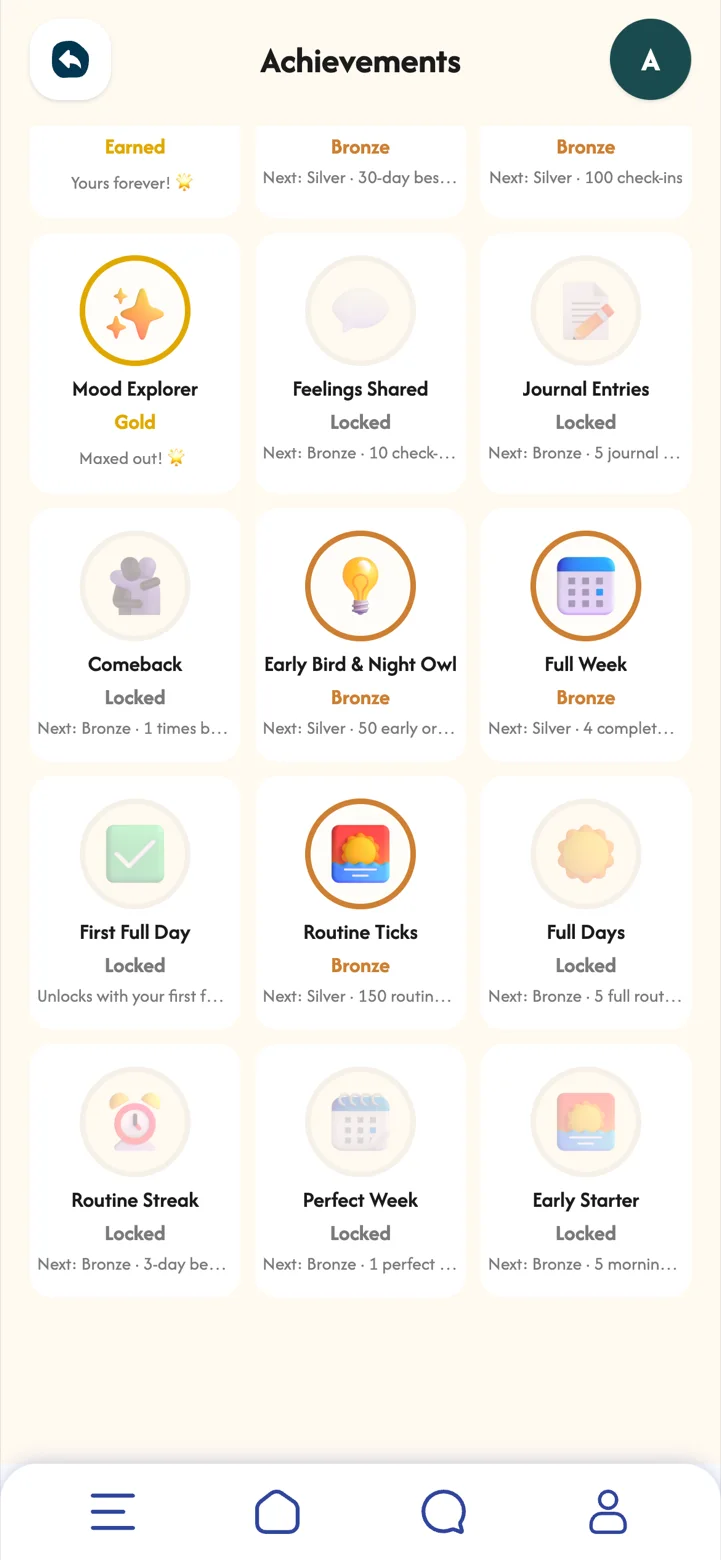
Bronze, silver and gold badges for streaks, check-ins, journalling and routines.
Badges celebrate showing up, not being perfect. Once earned, a badge is yours to keep.
 Part 12
Privacy and settings
Your space is yours. Nothing is shared unless you turn it on, friend by friend.
Trust is what makes it easy to be honest with yourself. MoodSpace keeps your journal and notes private, and lets you choose, and change your mind about, what friends can see.
- Profile your details, appearance, check-in reminder and recovery code.
- Your card choose the streak flame or MoodBuddy, and how MoodBuddy talks to you.
- Friends turn check-in sharing on or off for each friend.
- Location sharing off by default. Share a check-in's location only if you want to.

Free and Premium
Free
Check-ins, your journal, daily routines and replying to friends.
Premium
My Patterns and your full mood calendar, guides for how you feel, Calm Corner, your planner, MoodBuddy and its wardrobe, your streak and achievements, the check-in map, and up to 7 friends.
Have a promotional code? Go to Profile, Redeem a code.